Gears of War: E-Day Server Connection Failed: boomer-kalona, bryce-vigil, and Campaign Co-op Problems
 Last updated: 12 Oct, 2026
  7 min
7 minIf Gears of War: E-Day shows boomer-kalona or bryce-vigil, the problem is not limited to Versus. You may also be disconnected while entering online Campaign Co-op, see a reconnecting-to-online-services message, or find that you cannot create or join a co-op session.
That is not a contradiction. Campaign Co-op is not public Versus matchmaking, but it still needs to connect to the game’s online services for account verification, session creation, and friend connections. Only solo Campaign play does not depend on that online co-op connection.
What the Error Codes Can Tell You
| Error code or message | Known meaning |
|---|---|
boomer-kalona | The service disconnected you |
bryce-vigil | Reconnecting to online services |
gill-gutpuncher | A time-validation issue related to bryce-vigil |
drone-snub | A network connection or port-related problem |
quentin-ephyra | An authentication error caused by Xbox Quick Resume |
The official explanation for bryce-vigil and gill-gutpuncher is that a mismatch between your device date or time and local time can cause online-service validation to fail.
However, seeing either error in the full release does not always mean your system clock is the only cause. A temporary server issue, interrupted online-service connection, or failed validation between your device and the service may also lead to the same message. Check your device time first, then judge the situation together with current server status and reports from other players.
On Windows, open Settings → Time & language → Date & time, enable automatic time and automatic time zone, then select Sync now. On Xbox, confirm that console region, date, and time are correct, fully quit the game, and launch it again.
If your time is already synchronized but the error keeps appearing, do not keep changing time settings alone. Check whether Versus, Horde Siege, and online Campaign Co-op are affected at the same time. If many players cannot connect, a service-side issue is more likely. If other players can play normally while you continue to fail, check your local connection, game updates, and account sign-in state.
Why Can a Server Connection Problem Also Affect Campaign Co-op?
Gears of War: E-Day multiplayer includes Versus, Horde Siege, and online Campaign Co-op. Versus currently includes Team Deathmatch, Conquest, Demolition, and Crucible. Horde Siege is a 12-player PvE survival mode. These modes clearly rely on online services.
Campaign Co-op should not be treated as a fully offline mode either. Inviting friends, creating a co-op session, validating online identities, and synchronizing squad status all require a successful connection to online services first. If server validation fails, you and your friend may be unable to create or join a Campaign session even when you only want to progress through the story together.
Is Campaign Co-op P2P?
Campaign Co-op uses a host-based peer-to-peer connection model. Whether you are playing two-player co-op or a session with up to four players, the player who creates the lobby usually becomes the host and other players connect directly to that host.
This means actual Campaign Co-op latency and stability can be heavily affected by host connection. If host has limited upload bandwidth, unstable network quality, or a restrictive NAT type, other players may experience lag, high latency, failed joins, or mid-session disconnects.
P2P does not mean game services are unnecessary. Friend invites, matchmaking, identity validation, and cross-platform play still rely on Xbox Live, now Microsoft Network services. When PC and Xbox Series X|S players use cross-play, player with more stable connection and more open NAT should create session. Even if direct data transfer between players can be established, co-op lobby may still fail if online identity validation or session services cannot connect.
When Does It Look More Like a Game Server Problem?
If you are repeatedly returned to main menu in a short period and your friends also cannot enter Versus, Horde Siege, or online Campaign Co-op, check official Gears of War channels and recent community reports first.
Common signs of a service-side issue include:
- Multiple modes cannot be entered at the same time
- Many players are stuck reconnecting to online services
- Xbox network or Steam is signed in, but game still appears offline
- You occasionally get in after retrying, then disconnect again shortly after
- Your friends list works, but in-game invites or co-op sessions cannot be created
In this situation, reinstalling the game, changing DNS, or repeatedly opening ports is unlikely to help. Waiting for The Coalition to restore service is more practical.
But if other players can enter normally while you repeatedly experience sign-in failures, failed friend joins, matchmaking timeouts, or match disconnects, problem is more likely somewhere between your device and Gears of War: E-Day online services.
drone-snub and NAT Problems Are Different From Ordinary Disconnects
During Open Beta, official team specifically addressed drone-snub and updated related UDP port requirement from UDP 443 to UDP 3074.
That does not mean every disconnect requires manual port forwarding. Check router settings only when you see drone-snub, or when Xbox network test reports a NAT problem and you also have real multiplayer issues such as being unable to join friends, create co-op sessions, or maintain multiplayer connection.
Start by checking that UPnP is working properly. If two devices in home network both handle NAT, such as an ISP gateway followed by your own router, Double NAT can also interfere with multiplayer session creation.
If NAT is already normal but error is bryce-vigil, return to time synchronization check first. Different error codes can point to different stages of connection process, so repeating same network changes for every error is rarely useful.
How Can GearUP Help?
Server outages are not most common cause of connection failures. More often, issue is connectivity between your device and game service. Your network may be unable to complete validation reliably, establish a session, or maintain stable connection to host and online services.
GearUP adjusts game connection nodes to help find route with better connectivity. It can improve server connection failures, repeated online-service reconnections, and Versus latency fluctuations. It can also improve connection stability to host in P2P Campaign Co-op to a certain extent.
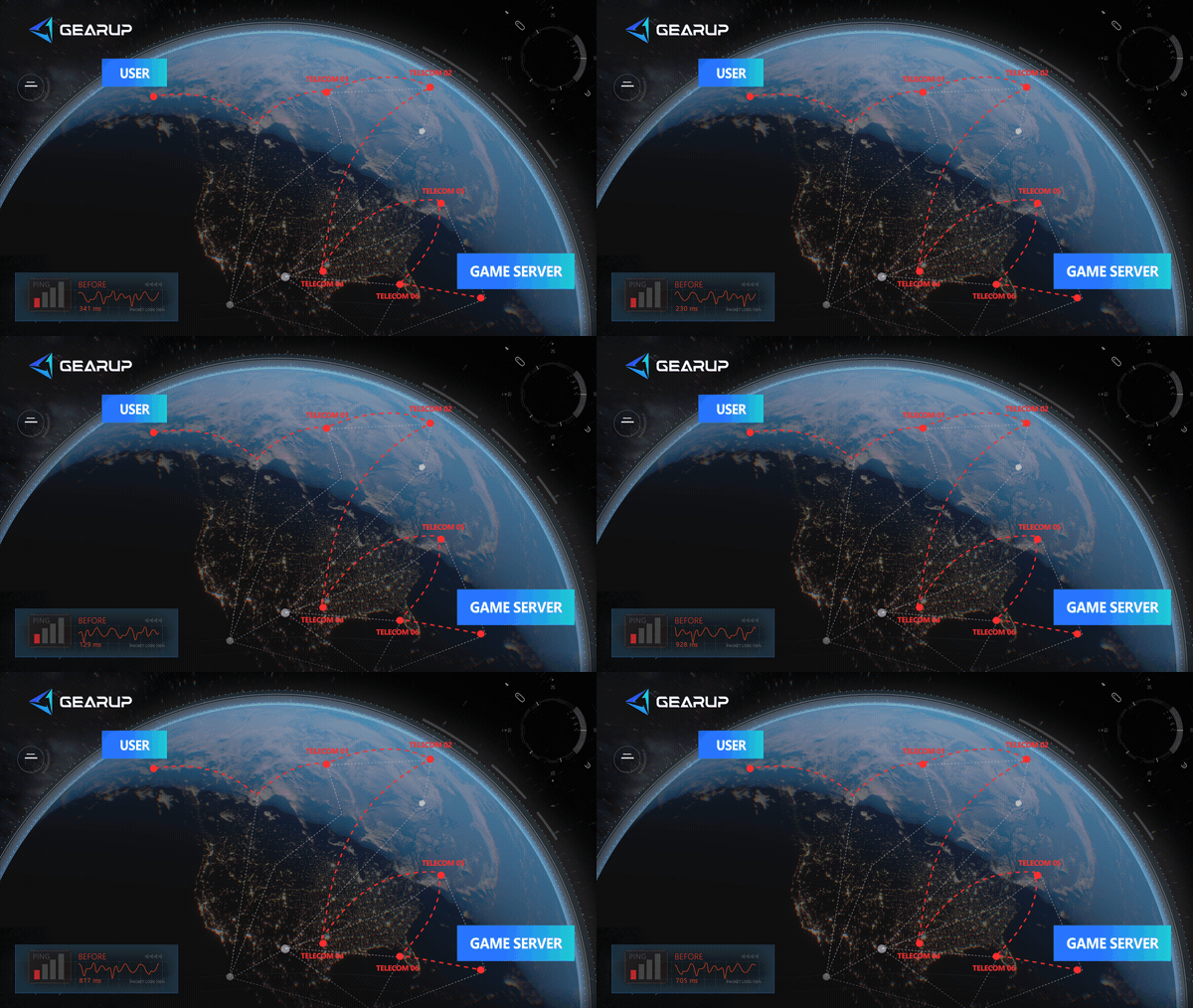
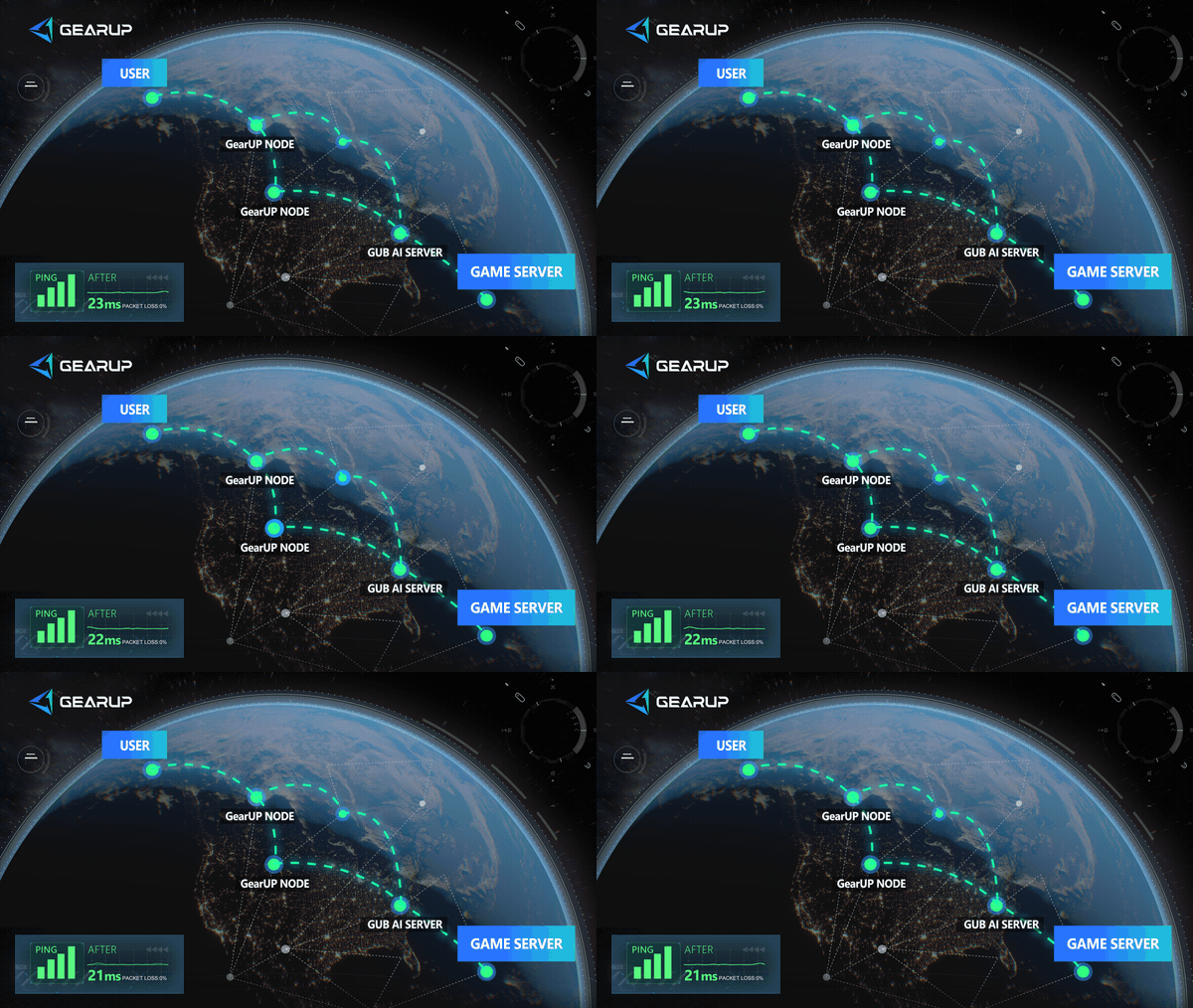
It cannot repair a real server outage. In that situation, you can only wait for an official update from Gears of War: E-Day.
GearUP uses a simplified optimization flow and supports multiple platforms. Xbox Series X|S and other console players can choose GearUP Router Plugin version:
- ASUS Router Plugin Introduction
- ZTE Router Plugin Introduction
- Tenda Router Plugin Introduction
- OpenWrt router installation guide
- Keenetic/Netcraze router installation guide
- Steam Hardware Plugin Installation Guide
PC players can use GearUP desktop client instead. It provides a more detailed visual interface for viewing and enabling connection optimization for Gears of War: E-Day:

Other Things You Need to Know
Does boomer-kalona always mean Gears of War: E-Day servers are down?
No. It means game service disconnected you. If many players see it at once, service-side issue is more likely. If it keeps happening only to you, also check local network, account sign-in state, and game updates.
Why can I play solo Campaign but not join online Campaign Co-op?
Solo Campaign can be played offline. Online Campaign Co-op needs game online services to validate identities, create session, and connect friends, so service connection failure can stop co-op from starting.
What should I do first for bryce-vigil?
Synchronize device date, time, and time zone first, then fully quit and restart game. Official guidance directly links this error to mismatch between device time and local time.
About The Author
Jamal Malone is one of GearUP's Hardware Product Specialists, specializing in gaming hardware, plugin technologies, and compatibility optimization. He contributes to the development of GearUP's hardware ecosystem, including HYPEREV and the GearUP Plugin, with a focus on improving compatibility across different devices and platforms. Through detailed yet approachable articles, Jamal helps players understand hardware configurations, plugin setup, and advanced troubleshooting, making complex technical topics easier to apply in real-world gaming environments.
The End