Built-in Game Boosting for ASUS Routers

The intelligent GearUP Plugin improves connection stability even further, building a secure, smooth and seamless online gaming experience.

Boost Games On
  • PlayStation
  • Xbox
  • Nintendo Switch
  • Steam Deck
  • Steam
  • Windows PC
  • Mobile
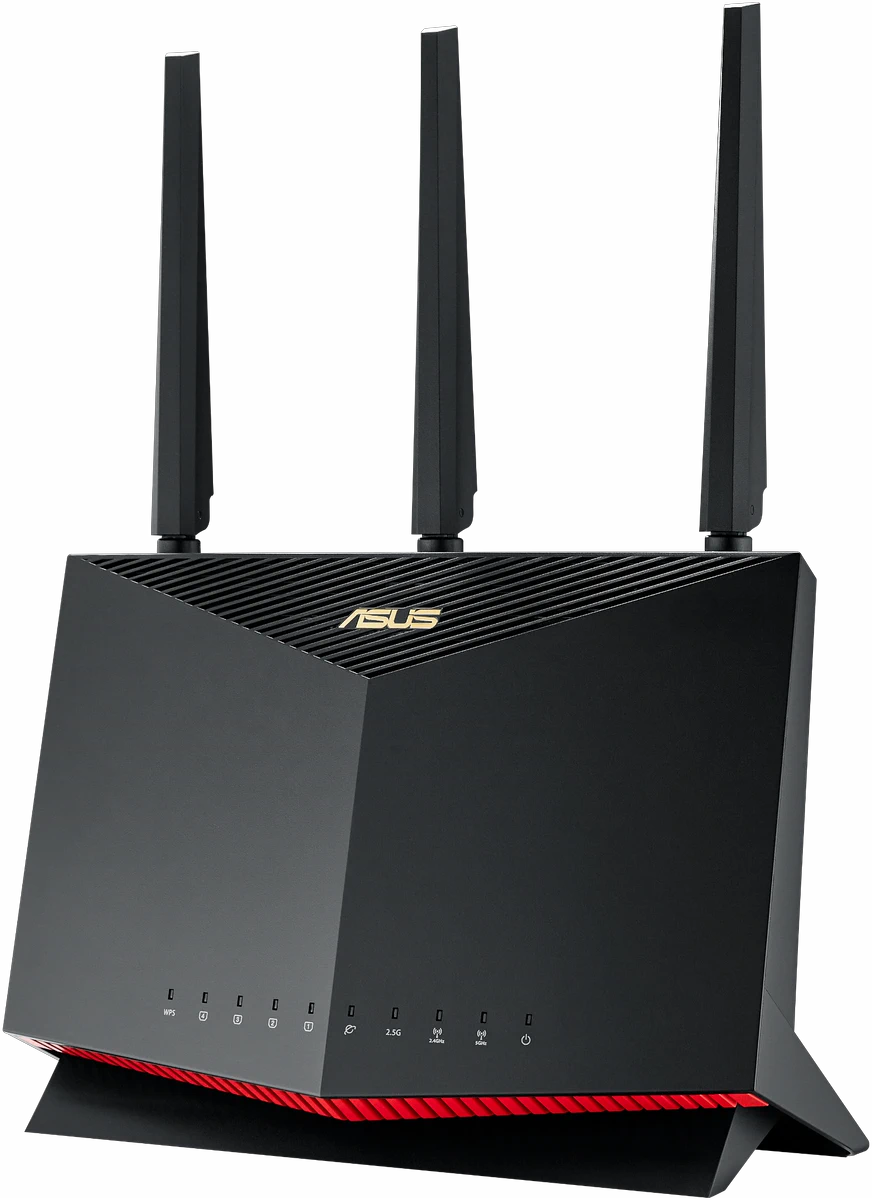
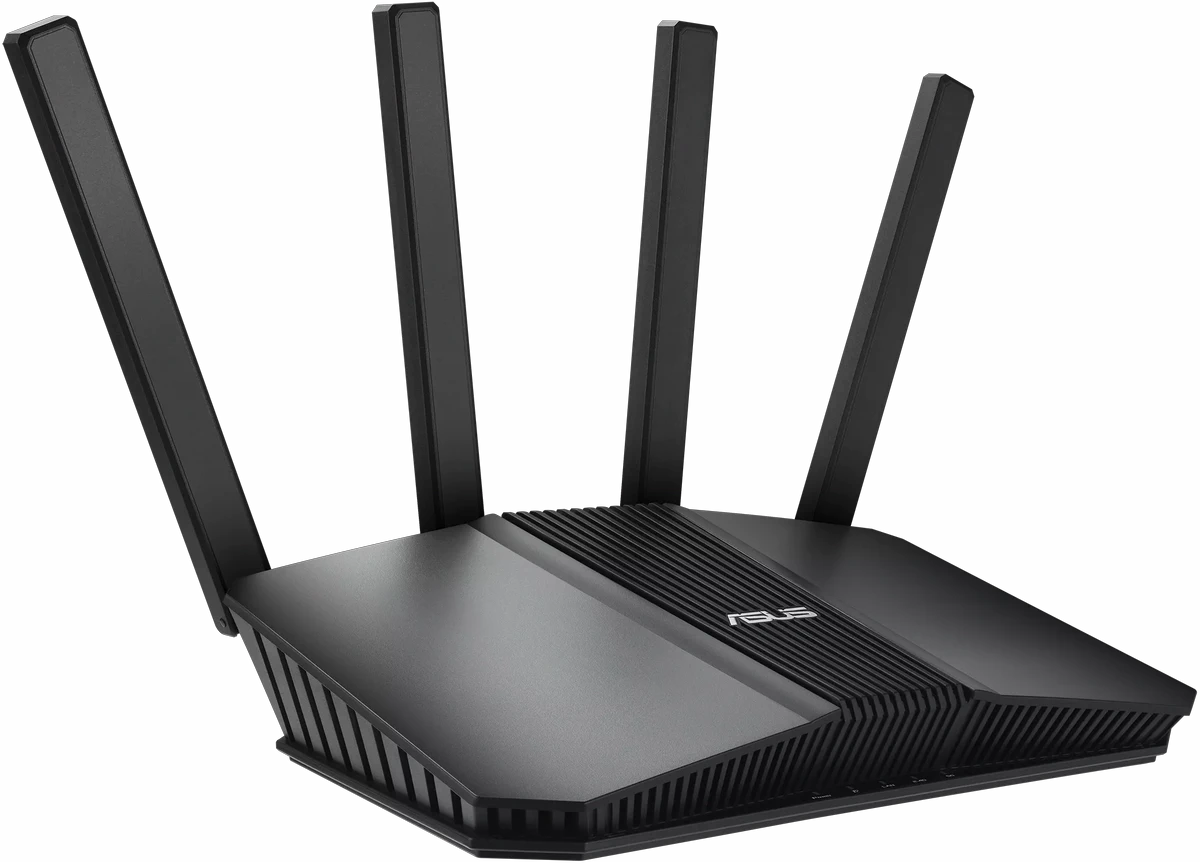
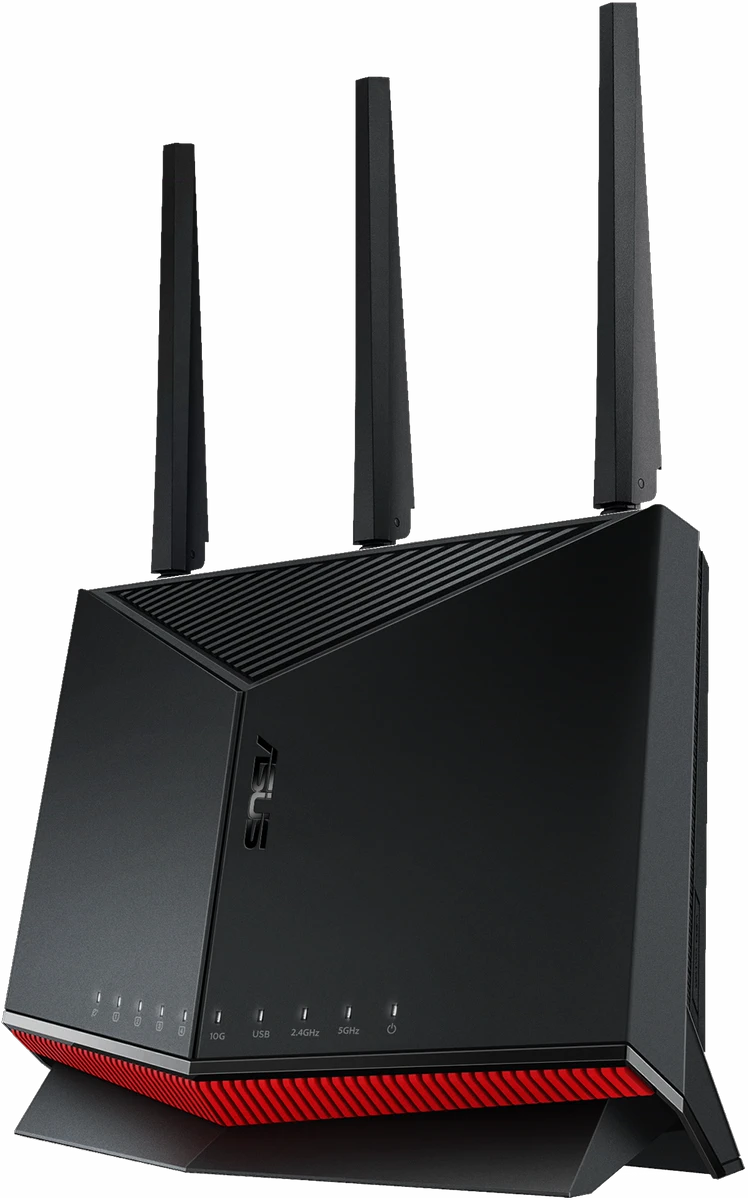
ASUS RT-AX86U Pro Wi-Fi 6 router with the GearUP Plugin built in
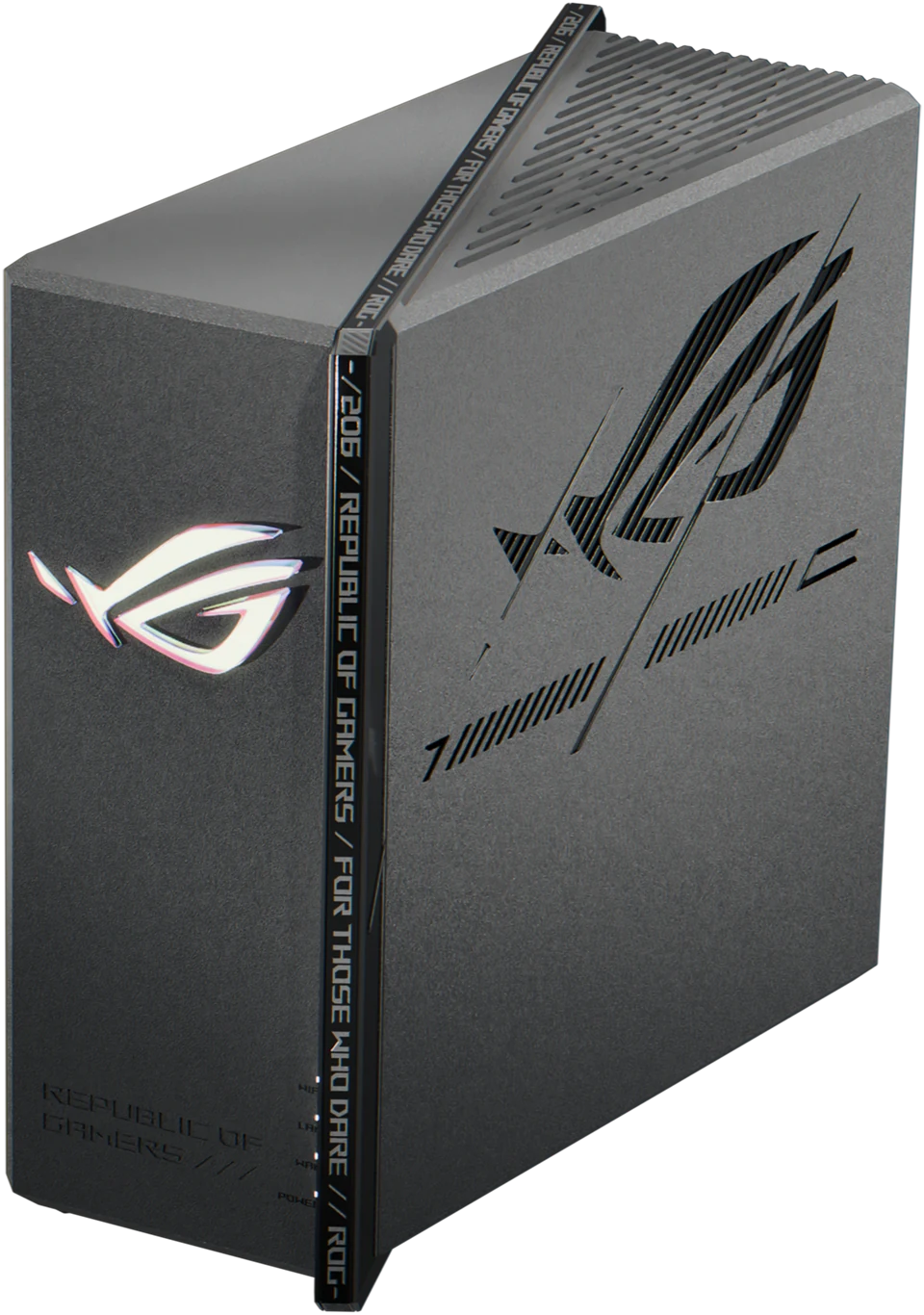
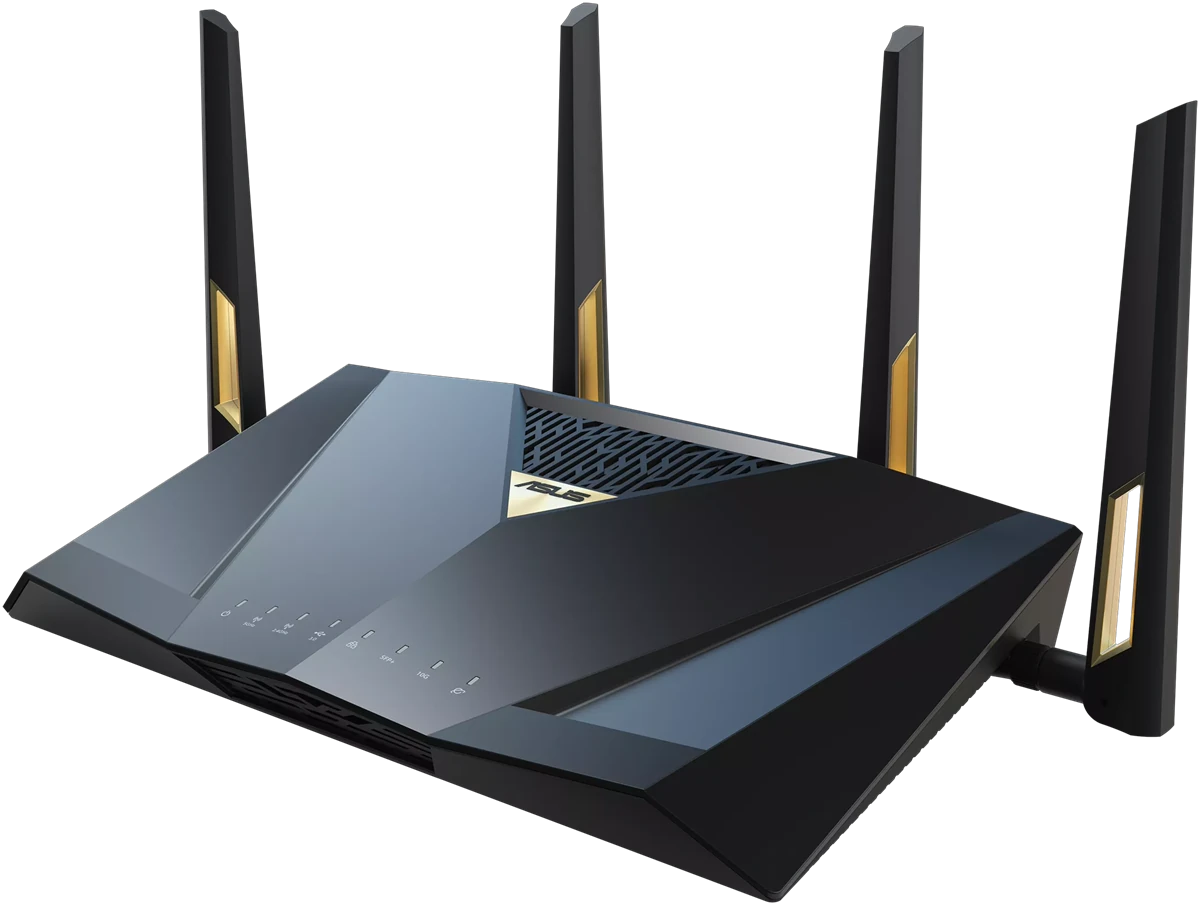
ASUS ROG Strix GS-BE7200X Wi-Fi 7 router with the GearUP Plugin built in
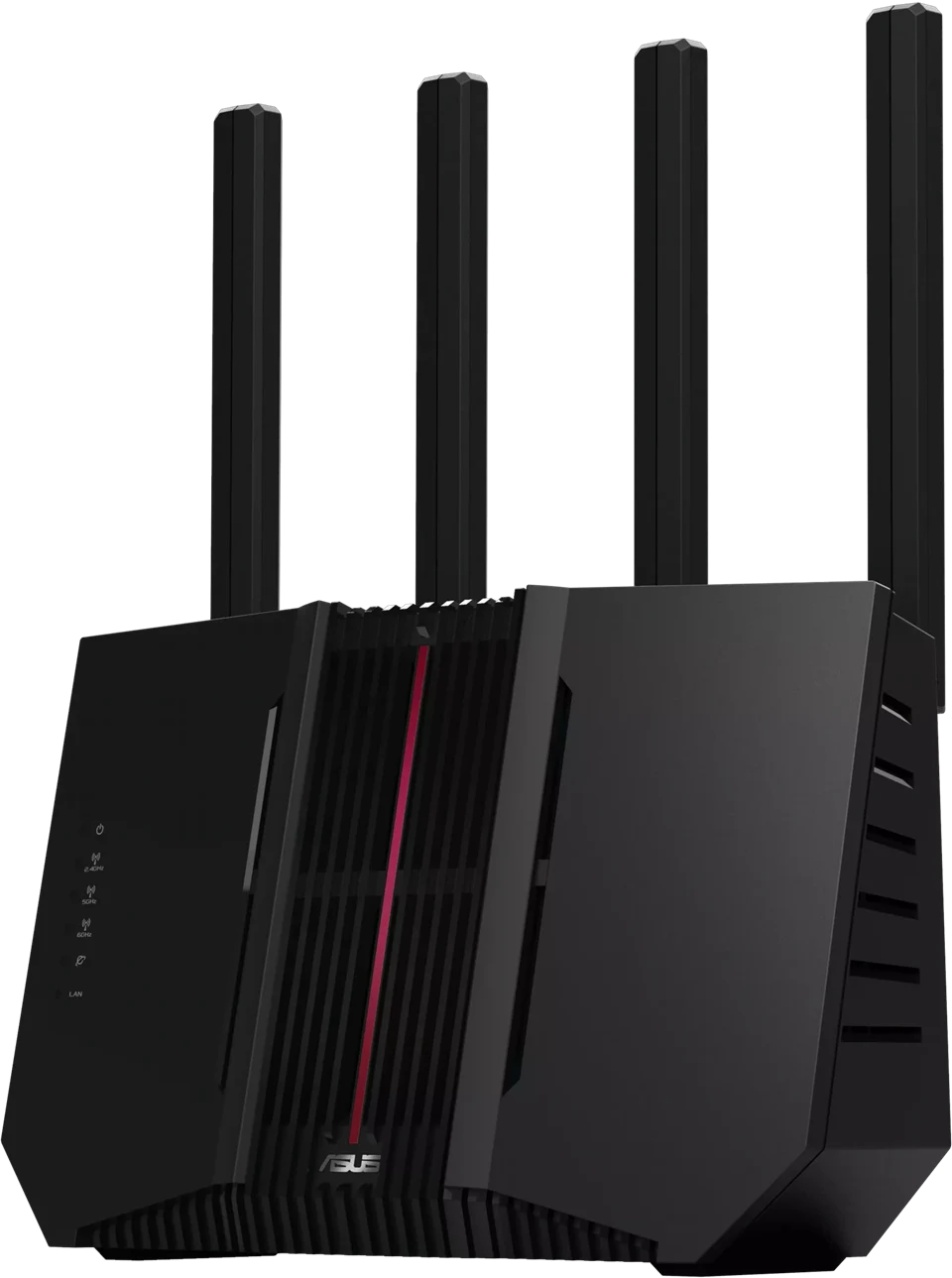
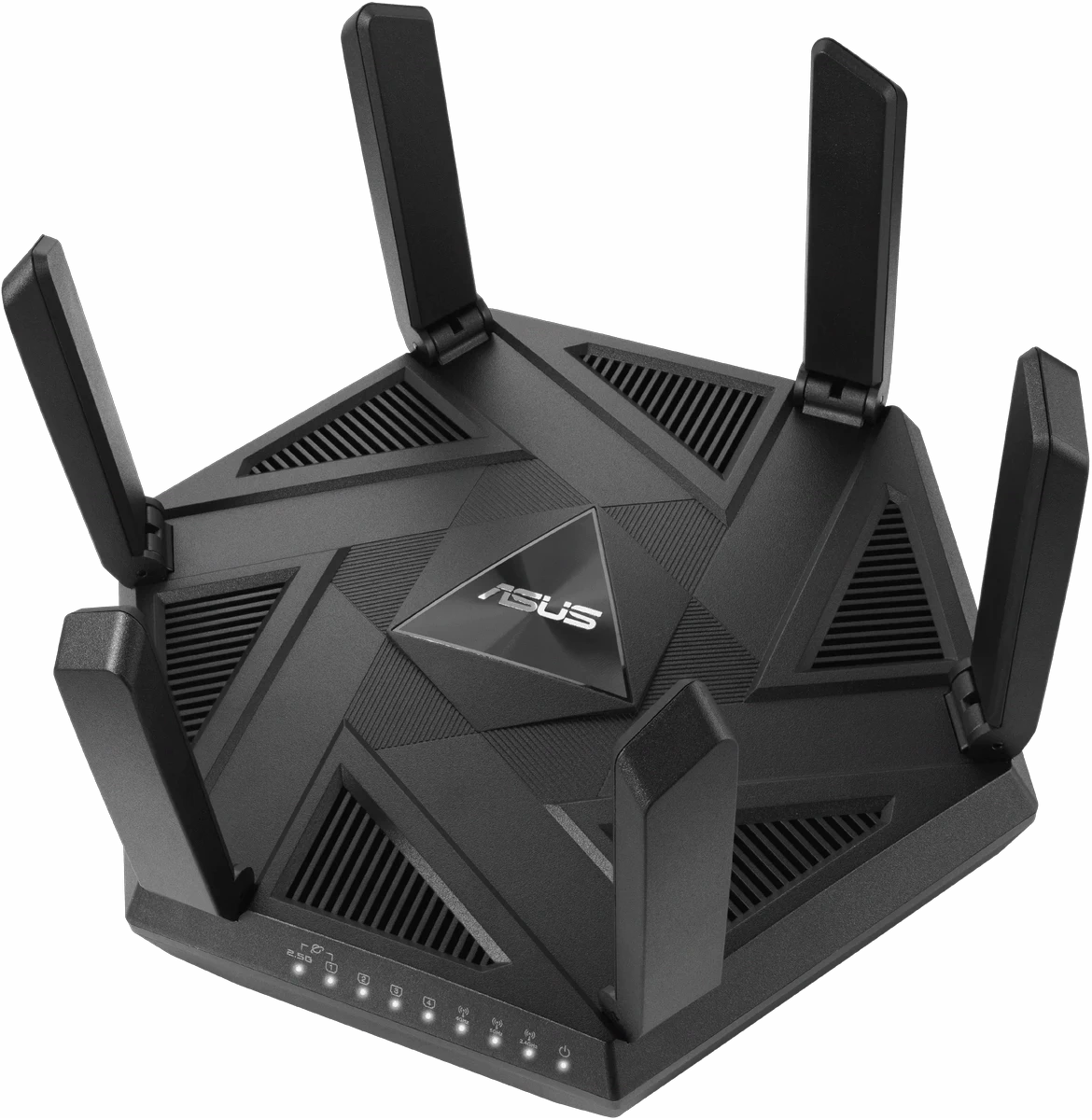
ASUS RT-BE92U Wi-Fi 7 router with the GearUP Plugin built in
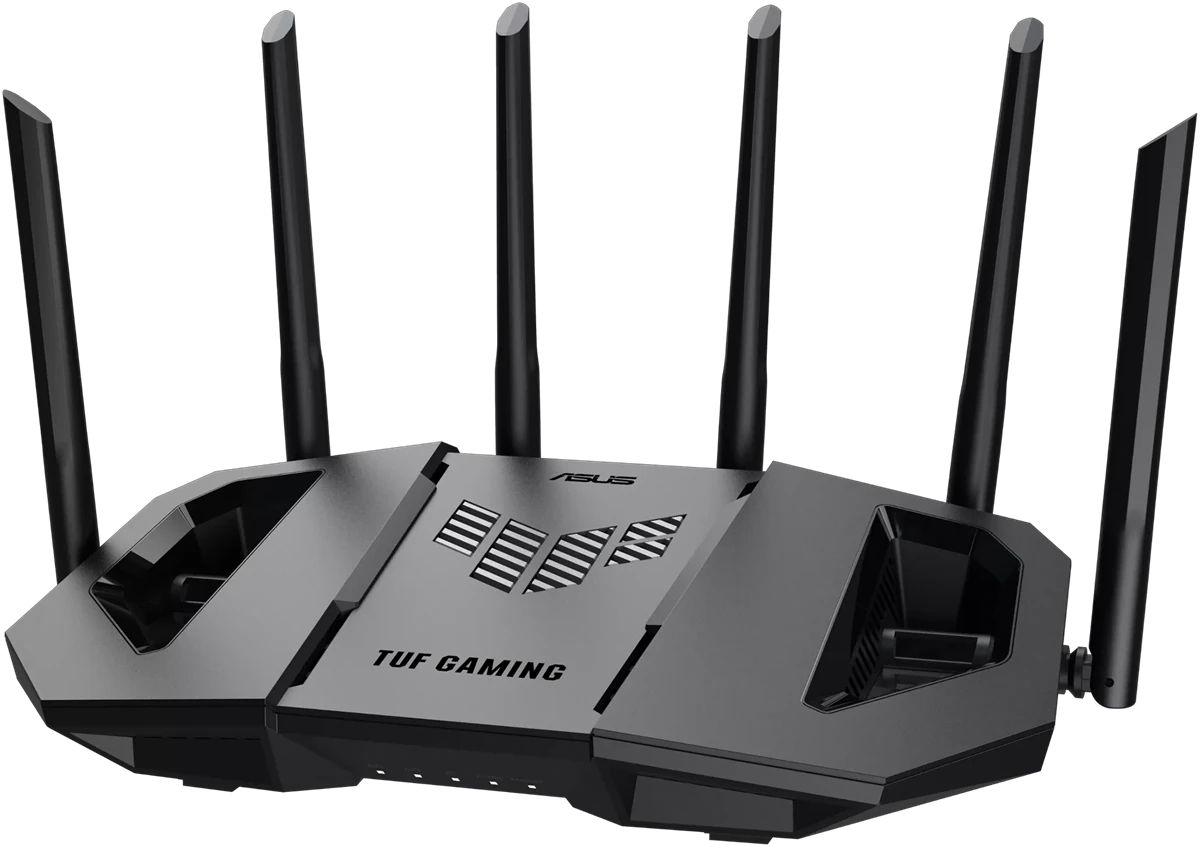
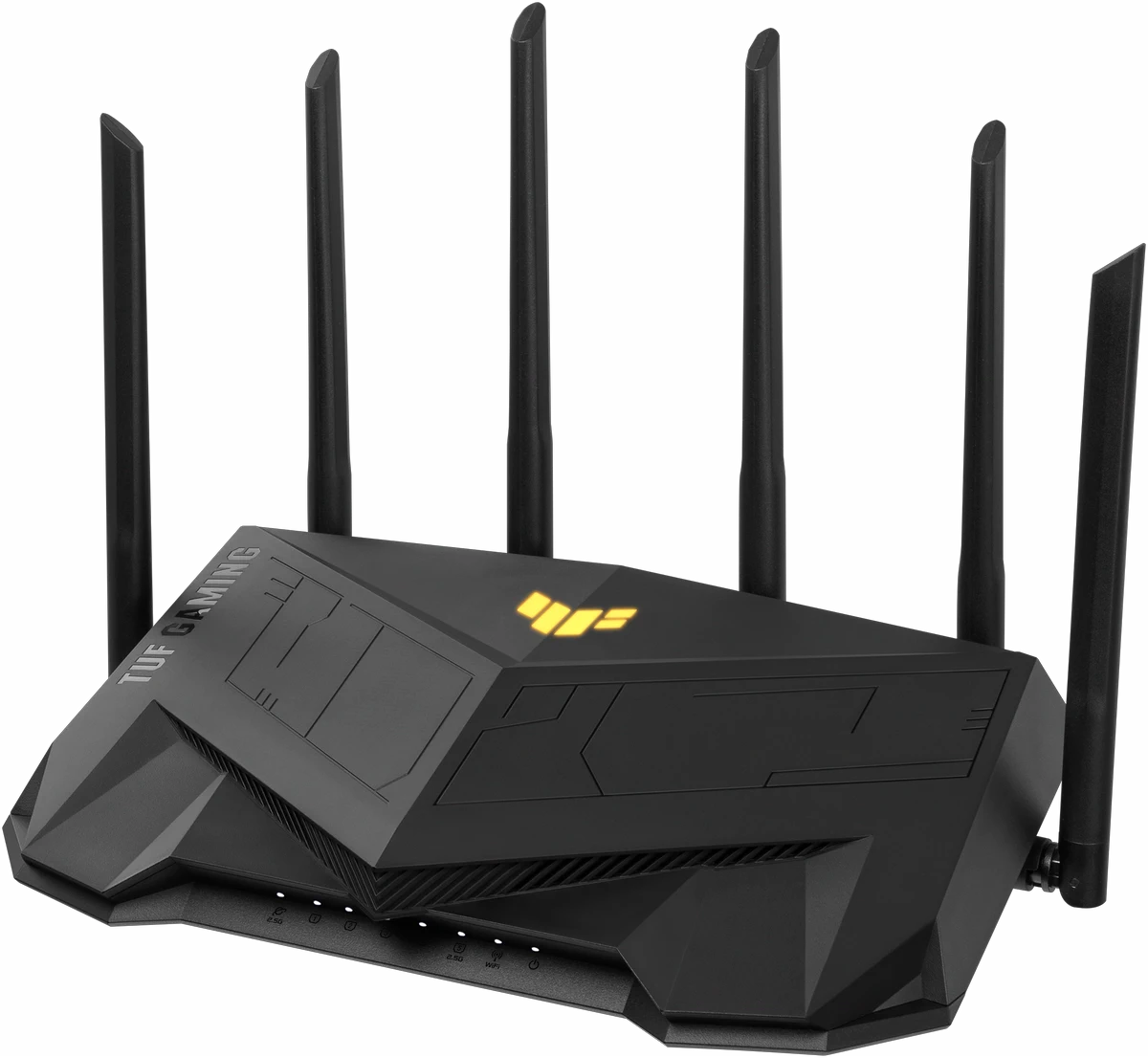
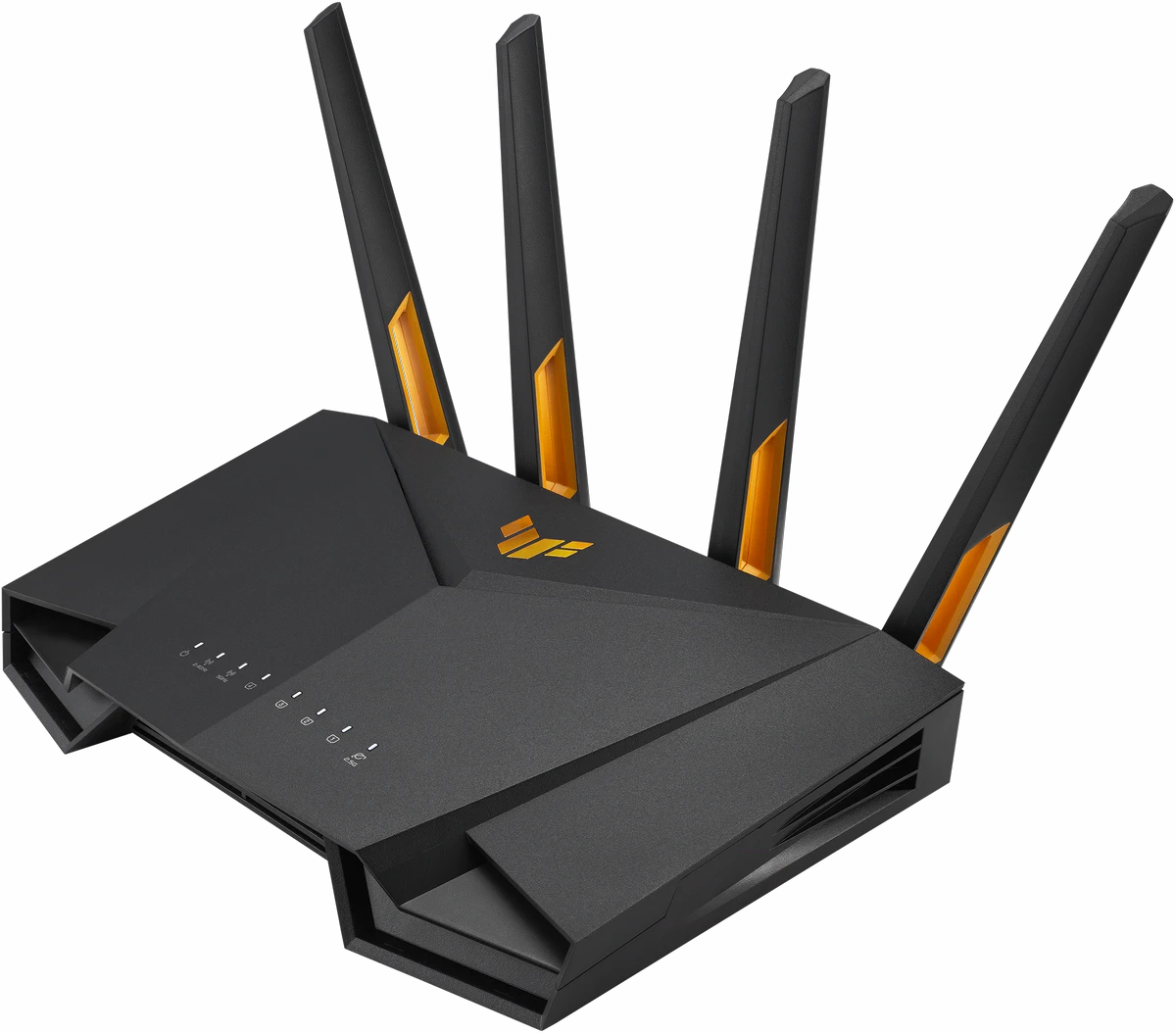
ASUS TUF Gaming BE9400 Wi-Fi 7 router with the GearUP Plugin built in
ASUS RT-BE88U Wi-Fi 7 router with the GearUP Plugin built in
ASUS TUF Gaming AX6000 Wi-Fi 6 router with the GearUP Plugin built in
ASUS RT-AXE7800 Wi-Fi 6E router with the GearUP Plugin built in
ASUS RT-BE3600 Wi-Fi 7 router with the GearUP Plugin built in
ASUS RT-BE86U Wi-Fi 7 router with the GearUP Plugin built in
ASUS TUF Gaming AX4200 Wi-Fi 6 router with the GearUP Plugin built in
RT-AX86U Pro

Game Boosting Engineered In, Not Bolted On.

Deeply integrated into the ASUS router ecosystem, GearUP Plugin delivers native, customized global network optimization for over 3,000 games.

Worldwide Gaming Network

A network, not a detour

Spanning six continents, GearUP replaces default ISP routing. Get the fastest, most stable path for cross-region gaming.

  • More than 7,500 nodes of its own worldwide, and the network keeps being updated.
  • Recalculated in real time and switched automatically as the network changes, to keep the connection as stable as possible.
  • Game-Fencing locks matchmaking to a fixed region and pins the server.
  • More than 30 dedicated intercontinental lines.

GearUP's global game server network map: six of its nodes (Mumbai, Hong Kong, Moscow, Frankfurt, Dubai and Tokyo) and their routes

Plugin-Driven Latency Boost

Direct route

Ping:168 ms Loss:12%

Hardware-Plugin Synergy

The router manages local traffic; the plugin optimizes transport over the public network: an effective, deeply integrated approach.

  • Non-game traffic is left untouched.
  • Router performance is unaffected.
  • Dedicated, targeted optimization.

Running the ASUS Game Boost or Adaptive QoS too? See our recommendation
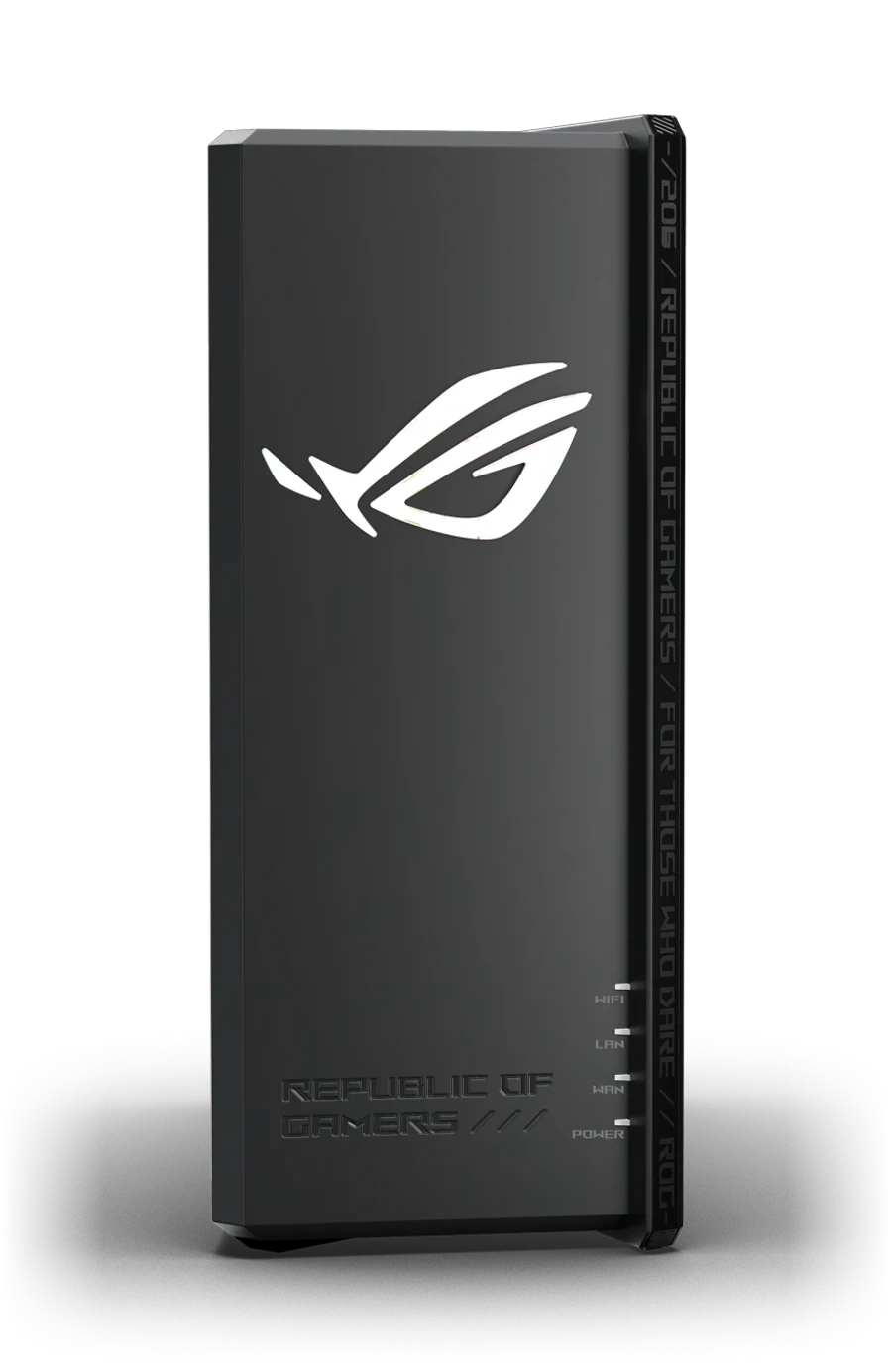
ASUS ROG router with the GearUP Plugin

Game-Specific Optimization

Per game, not one setting

GearUP Plugin lets your ASUS router tell one game's traffic from another. EA Sports FC, Call of Duty, Apex Legends and VALORANT are each tuned to their own server layout and connection behavior instead of sharing one setting.

  • More than 3,000 games supported.
  • Multi-platform support.
  • New games are supported quickly.

Apex LegendsEA Sports FC 27League of LegendsRainbow Six Siege X
Escape from TarkovGenshin ImpactPUBG: BattlegroundsWhere Winds Meet
FortniteNBA 2K27VALORANTCall of Duty

Set Up in Seconds, Right from Your Phone

Manage everything via the GearUP Router App. No flashing, no command line, no technical knowledge needed.
Prerequisites:
  • Router Powered On
  • Same Wi-Fi
  • Latest Firmware
1
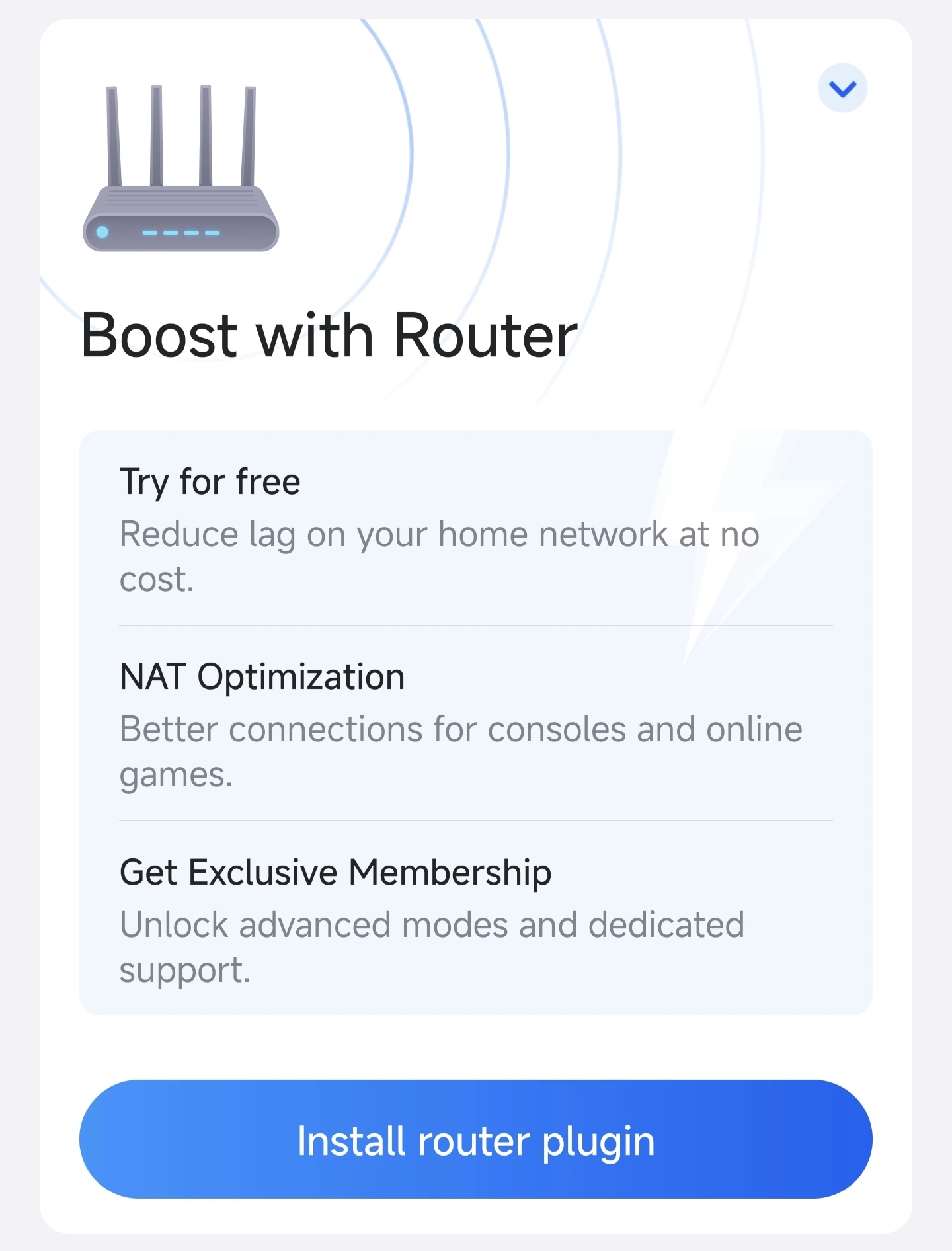
Installing the GearUP Plugin on an ASUS router: the Boost with Router card in the GearUP Router App

Open the GearUP Router App

Under Boost with Router, tap Install router plugin and follow the prompts.
2
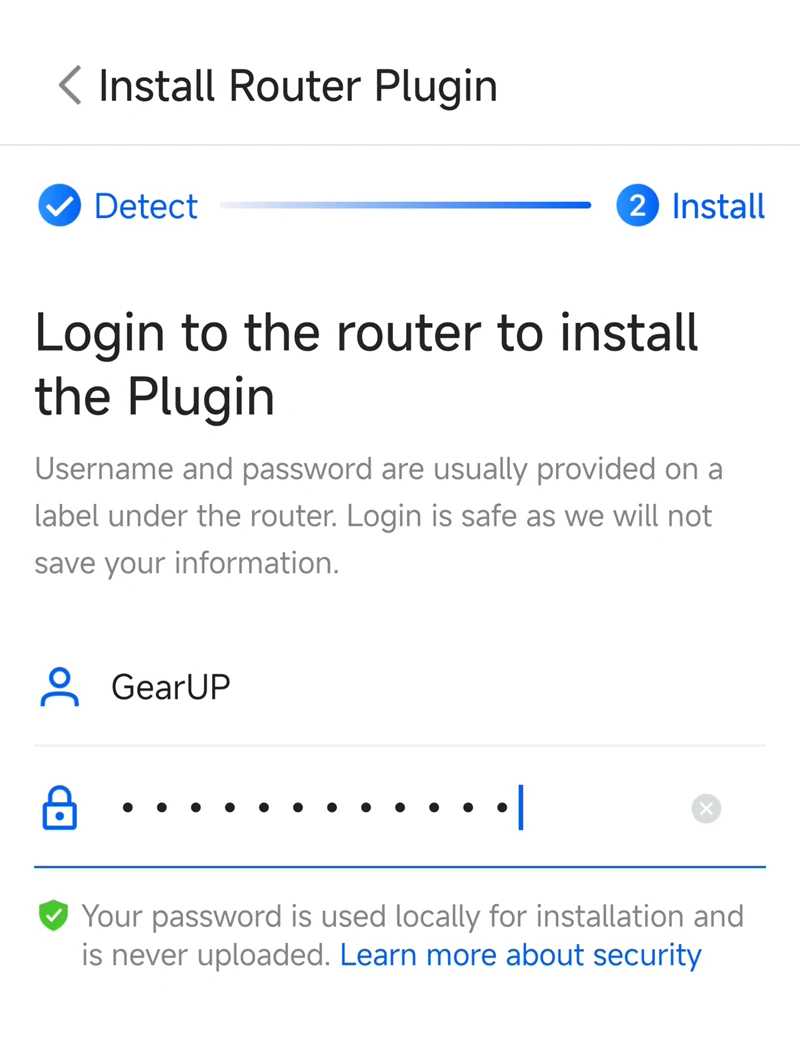
Signing in to an ASUS router from the GearUP Router App to install the plugin

Connect Your Router

The app installs the plugin for you automatically, and your data stays secure.
3
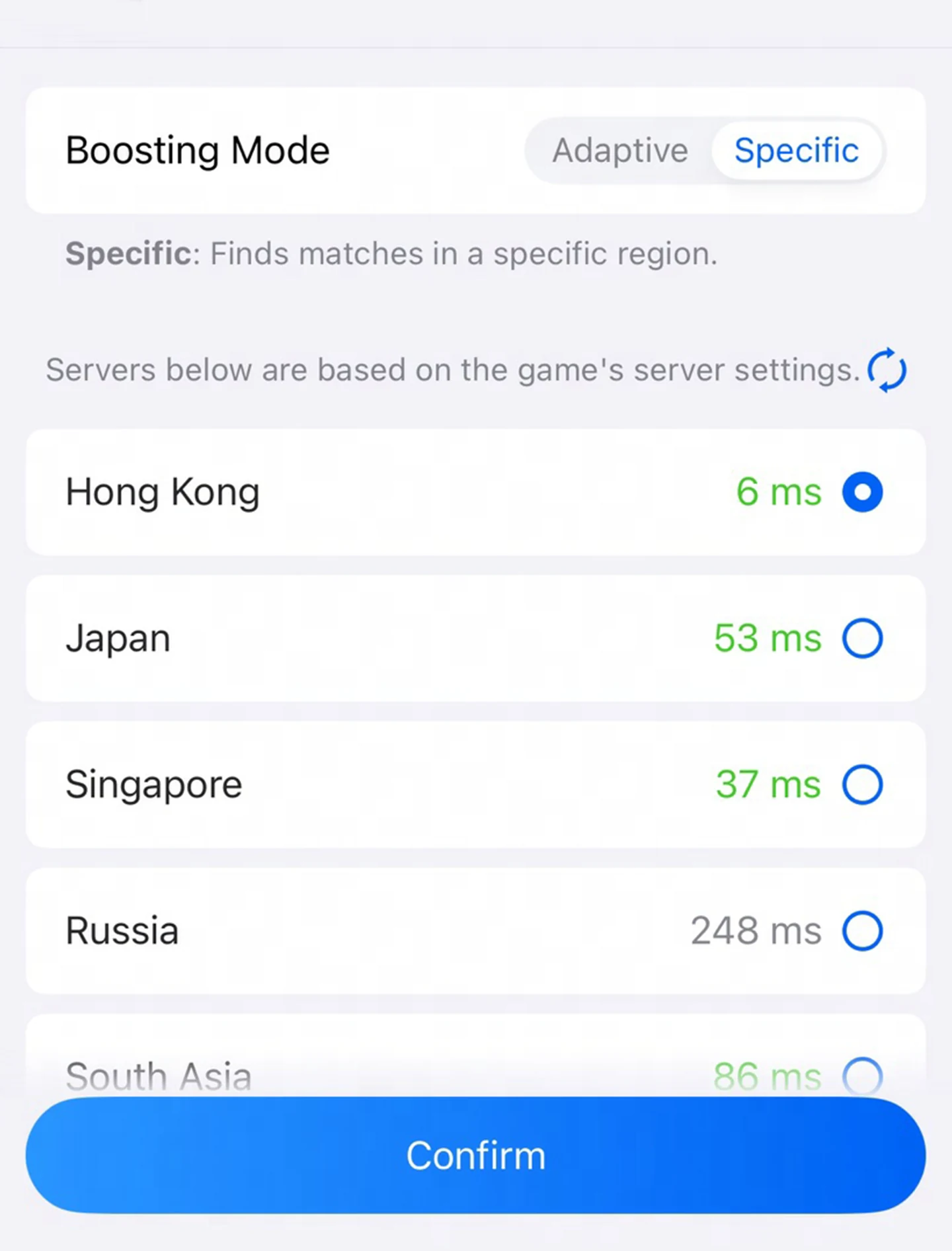
Choosing a game server region for an ASUS router in the GearUP Router App

Start Boosting

Choose your device, game and server in the GearUP Router App for a seamless experience.

Pre-Installed on Flagships, Ready for All

Pre-installed or added in one tap. Enjoy the exact same native performance on every model.

Wi-Fi 7 Models (12)

  • TUF-BE3600
  • TUF-BE3600 V2
  • TUF-BE9400
  • RT-BE3600
  • RT-BE3600 V2
  • RT-BE58U
  • RT-BE58U V2
  • RT-BE82U
  • RT-BE86U
  • RT-BE88U
  • RT-BE92U
  • GS-BE7200X

Wi-Fi 6 / 6E Models (8)

  • TUF-AX4200
  • TUF-AX6000
  • RT-AX3000
  • RT-AX5400
  • RT-AX58U
  • RT-AX82U
  • RT-AX86U Pro
  • RT-AXE7800

Running another ASUS router? Enjoy the same 1-tap installation via GearUP Router App for 100% of official & Merlin models.

ASUS-Specific Questions

No. Whether your router ships with the plugin or not, installation is a single tap in the GearUP Router App. Nothing in your settings needs to be touched.
No. The plugin uses an extremely small share of the router's resources, and optimizing game traffic does not affect how the router handles your other connections.
No. Pre-installation currently covers only the models listed above, for reasons that include market planning. Pre-installed or not, you get the complete GearUP Plugin with exactly the same features.
Yes. You can uninstall it at any time from the GearUP Router App.
The plugin has to be installed through the ASUS backend, which needs a signed-in session. Your credentials are used for that login only. GearUP does not collect or store them, so your privacy stays fully protected.
Wi-Fi 7 models need firmware 3.0.0.6.102 or later, and Wi-Fi 6 and 6E models need 3.0.0.4.388 or later. Whichever model you have, update to the latest firmware before installing. That goes for the ASUS official firmware and for Asuswrt-Merlin alike.
No. Whether it came pre-installed or you added it later, the plugin can be uninstalled from the GearUP Router App at any time, and doing so leaves your warranty rights untouched.
Those features manage traffic inside your home: they decide which device or app gets priority on your own network. The GearUP Plugin works on the leg that follows: the route from your home out to the game server. The two do different jobs, but to get the most out of the plugin we recommend turning Game Boost and Adaptive QoS off while it is running.
Game-Fencing locks matchmaking to a fixed region and pins the server, so it greatly reduces the problem of being sent to a distant server by the game's own matchmaking.
GearUP runs more than 7,500 nodes of its own across all six continents. That means a node sits close to you and to the game server almost wherever you play, which is what keeps the optimized route short.
GearUP supports more than 3,000 games, including popular titles like VALORANT, Fortnite and EA Sports FC, across PC, console and mobile.

Ready to Boost Your ASUS Router

A revolutionary game optimization experience, now just one tap away.

Download GearUP App