Remote LAN play beyond distance limits
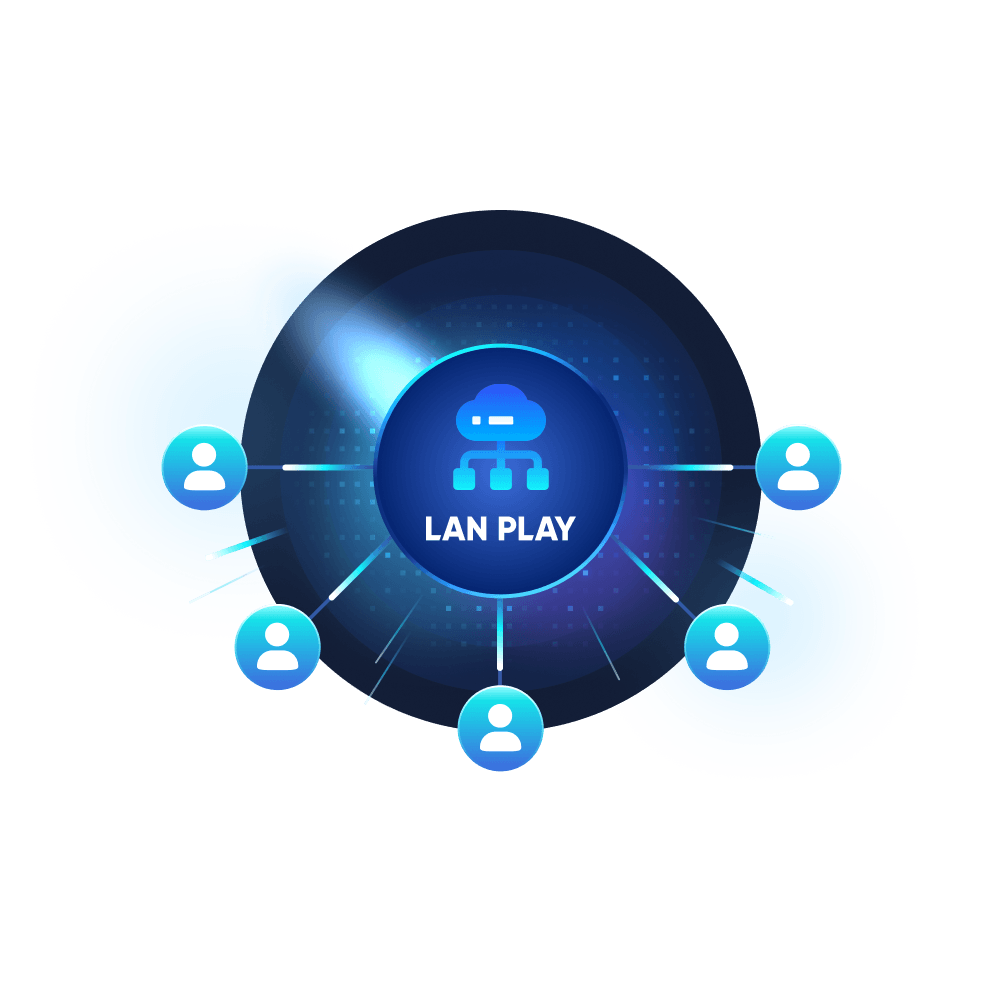
Create or join a private GearUP Network so friends in different cities, countries, or networks can play supported LAN games together as if they were on the same local network.
Create a private GearUP Network for remote friends, with lower ping, less packet loss, and safer game-focused access.


Create or join a private GearUP Network so friends in different cities, countries, or networks can play supported LAN games together as if they were on the same local network.
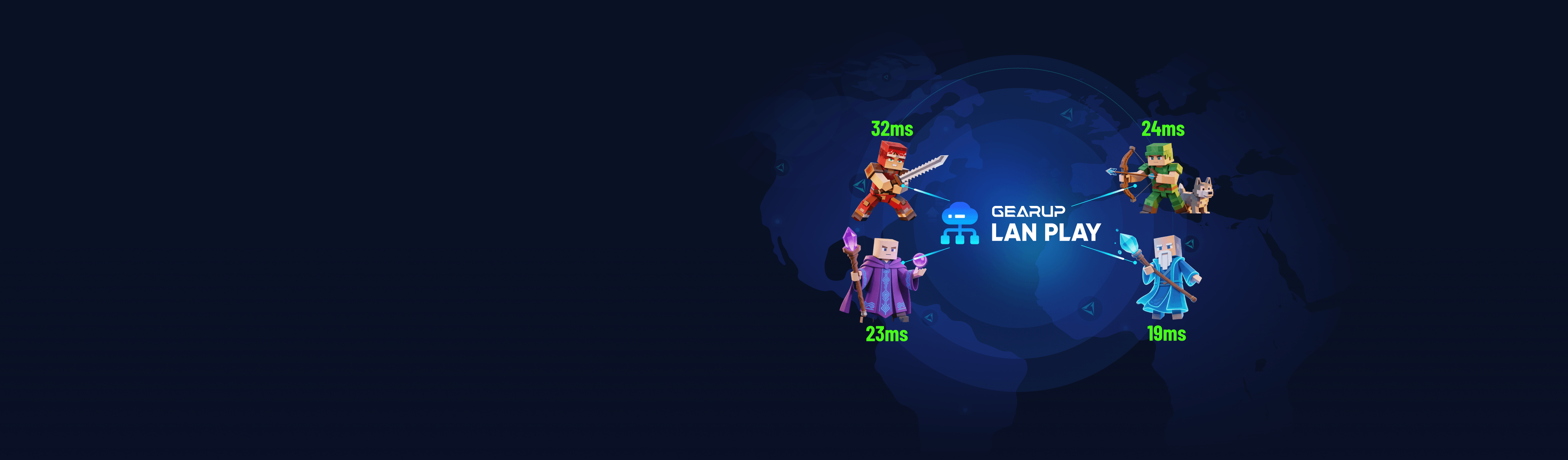
Backed by GearUP's gaming routing expertise, LAN Play helps choose better connection paths for remote friends, reducing latency, packet loss, and unstable routing during LAN sessions.
LAN Play keeps access focused on the game you trust and works with Windows Firewall permissions, instead of asking players to open broad network access like many generic virtual LAN tools.
Follow complete in-app LAN setup guides with Host, Join, IP, port, mod, server, and firewall steps. Multi-language guides help every player understand what to do without switching back to the browser.
Built for lower-latency, safer LAN gaming — not generic virtual networking.

From install to in-game - the same simple path for every supported LAN game.
Install GearUP in a few quick clicks. If a friend opens your invite link without GearUP, the page will guide them to download and continue joining your Network.
Yes. Every player needs to install GearUP and join the same GearUP Network before starting the LAN game.
First, make sure every player has joined the same GearUP Network and is using the correct game version. Then check the game guide for Host, Join, IP, port, mod, server, and firewall steps. If Windows Firewall appears, allow only the game you trust. GearUP LAN Play is designed to keep access game-focused instead of requiring broad network permissions.
Windows may block inbound game connections by default. When hosting, you may need to allow that specific game through Windows Firewall so friends in the same GearUP Network can connect. GearUP respects Windows Firewall permissions and does not act as a general firewall bypass.
No. Some games support native LAN hosting, while others require Direct Connect, IP and port settings, console commands, dedicated servers, mods, older versions, or firewall permissions. GearUP provides in-app, multi-language LAN setup guides so players can follow the right steps for each supported game.
Connection quality can be affected by host location, ISP routing, NAT type, Wi-Fi quality, cross-region distance, and game setup. GearUP is built by gaming network experts and backed by dedicated routing resources and connection optimization technologies to help deliver lower latency, less packet loss, and a more stable LAN Play connection than generic virtual networking tools.
Download GearUP and start with a supported game guide.