Dedicated Game Network Tuning for ZTE Routers
Reduce traffic congestion with the GearUP Plugin for lower latency, stable cross-region connections, and peak gaming performance.


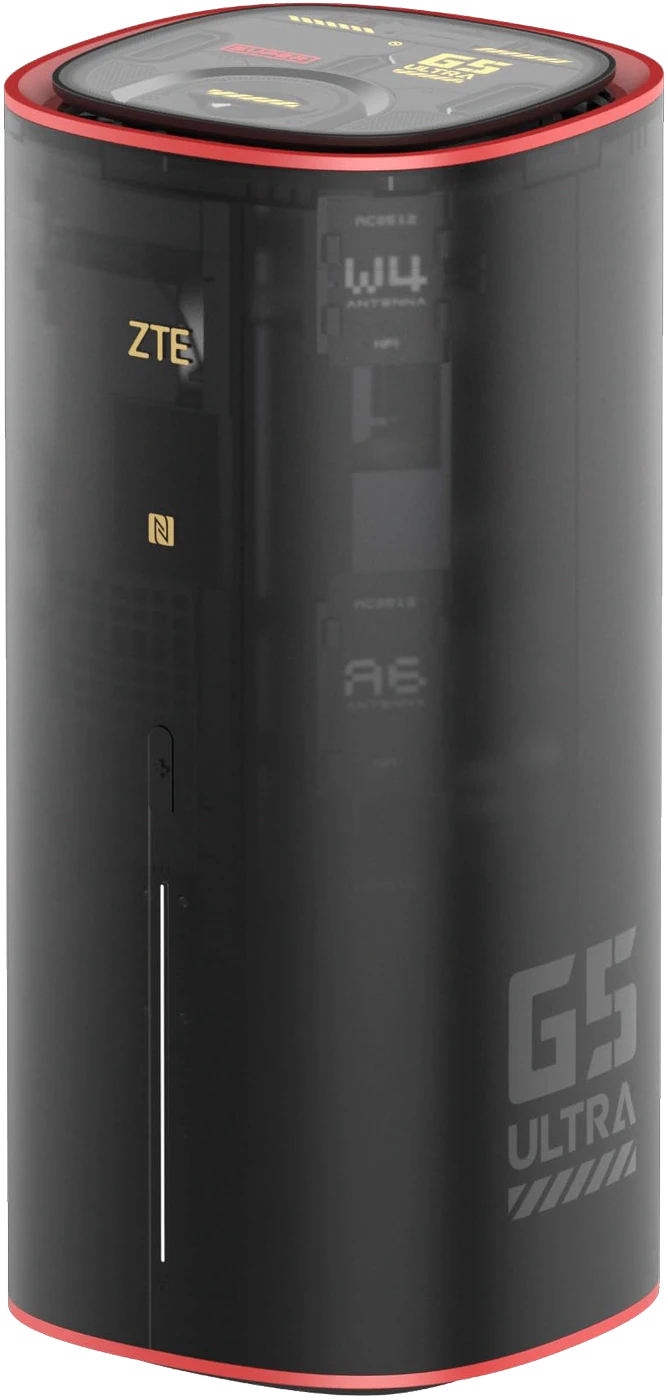
Router-Integrated Tuning, Match-Level Precision.
The GearUP Plugin builds a stable path for the game traffic leaving your router, optimizing connections across devices, platforms and thousands of games.
Global Node Infrastructure
Multi-Path Traffic Redirection
The GearUP Plugin does more than adjust a single route: its large node footprint lets it allocate traffic intelligently in real time, adapting to complex changes in the network.
- Nodes on all six continents, each one stability-tested.
- Dynamic switching steers around sudden jitter, so congestion no longer stands between you and low latency.
- Region server locking, which keeps matchmaking within the region you choose.
- Dedicated cross-region lines, including more than 30 exclusive routes.

Dual-Tier Latency Reduction
Direct route
Ping:168 ms Loss:12%
Router-Plugin Co-Processing
ZTE gateway manages local data throughput while the GearUP Plugin executes precision cloud path selection.
- Local connections unaffected.
- Non-game traffic untouched.
- Minimal performance overhead.
- Runs silently in the background.
Game-Specific Optimization
Per Game, Not One Setting for All
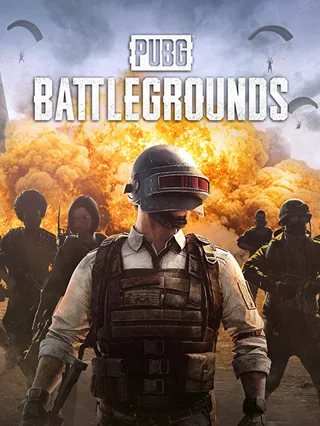
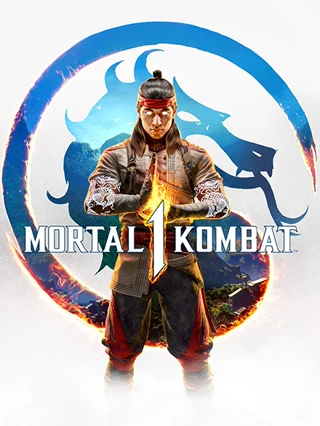
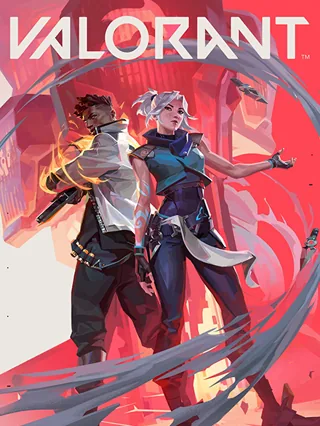
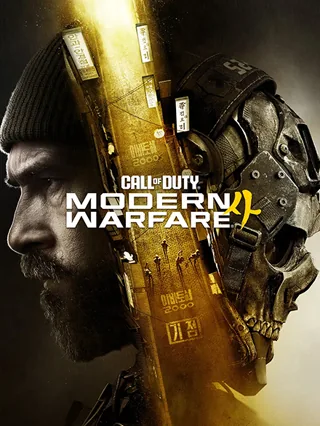
Servers and matchmaking differ from game to game. The GearUP Plugin covers more than 3,000 titles, including EA Sports FC, NBA 2K, Battlefield, Fortnite and Rocket League.
- Multi-platform, 3,000+ titles.
- Switch servers whenever you want.
- Tuned for each title's online modes.





One Tap On, Faster Play
Turn the plugin on in your router and the GearUP Router App starts optimizing your game connection. Nothing to install, nothing to configure.
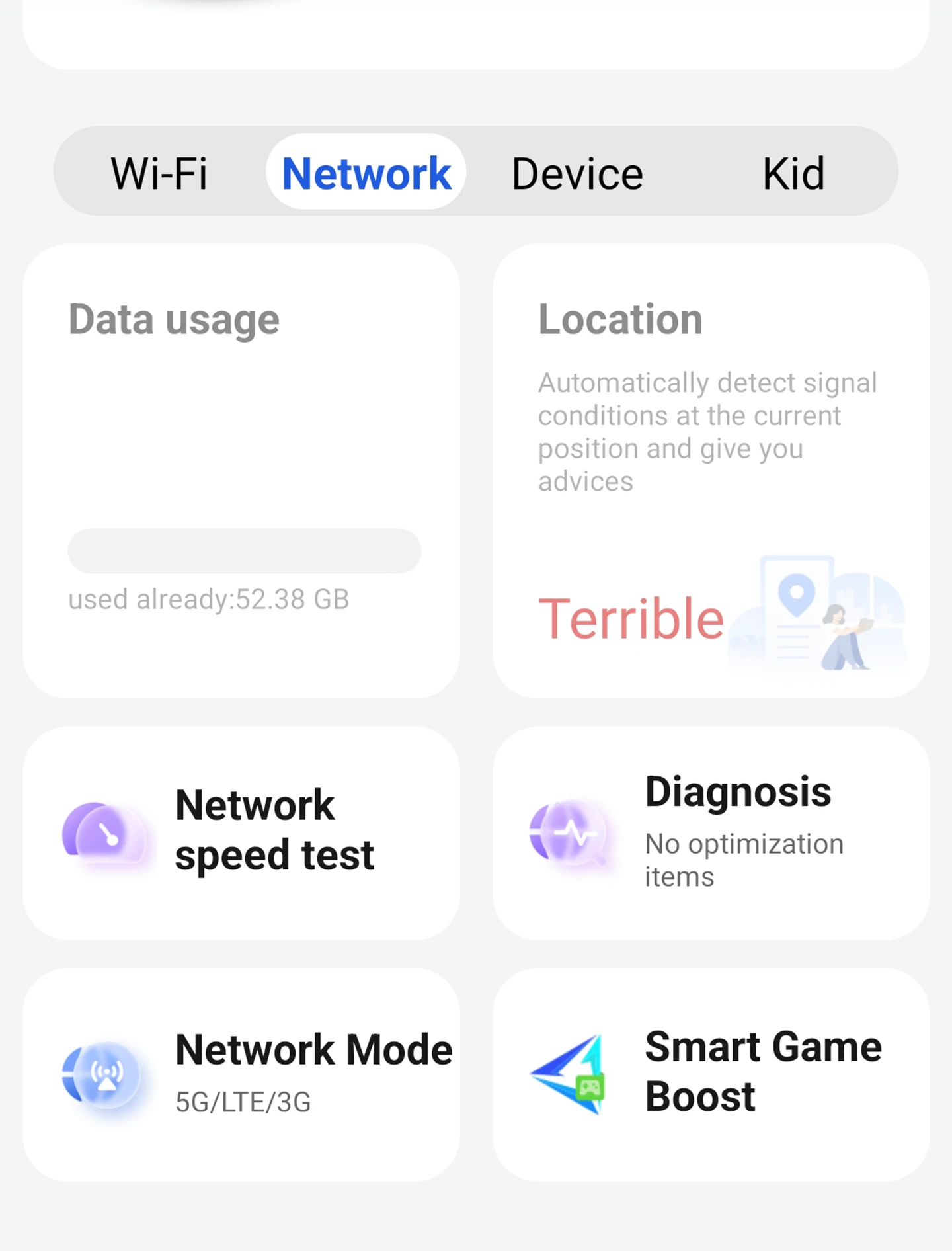
Enable the GearUP Plugin
In the ZTE router app home screen, tap Smart Game Boost to enable GearUP. (One time only)
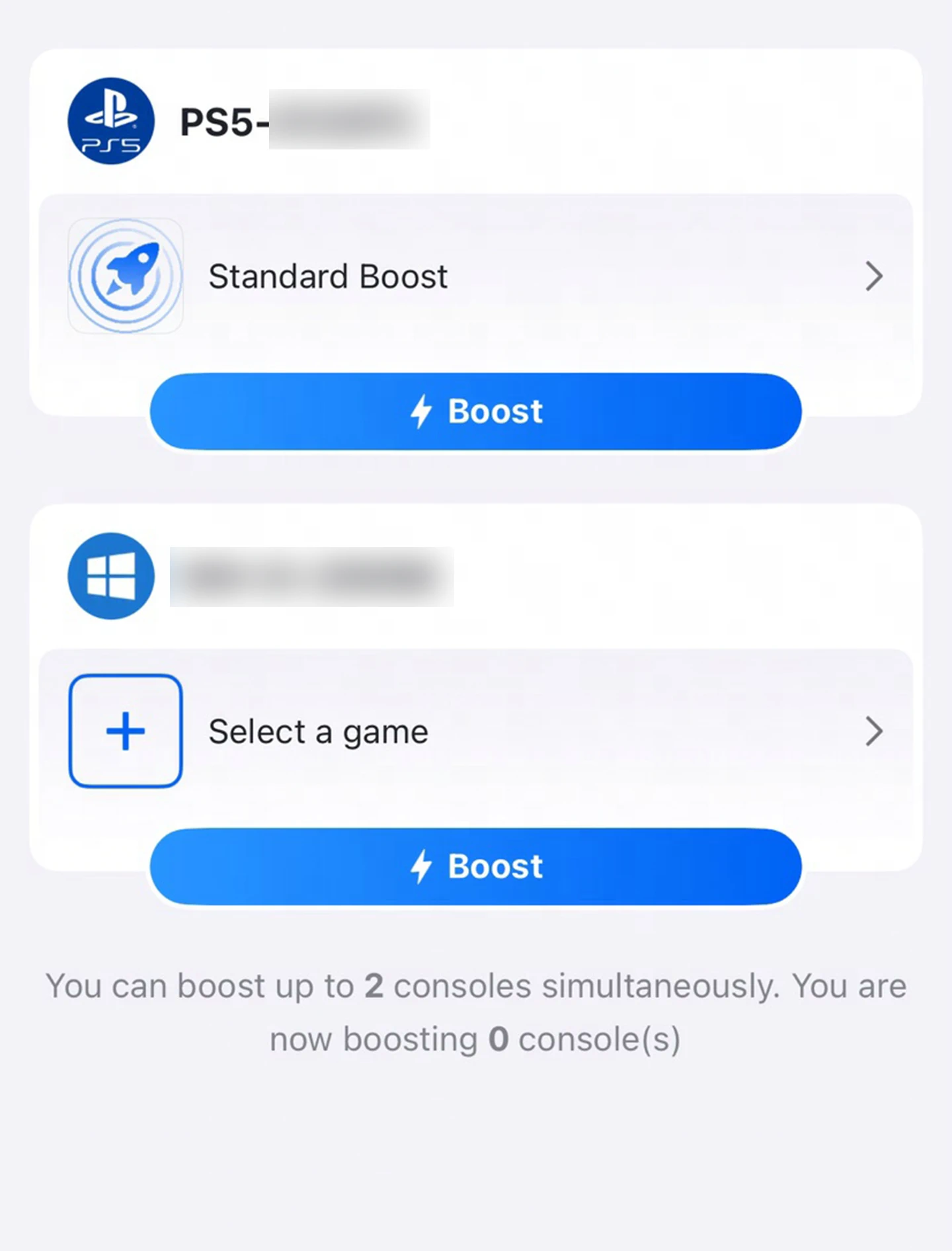
Open the GearUP Router App
Every device that supports acceleration appears here. Tap the one you want to connect.
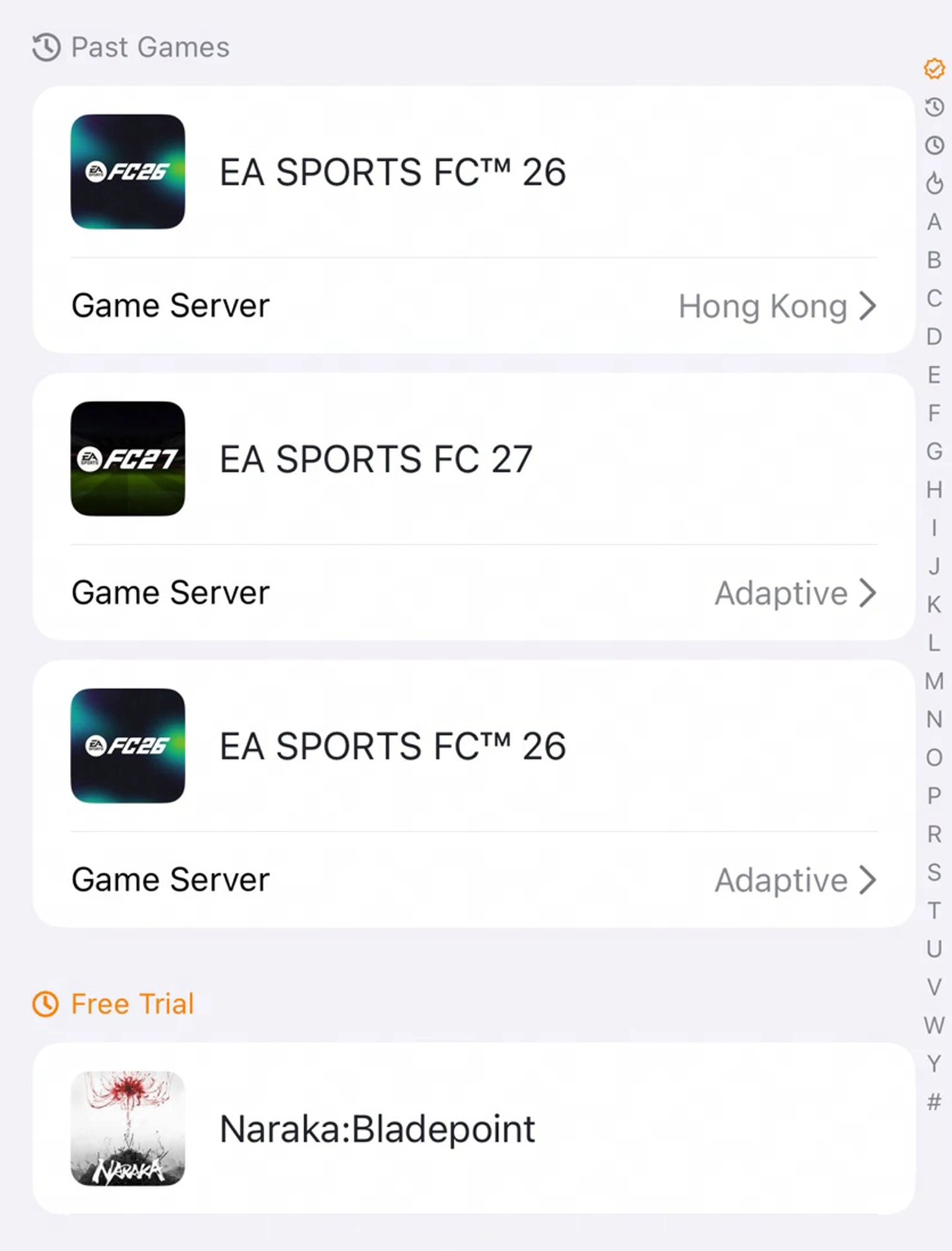
Choose Your Game
Once you pick a device, every supported game appears here. Search for one directly.
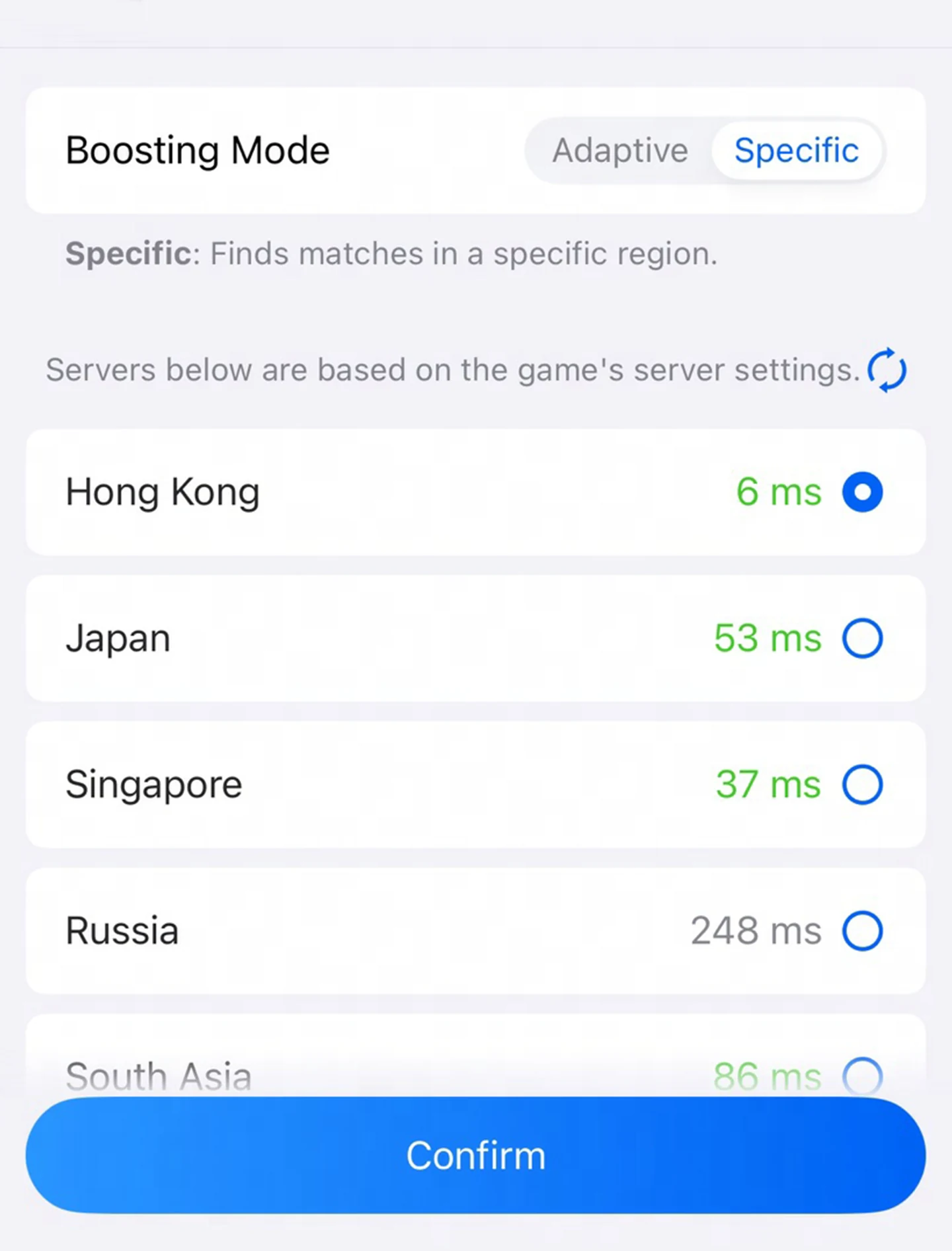
Start Boosting
Pick a server. Choose freely between two modes and servers from around the world.
Built for ZTE Next-Gen Routers, Ready for More
Experience peak network performance on ZTE's flagship gaming router, with expanded model compatibility on the way.
Wi-Fi 7 Models (1)
- G5 Ultra Gaming
- More models coming
More models are on the way. GearUP and ZTE are speeding up compatibility work, and we will share more news soon.
ZTE-Specific Questions
Ready to Boost Your ZTE Router
A revolutionary game optimization experience, now just one tap away.
Download GearUP App