Gaming Router vs. Regular Router: Do You Really Need One for Gaming
 Last updated: 8 Sep, 2026
  8 min
8 minPut a gaming router next to a regular router and the obvious differences are often more antennas, louder styling, and product-page terms such as “Game Boost,” “Gaming Port,” and “low latency.”
The useful differences are less dramatic.
A gaming router is still a router. It does not use a separate type of internet. What you usually pay for is stronger hardware, easier traffic prioritization, clearer device management, and extra features aimed at online games. A capable regular router may already provide many of those features.
The real question is not whether a gaming router is always better. It is whether your network problem happens inside your home or somewhere between your ISP and the game server.
Quick Answer: When Should You Upgrade Your Router?
- Your current router is stable, your gaming device uses Ethernet, and your household rarely saturates the connection: A regular router is usually enough. A gaming router may not noticeably lower baseline Ping.
- Multiple people share the network for downloads, streaming, cloud syncing, or many connected devices: Better hardware, QoS, and device-priority features can improve gaming stability.
- Wi-Fi coverage is weak, wireless packet loss is common, or your old router struggles with many devices: A router upgrade can help. This can be a gaming router or a well-specced regular router.
- Your local network is healthy, but only certain games, regions, or cross-region matches have high Ping: Replacing the router may not solve it. Check the game traffic route instead.
What Is the Difference Between a Gaming Router and a Regular Router?
The line between these two categories is not as clear as marketing suggests.
| Feature | Regular Router | Gaming Router |
|---|---|---|
| Internet sharing and Wi-Fi | Yes | Yes |
| Modern Wi-Fi standards | Depends on model | Common on newer models |
| QoS / traffic priority | Common on mid-range and high-end models | Usually easier to configure and more game-focused |
| Dedicated gaming LAN port | Less common | Available on some models |
| Automatic game traffic recognition | Varies by model | Available on selected models |
| NAT / port management | Usually available | Often simplified for gaming |
| Game route optimization | Less common | Available on selected models or services |
| Multi-gig ports, stronger CPU, more memory | Depends on model and price | More common on higher-end models |
| RGB or gaming design | Usually no | Available on some models |
| Price at similar hardware level | Often lower | Often higher |
A Wi-Fi 6 or Wi-Fi 7 regular router with solid QoS, enough processing power, good Ethernet ports, and reliable coverage can be excellent for gaming. It does not become slow because the box does not say “Gaming.”
What Do Gaming Routers Actually Add?
One of the most useful features is traffic priority.
When someone uploads a large file, runs a cloud backup, downloads a game, or streams high-bitrate video, game packets may wait in the router queue. That can appear as sudden Ping spikes, rubber-banding, or delayed abilities.
QoS helps prevent real-time game traffic from being buried behind less time-sensitive downloads and uploads.
Regular routers can also support QoS, but gaming routers often make it easier to find and configure. Some can automatically recognize gaming devices or game traffic. For example, selected ASUS models provide a Gaming Port that prioritizes the connected gaming device, while Adaptive QoS can prioritize game traffic when the home network is busy.
These features are useful in a busy household. They matter much less if you live alone, already use Ethernet, and nobody regularly fills the connection.
Gaming routers may also simplify NAT and port management. Features such as OpenNAT are designed to make port configuration easier for consoles and multiplayer games. This is a convenience improvement, not new networking technology. A correctly configured regular router can handle NAT as well.
Hardware is another difference, but compare specific models rather than labels. Gaming products often include multi-gig ports, stronger processors, more memory, and higher-end wireless hardware. These specifications mainly help the router remain stable when many devices, high bandwidth use, QoS, traffic monitoring, or other network features run at the same time.
They do not directly make the game server closer. A $200 regular router can easily have stronger hardware than a $120 gaming router.
Will a Gaming Router Lower Your Ping?
Sometimes, but not always.
If your old router has weak Wi-Fi or begins struggling when several people stream video, upgrading to a stronger gaming router with better QoS can improve your connection. More stable wireless performance and smarter traffic queues can reduce delay and variation created inside your home network.
However, the router controls only the first part of the trip.
After game traffic leaves your home, it travels through your ISP and other networks before reaching the game server. A normal gaming router usually cannot decide how your ISP routes that traffic.
Replacing your router alone usually cannot directly fix:
- A game server on another continent
- Congestion deep inside your ISP’s network
- Indirect or unstable paths between networks
- An overloaded game server
This is why someone can buy an expensive gaming router and still see almost the same baseline Ping. The router may improve the local network, while the remaining 70 ms comes from a route it cannot control.
When Is a Regular Router Enough?
If your current connection is already stable, you do not need to pay extra for a gaming label.
For many players, the most practical setup is simple: connect the PC or console through Ethernet, keep router firmware updated, enable reasonable QoS when the household is busy, and ensure good Wi-Fi coverage for other devices.
You probably do not need a gaming router if:
- Your PC or console already uses Ethernet
- Nobody regularly saturates the connection
- Your current router handles all connected devices reliably
- NAT works correctly
- You do not need dedicated gaming ports, device priority, or advanced traffic monitoring
- Your high Ping mainly comes from server distance
A graphics card cannot repair a poor internet route. In the same way, a gaming logo cannot solve a problem outside your router’s control.
When Is a Gaming Router Worth Buying?
Gaming routers are most useful in busy, device-heavy homes.
For example, two consoles, several PCs, phones, TVs, smart devices, and cloud backups may all share one connection. A gaming router with easy QoS, device priority, and traffic monitoring can reduce the need to manage everything manually.
It is more worth paying for if you will actually use features such as:
- Dedicated gaming LAN ports
- One-click gaming-device priority
- Detailed traffic monitoring
- Easier port management
- Multi-gig LAN for fast local transfers
- Gaming plugins or game route optimization services
Do not pay for ten gaming features and leave all ten turned off. Think of a router as a feature package, not as a device that automatically lowers Ping.
Gaming Features Can Go Beyond the Router Itself
Some gaming routers also support an additional game route optimization layer.
This is different from QoS. QoS manages traffic queues inside your home network. Route optimization addresses external detours, congestion, or instability that can occur between your network and the game server.
Local ASUS features such as Gaming Port and Adaptive QoS can improve the priority of game traffic within your home network. GearUP Router can provide game route optimization through the router, allowing connected consoles, PCs, and other gaming devices to use an optimized game connection without installing a PC accelerator on every device.

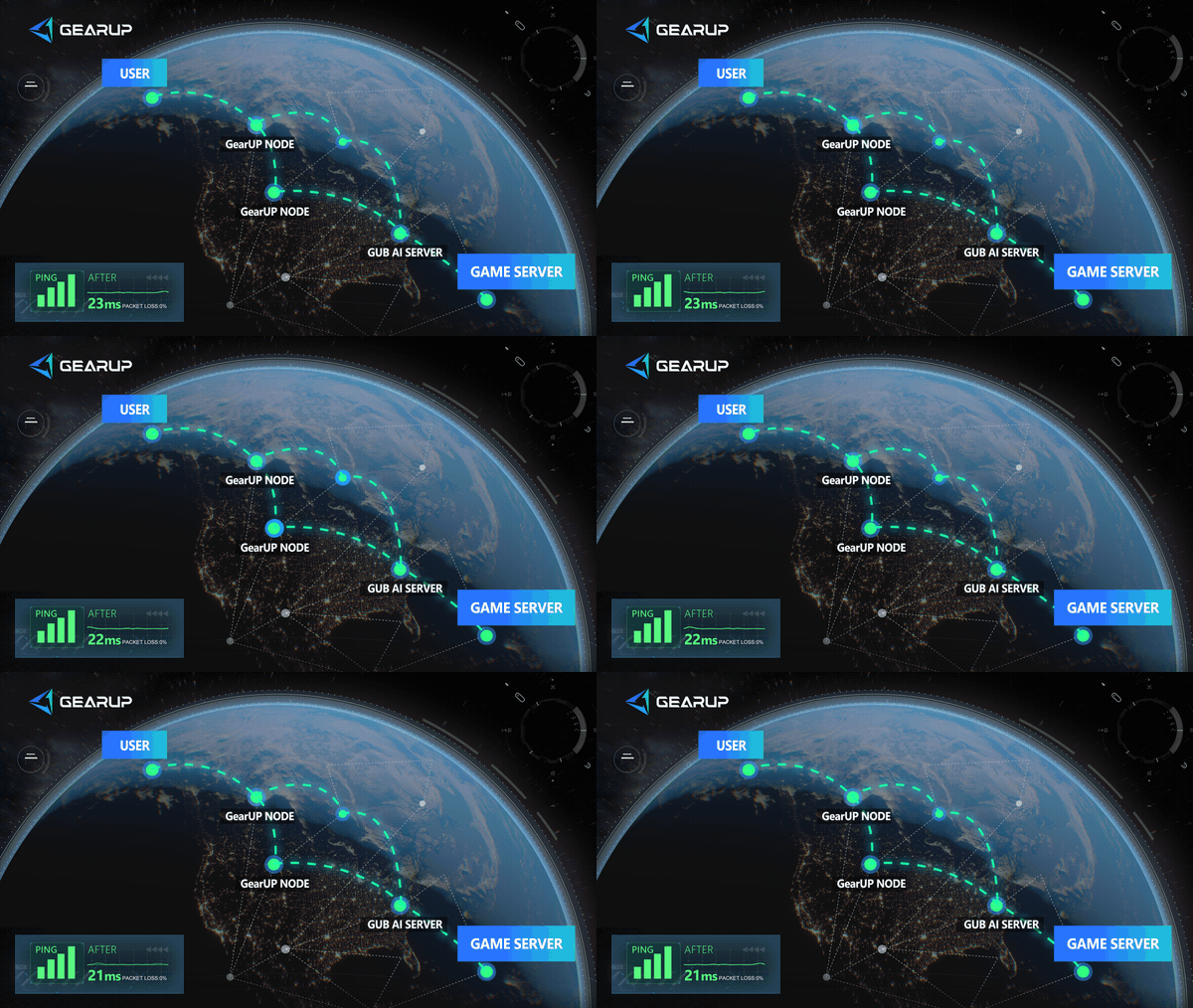
GearUP works closely with ASUS. Some ASUS routers include the GearUP Plugin out of the box. On ASUS routers without it, you can install it through the GearUP Router App. This allows ASUS router users to configure GearUP at the router level and optimize connection routes for specific games on consoles and PCs.
- ASUS partner router user guide
- ZTE partner router user guide
- OpenWrt router installation guide
- Keenetic/Netcraze router installation guide
- Steam Hardware Plugin Installation Guide
This is not a feature every player needs. The decision order remains simple:
- If Wi-Fi is weak, improve Wi-Fi first.
- If other devices fill your upload or download capacity, configure QoS first.
- If the local network is healthy but a specific game or region still has high Ping, packet loss, or major instability, consider route optimization.
Which Router Should You Buy?
Do not start with “gaming router or regular router.” Start with your network environment.
For a small home with one wired gaming PC, a reliable regular router may be all you need. For a household with many gaming devices and competing traffic, the easier QoS, dedicated ports, and traffic management found on gaming routers can be genuinely convenient.
Before buying, compare the specifications that matter:
- Wi-Fi standard and coverage
- LAN and WAN port speeds
- CPU and memory
- QoS and device-priority features
- Firmware updates and feature support
- Whether it supports the gaming plugins or route optimization services you will actually use
A gaming router can be better for gaming, but not because “Gaming” is printed on the front. It is better only when its features solve your actual network problem.
About The Author
Ethan is one of GearUP's Technical Blog Editors, specializing in gaming network optimization and troubleshooting. With an in-depth understanding of GearUP's technologies, he creates clear, practical content that helps players identify the causes of network issues, understand how game acceleration works, and optimize their online gaming experience. By turning complex technical concepts into easy-to-follow guides, Ethan helps readers solve common connectivity problems and make better use of GearUP's features.
The End