How Russian Players Can Get WARDOGS on Steam
 Last updated: 24 Aug, 2026
  6 min
6 minWARDOGS is a large-scale tactical FPS developed by BULKHEAD and published by Team17. It entered Early Access on August 21, 2026. Unfortunately, due to regional restrictions, WARDOGS is currently unavailable for direct download from the Russian Steam Store.
This article focuses on two questions:
- How Russian players can get WARDOGS on Steam;
- How to handle cross-region connections and server latency after downloading the game.
Method 1: Change Your Steam Store Region
We recommend that most players change their Steam Store region so they can add WARDOGS to their existing Steam library.
However, due to Steam’s new rules regarding region changes, you need GearUP to help complete the store region switch. GearUP currently provides free Steam Store connection optimization.

Before starting, completely exit Steam, including any Steam processes running in the background. Then follow these steps:
- In GearUP, search for Steam (for Russia only).
- Click the card’s top-right corner to choose a region, switch to a region that supports downloading WARDOGS, then click Start Boost.
- Launch Steam and go to the game's store page, click Purchase, and select the corresponding region when paying.
- Use an available payment method to complete the purchase.
Note:
- After changing your account region and purchasing the game, you must wait three months before you can change back to your original region.
- You need a payment method that supports the local currency.
GearUP is responsible for optimizing the connection route when accessing the Steam store; it does not modify game files, nor does it make purchases on behalf of players. Whether the store region is successfully switched still depends on the Steam account, the payment method, and platform rules.
Method 2: Get a New Steam Account
If you only want to participate in the WARDOGS playtest, you may also consider getting an account from a region where the game is available for purchase.
Creating a new account was a viable option before, but Steam has since tightened its registration restrictions. Even when using a VPN or other proxy tools, the connection can still be detected, which prevents registration. This approach also carries potential security risks.
With the new account, you will need to submit the relevant playtest request or obtain access through that account. The new account will have a separate game library, Steam Wallet balance, and some community content, so make sure you are logged into the correct account before joining the playtest.
The WARDOGS Steam page also provides a Join the WARDOGS Playtest option. Players can apply for access and wait for the developer to open additional playtest slots.
Please note that applying for playtest access does not guarantee participation. Final access depends on the developer’s testing plans.
How Can Russian Players Connect to WARDOGS Servers?
WARDOGS currently has no servers in Russia. Russian players need to connect to servers in Europe, Asia, or other available regions. Actual latency will depend on your location, server distance, ISP routing, and cross-region network conditions.
The in-game server list displays real-time ping values for different regions. The following are example results:
| Server Region | Example Ping |
|---|---|
| Europe Central | 143 ms |
| Europe East | 161 ms |
| North America East | 182 ms |
| North America West | 126 ms |
| South America | 294 ms |
| Asia East | 34 ms |
| Asia Southeast | 62 ms |
| Oceania | 139 ms |
In addition to optimizing Steam Store connections, GearUP can help improve the cross-region network route used by WARDOGS. Players can select a route that matches their target server and reduce high latency, packet loss, and connection fluctuations caused by inefficient default ISP routing.
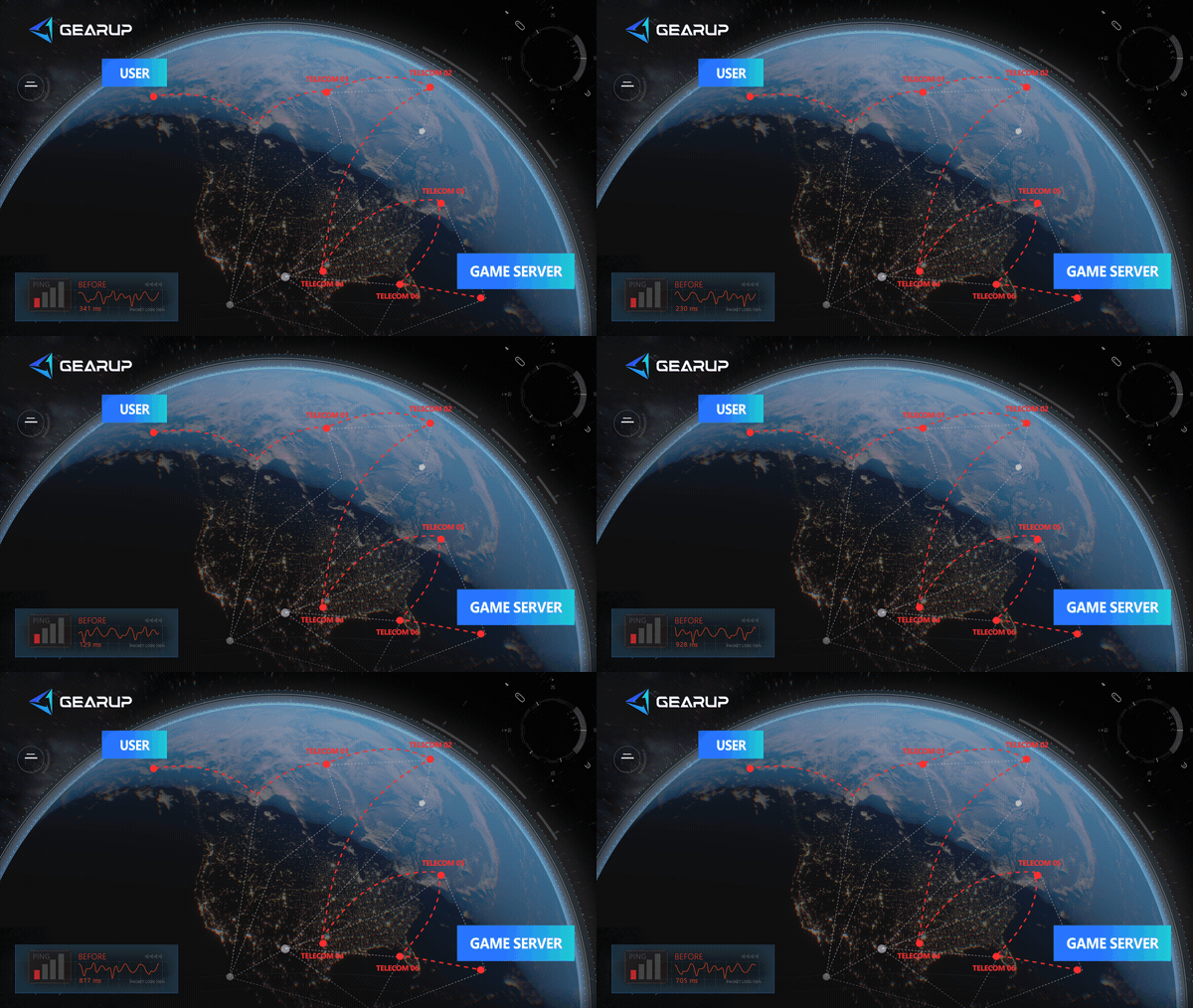
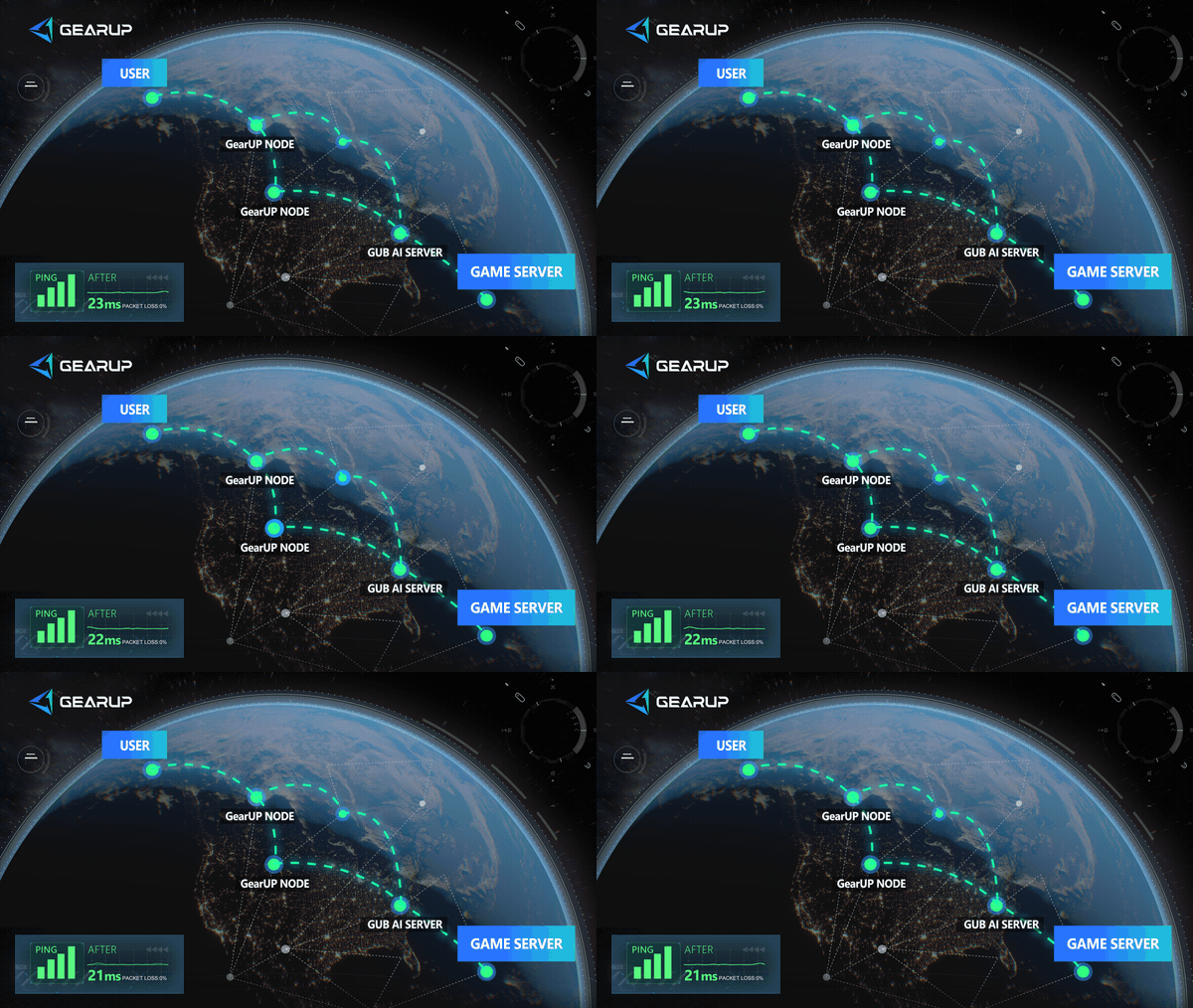
Players in European Russia can test European servers first, while players in the Russian Far East can compare the performance of European and Asian servers. Do not choose a region based only on geographical distance. In-game ping, packet loss, and stability during actual matches are more important.
Download and Connection Troubleshooting
WARDOGS Is Still Unavailable in the Steam Store
Completely exit Steam first. Confirm that GearUP has enabled the relevant Steam Store connection optimization, then restart Steam.
If the problem continues, switch to another Steam Store route and try again. Your account region, payment region, or current Steam restrictions may also affect store visibility. Changing the network route alone may not resolve every issue.
The Game Has Been Purchased but Cannot Be Downloaded
Confirm that WARDOGS appears in the correct Steam library. Then check your Steam download region, available storage space, and Steam client update status.
The Steam Store region and download region are separate settings. The download region mainly affects download speed and usually does not automatically change your account’s store region.
The Game Can Be Downloaded but Cannot Connect to a Server
Refresh the in-game server list and check the ping for each region. Then confirm that the game, Steam client, and network connection are working normally.
If you cannot connect to any server, also check your firewall, Steam network status, and the game’s service status.
Ping Is Low but the Game Still Stutters
Ping is only one latency metric and does not represent the complete connection quality. Packet loss, ping fluctuations, server load, and local device performance can also cause stuttering.
Play several matches and check whether you experience:
- Character rubber-banding;
- Delayed shooting;
- Unresponsive vehicle controls;
- Teammates or enemies suddenly jumping positions;
- Choppy voice chat;
- Sudden changes in the server list ping.
About WARDOGS
WARDOGS is a large-scale tactical FPS. Each match supports up to 100 players divided into three teams competing to control an objective area. The control zone changes during the match, requiring teams to decide when to attack, defend, transport resources, or provide support.
The game includes:
- Three-team control zone gameplay;
- Large maps and dynamic objectives;
- Customizable weapons, equipment, and vehicles;
- Construction and destructible environments;
- Cash and experience progression systems;
- Vehicles, logistics, and support gameplay;
- Matches with up to 100 players;
- Proximity voice chat.
Each player starts with a certain amount of cash that can be used to purchase weapons, equipment, utility items, and vehicles. Team actions such as rescuing teammates, transporting teammates, and controlling objectives can provide rewards. Cash can also be carried over into future matches.
WARDOGS is not a traditional battle royale or extraction shooter. Instead, it focuses more on team decision-making, resource management, and tactical coordination across a large-scale battlefield.
About The Author
Lucas Harrison is GearUP’s PC game expert and a veteran media professional with many years of experience. He is well versed in the various network issues that affect PC games and has extensive insights into solving them, having proposed numerous suggestions for optimizing GearUP’s PC version. He currently serves as GearUP’s Content Creation Lead, primarily responsible for writing GearUP’s PC network optimization guides, which aim to help players understand the problems they’re facing and provide practical, effective solutions through clear, easy-to-follow guidance.
The End