How to Reduce Gaming Latency With a Tenda Router
 Last updated: 16 Sep, 2026
  6 min
6 minYou may already use your Tenda router to improve Wi‑Fi coverage, manage connected devices, and avoid game downloads or uploads during matches. Yet Ping can still spike, packet loss can appear, and cross-region games can remain unstable.
Many players ask the same question: if the home network looks normal, why is the game connection still unreliable? Is the router not good enough, or is the broadband speed too low?
The answer is not always inside your home. Gaming latency is a full connection path. A Tenda router manages an important part of it, but not every part. First understand what your router can improve, then identify when it makes sense to extend optimization toward the game server.
A Tenda Router Improves Latency Sources Inside Your Home Network
Game data first travels from your PC, console, or phone over Wi‑Fi or Ethernet, then passes through the router before reaching the wider internet. Problems inside the home network can therefore cause Ping fluctuations:
- Your gaming device is too far from the router and Wi‑Fi is unstable;
- Multiple devices are downloading, uploading, or streaming high-bitrate video;
- The router is handling many device connections at once;
- Ethernet is available, but the gaming device stays on an interfered Wi‑Fi connection.
A Tenda router’s wireless coverage, multi-device handling, and local traffic management affect whether game data can leave your home network consistently.
For example, the Tenda BE12 Pro provides Wi‑Fi 7, MLO, multi-device capability, dual 2.5G Ethernet ports, and a high-performance processor. These features are not only about higher speed-test results. They also help keep home-network transmission more consistent when several devices are online.
| What you notice | Check first |
|---|---|
| The game is more stable closer to the router | Wi‑Fi signal, distance, and obstacles |
| Ping spikes drop when using Ethernet | Wireless interference or coverage |
| The game becomes laggy when others download, upload, or stream | Home-network queueing and bandwidth competition |
| Latency rises when many devices are online | Local device handling and traffic management |
If these changes improve the problem, the latency is mainly coming from the home network. In that case, your Tenda router is an important part of the solution.
Why Can Gaming Ping Still Be High When Your Home Network Is Fine?
Even with good Wi‑Fi coverage, a wired PC or console, and no obvious downloads at home, games can still have high Ping, jitter, packet loss, or disconnections.
After data leaves your router, it still travels through:
Gaming device → Tenda router → ISP network → inter-network transit points → game server
A Tenda router manages the path from your device to the home-network exit. It cannot independently control the route between networks or the real-time condition of the game server’s network.
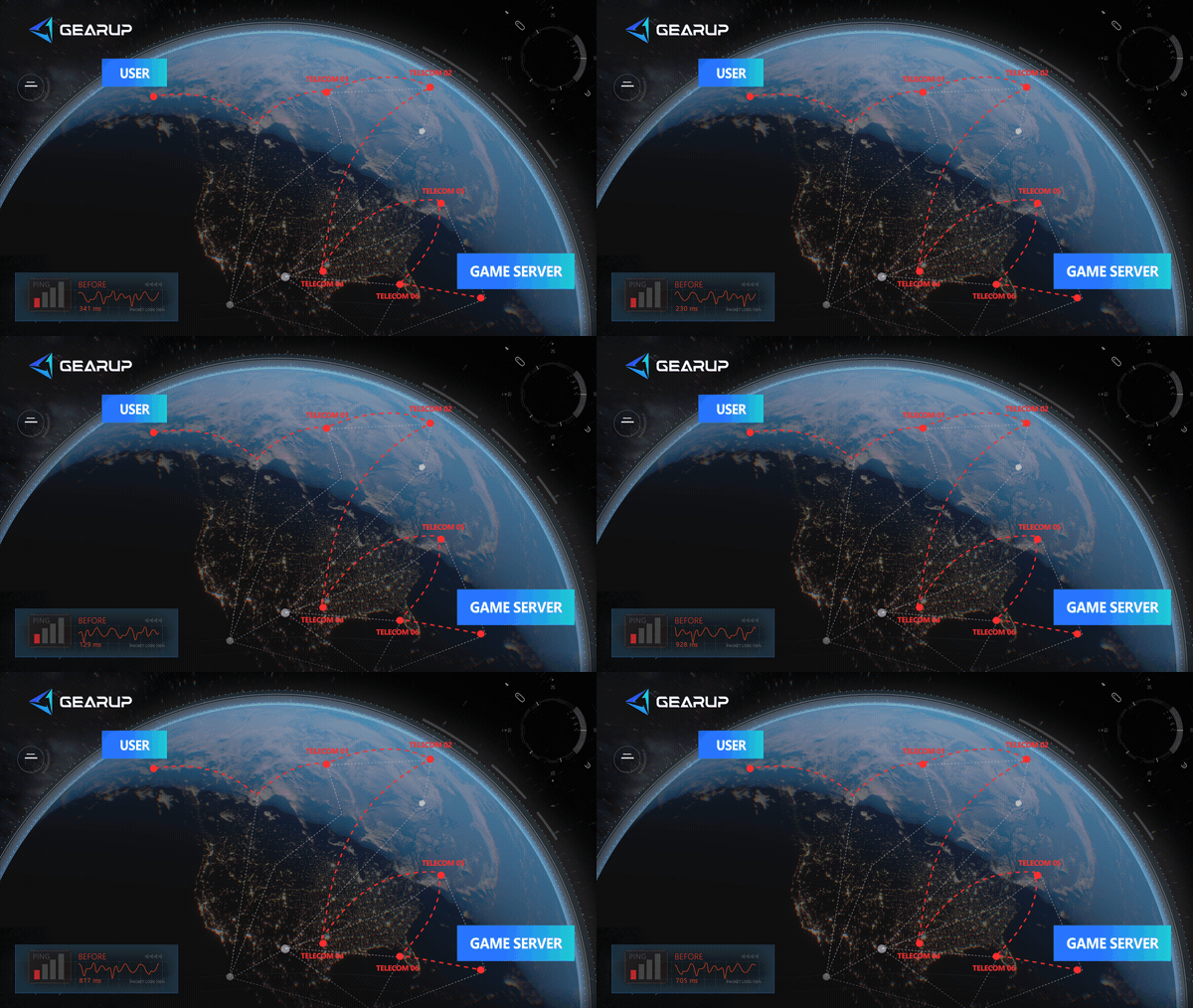
This is why websites may load quickly and videos may play normally while one game still lags. Web pages and video can buffer content. Online games need small pieces of data to arrive continuously and on time. External routing detours, peak-time congestion, jitter, or packet loss can affect them much more visibly.
This is not a limitation unique to Tenda routers. Different parts of the connection need different kinds of optimization.
How GearUP Plugin Completes Your Gaming Connection
A Tenda router stabilizes your home network by improving wireless coverage, supporting multiple connected devices, and reducing traffic competition inside your home.
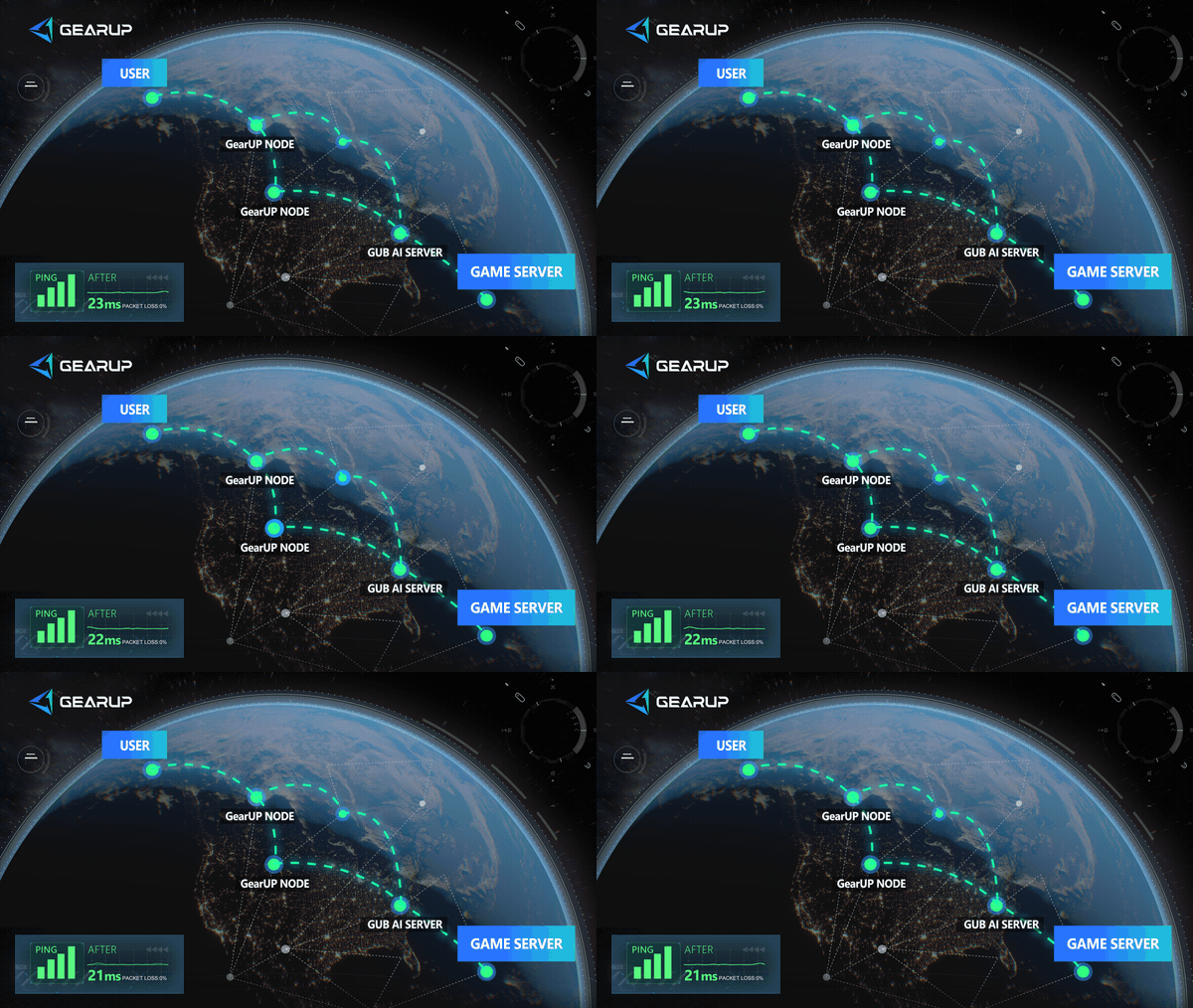
GearUP Plugin extends optimization beyond the router. For the device, game, and server region you select, it matches game traffic with a more suitable transmission route, helping reduce unnecessary detours, congestion, jitter, and packet loss outside your home network.
| Connection stage | What a Tenda router does | What GearUP Plugin does |
|---|---|---|
| Gaming device to router | Provides stable Wi‑Fi or Ethernet connectivity | — |
| Multiple devices at home | Improves local transmission and device handling | — |
| Router to game server | Provides a stable home-network exit | Optimizes the external route for selected game traffic |
| Ping spikes, jitter, and packet loss | Reduces issues originating inside the home network | Reduces fluctuation caused by the external route |
The two are not replacements for each other. A Tenda router establishes a stable home-network foundation. GearUP Plugin further optimizes the path from game data to the server, creating more complete gaming-network optimization.
GearUP Plugin is currently built into the Tenda BE12 Pro first. Instead of configuring complex network tools separately on each PC, PlayStation, Xbox, Nintendo Switch, or phone, you can manage game-connection optimization for devices connected through the router.
For full setup details, see How to Use GearUP Plugin on Tenda Router Products.
When Is GearUP Plugin Worth Using?
If the issue clearly starts inside your home network, improve Wi‑Fi, device placement, Ethernet use, and background traffic first.
GearUP Plugin is more worth testing in these situations:
| Your situation | Priority |
|---|---|
| Wi‑Fi is less stable than Ethernet | Improve your Tenda wireless environment first |
| Ping rises sharply during home downloads or uploads | Reduce local network competition first |
| Ethernet is stable and the home network is idle, but only one game remains unstable | Test GearUP Plugin’s game-route optimization |
| Latency is much higher when playing across regions | Test optimization for the target region |
| Ping spikes are more common at night or on weekends | Compare peak-hour sessions with GearUP enabled |
| Multiple PCs or consoles play at once | Let Tenda handle local connections and GearUP optimize game routes separately |
Do not judge only by the lowest Ping from one match. Compare several matches and look for more stable latency, fewer sudden spikes, less packet loss, and fewer disconnections.
Do Wi‑Fi 7 Routers Still Need Game Route Optimization?
They can.
Wi‑Fi 7, MLO, faster ports, and stronger processors mainly improve wireless transmission, device capacity, and multi-device use inside your home. They cannot determine how your ISP carries game data after it leaves the home network.
If the problem is on the external route, a router alone cannot choose a better path to the game server. Tenda routers and GearUP Plugin cover different parts of the connection, so both can add value at the same time.
FAQ
Q1: Why Do Websites and Videos Work Normally While My Game Still Has High Ping?
Websites and videos can preload or buffer content, making them more tolerant of short fluctuations. Online games exchange data continuously. Jitter, packet loss, or congestion on one part of the route can show up as high Ping, rubber-banding, or disconnections.
Q2: Does GearUP Plugin Support Every Tenda Router?
GearUP Plugin is currently built into the Tenda BE12 Pro first. Support will expand over time. If you do not see Game Booster in your router settings, confirm that your model is supported and update its firmware.
About The Author
Jamal Malone is one of GearUP's Hardware Product Specialists, specializing in gaming hardware, plugin technologies, and compatibility optimization. He contributes to the development of GearUP's hardware ecosystem, including HYPEREV and the GearUP Plugin, with a focus on improving compatibility across different devices and platforms. Through detailed yet approachable articles, Jamal helps players understand hardware configurations, plugin setup, and advanced troubleshooting, making complex technical topics easier to apply in real-world gaming environments.
The End