How to Join the Mainland China Server in Lord of Mysteries
 Last updated: 24 Aug, 2026
  5 min
5 minThe Mainland China version of Lord of Mysteries is now available, but it is currently intended only for players in Mainland China. If you want to access this version, you need to solve two main issues:
- Registering a game account that meets the requirements;
- Downloading the correct game client.
This guide explains how to download the PC, iOS, and Android versions, as well as how to connect to the Mainland China server from another region.
Account Registration Requirements
The Mainland China version of Lord of Mysteries currently supports registration and login only with a Mainland China mobile phone number.
You need to prepare a Mainland China phone number and complete SMS verification and real-name verification as prompted. The phone number and real-name information must meet the registration requirements for the Mainland China version. Otherwise, you may be unable to complete registration or enter the game normally.
Downloading the Game
Lord of Mysteries is available on both PC and mobile devices.
Downloading the PC version is simple. Visit the official game website, click PC下载, and download the official client launcher. Run the launcher and follow the instructions to complete the client installation and update process.
For the mobile versions, choose the appropriate download method based on your device. Since Mainland China app stores operate separately from stores in other regions, players outside Mainland China may not be able to find the game through their current regional store.
Download the iOS Version
If you use an iPhone or iPad, switch your App Store account to Mainland China, then search for 诡秘之主 and download the game.
Follow these steps:
- Open Settings on your device;
- Tap your Apple Account name at the top;
- Open Media & Purchases;
- Tap View Account;
- Open Country/Region;
- Select Mainland China;
- Follow the instructions to confirm the terms and account information;
- Open the App Store and search for 诡秘之主;
- Find the correct game and tap the download button.
Before changing your App Store region, you may need to handle your account balance, subscriptions, or Family Sharing status. Requirements may vary between accounts. If you cannot change the region directly, check the restrictions shown on your Apple Account page.
After downloading the game, log in with a Mainland China mobile phone number that meets the requirements.
Download the Android APK
The Android version can be installed directly through an APK file. The official game website also provides the official APK. Click 安卓下载 to get the installation package.
The general process is:
- Visit the official game website;
- Click 安卓下载;
- Download the official APK file;
- Open the installation package on your device;
- Allow installation from the current source if prompted by the system;
- Complete the installation and launch the game;
- Log in with an eligible account.
If you cannot connect to the official APK download server, you can try downloading the game through GearUP Mobile. It can help you:
- Get a more stable download connection;
- Obtain a newer game version;
- Download the original APK provided by the official website;
- Reduce the impact of regional network restrictions on the download process.
Install the GearUP Mobile APK version through the button below, then search for the game in the app and complete the download.
Download Through TapTap
TapTap is a commonly used gaming platform in Mainland China. It also provides PC, iOS, and Android versions of the game.
You can search for 诡秘之主 on TapTap and check the available download options. However, this method may not be convenient for players outside Mainland China.
First, downloading through TapTap usually requires you to register a platform account. Some steps may also require account verification that meets Mainland China requirements. In addition, the TapTap version may use dedicated servers or an independent account system, so its data may not be shared with the official website version.
Connecting to the Server
After registering an account and installing Lord of Mysteries, you may encounter another issue when connecting to the Mainland China server from another region.
If you are outside Mainland China, your game data must travel through cross-region network nodes to reach the server. Depending on physical distance, ISP routing, and cross-region network conditions, you may experience:
- Long login times;
- Extended loading screens;
- Noticeable in-game latency;
- Delayed input responses;
- Packet loss or disconnections.
This is another reason we recommend downloading the game through GearUP Mobile. In addition to helping you obtain the APK, GearUP Mobile also provides game network optimization.
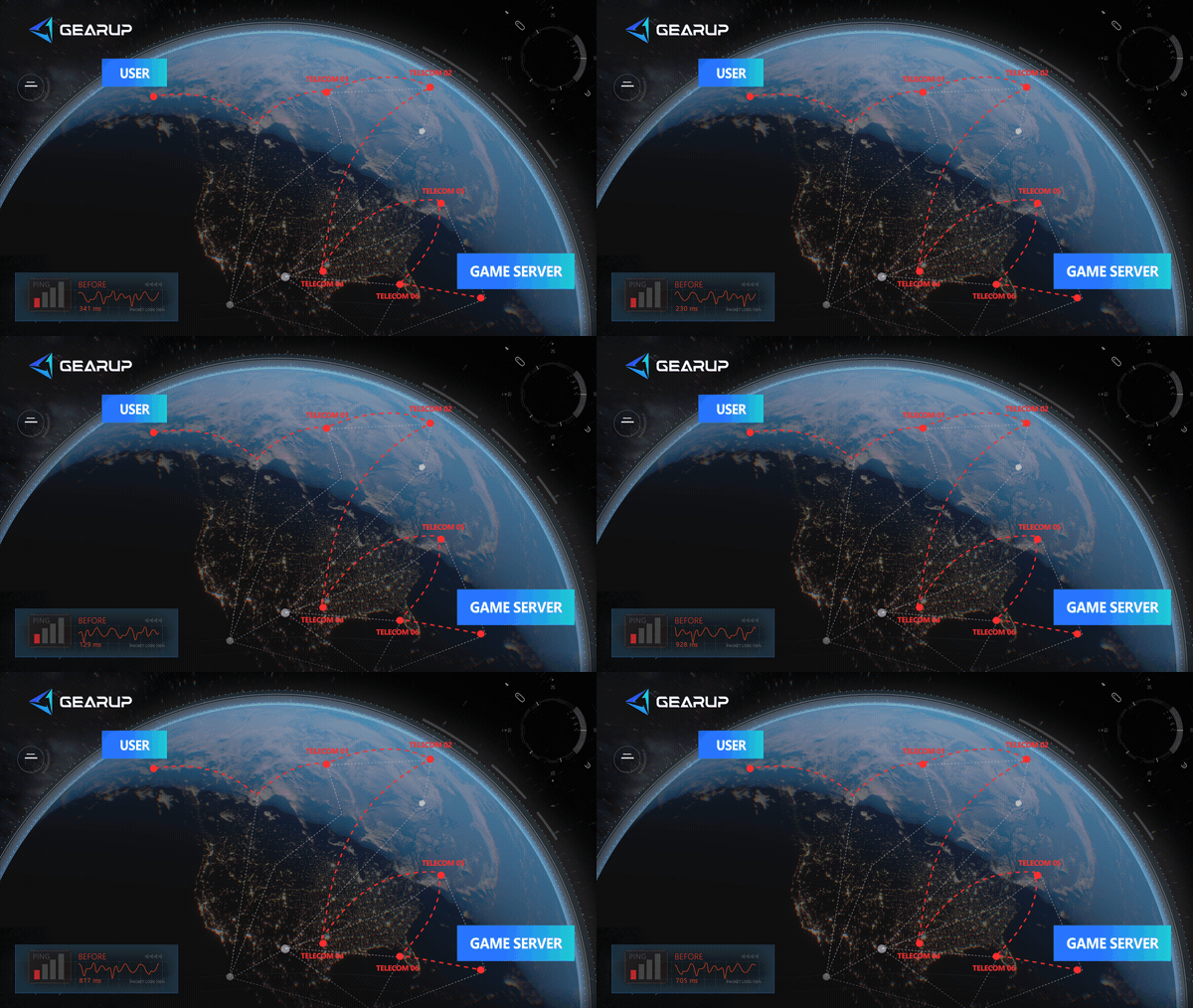
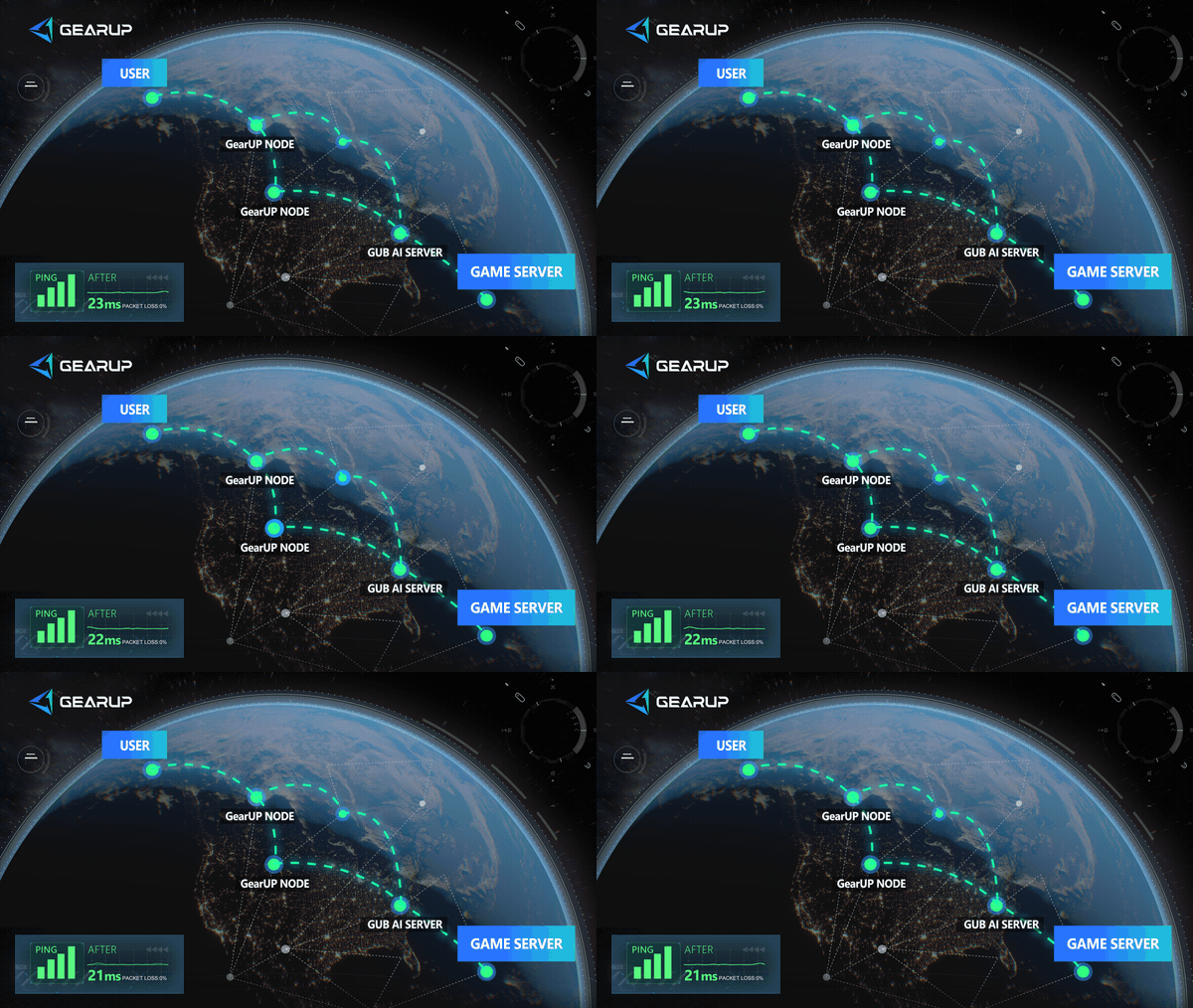
Launch GearUP Mobile, search for Lord of Mysteries, and start the boost. It intelligently assigns connection nodes based on your network conditions, reducing the need for manual network configuration while helping optimize the connection route and reduce packet loss.
For an online game that requires a cross-region connection to a Mainland China server, a stable network route can directly affect login speed, input response, and connection quality during gameplay.
About The Author
Olivia Clarke is a Mobile Gaming Content Editor at GearUP, focusing on competitive mobile games and the networking challenges that affect online gameplay. She specializes in creating practical, easy-to-follow content for titles like PUBG Mobile and Brawl Stars, helping players understand the causes of lag, unstable connections, and high latency. By combining real gameplay scenarios with straightforward networking advice, Olivia makes technical topics more accessible to mobile gamers.
The End