How to Play VALORANT Mobile on the Mainland China Server
 Last updated: 12 Aug, 2026
  8 min
8 minVALORANT Mobile is already available in mainland China under the official name 无畏契约:源能行动. There are so many players are eager to join the Chinese server. They want to experience the latest China server atmosphere and also compete with the best players in China. Players outside China may also be able to access this version, but downloading the app is only the first step. In this article, we’ll walk you through all the details and recommend you a great tool that can significantly boost your game play.
To play the VALORANT Mobile China server, you need:
- The official Chinese game client
- A working QQ or WeChat account
- Tencent real-name verification
- A connection capable of reaching the mainland China game servers
A standard Riot account is not enough because the Chinese mobile client uses Tencent’s account system.
VALORANT Mobile China Server: Key Information
This is the full China release, not an old closed beta. Tencent’s official game page confirms that the game can be downloaded and played with a QQ or WeChat account.
Progress made through the Chinese client should be treated as separate from any future global version unless Riot or Tencent announces an account-transfer system.
Step 1: Prepare a QQ or WeChat Account
The Chinese version does not use the normal Riot Games login screen. When you open the game, you will be asked to sign in through:
- 微信登录 — Sign in with WeChat
- QQ登录 — Sign in with QQ
Install and activate your chosen login app before launching the game. When VALORANT Mobile opens the authorization page, approve the login request inside QQ or WeChat.
Choose your login method carefully. A character created through WeChat should not be expected to appear automatically when you later sign in through QQ.
Avoid buying pre-verified accounts. Purchased accounts may be reclaimed by the original owner and can create problems during identity checks or account recovery.
Step 2: Complete Tencent Real-Name Verification
Chinese online games require real-name verification. However, overseas players do not necessarily need a mainland Chinese ID card.
Tencent’s Health System supports several identity documents, including overseas passports. Verification can be completed through the Tencent Health System or its corresponding WeChat services.
When entering your information:
- Use your own valid identity document.
- Enter your name exactly as it appears on the document.
- Select the overseas passport or appropriate regional document option.
- Complete any photo or facial-verification steps requested by Tencent.
- Restart the game after verification is approved.
If automatic verification fails, contact Tencent Customer Service and select a Health System or real-name verification issue. Tencent may request the game name, QQ or WeChat account, phone number, identity-document images and a suitable contact time for manual verification.
Do not use a borrowed Chinese identity number. Incorrect information may leave you unable to recover the account later.
Step 3: Download VALORANT Mobile on Android
Android players can obtain the official client without using Google Play.
- Open the official VALORANT Mobile China website on your phone.
- Tap 下载游戏, meaning “Download Now.”
- Select the Android download option.
- If Android asks for permission, allow your browser to install this specific app.
- Install the downloaded package.
- Open the game and allow it to download the latest resources.
If you cannot successfully download it from Tencent’s official website or an authorized app store, GearUP also provides an official channel package download option. Simply download the GearUP Mobile APK and use its client to download it.
If the installation fails, delete the incomplete package and download it again from the official website. You should also confirm that the phone has enough free space for both the initial app and additional game resources.
Step 4: Download VALORANT Mobile on iPhone or iPad
The official iOS version is currently listed in the mainland China App Store. If your Apple Account belongs to another region, the game may not appear in search results.
Option 1: Use the Direct App Store Listing
Open the official VALORANT Mobile China App Store page. If your account has access to the mainland China store, you can download it directly.
The current listing identifies the app as 无畏契约:源能行动, supports iOS 12.0 or later and lists Simplified Chinese as its available language.
Option 2: Change Your Apple Account Region
Apple provides the following official route:
- Open Settings.
- Tap your name.
- Select Media & Purchases.
- Tap View Account.
- Open Country/Region.
- Select Change Country or Region.
- Choose China mainland.
- Accept the terms and complete the requested account information.
- Return to the App Store and search for 无畏契约:源能行动.
Apple may require you to spend your remaining account balance, end certain subscriptions, leave Family Sharing or provide a valid payment method before changing regions. Use accurate information and follow the requirements shown on your account. Apple explains these limitations in its country and region support guide.
After installing the game, you may change the App Store account used for purchases, but you may need access to the original account again when updating the app.
Step 5: Connect to the China Server
After installation and verification:
- Open the game.
- Select QQ or WeChat login.
- Approve the authorization request.
- Finish any additional resource download.
- Create your character.
- Complete the tutorial and enter matchmaking.
The Chinese client connects to its own server environment. You do not select the China server from a global VALORANT Mobile client.
Because the game interface is currently in Simplified Chinese, these labels may help:
| Chinese label | Meaning |
|---|---|
| 微信登录 | Log in with WeChat |
| QQ登录 | Log in with QQ |
| 开始游戏 | Start Game |
| 更新 | Update |
| 设置 | Settings |
| 匹配 | Matchmaking |
| 排位赛 | Ranked |
| 退出登录 | Log Out |
What You Might Face
Because the mainland China server is isolated, no matter where you are there is only that single server to connect to. That means you’ll have to cross regions, which inevitably increases latency and reduces stability. The bad news is that VPNs or changing DNS may not help, but the good news is that specialized tools like GearUP can. These tools’ advantage is game-optimized routing that avoids interference from other traffic, and GearUP offers exclusive routes for Europe and global coverage, delivering even better results.
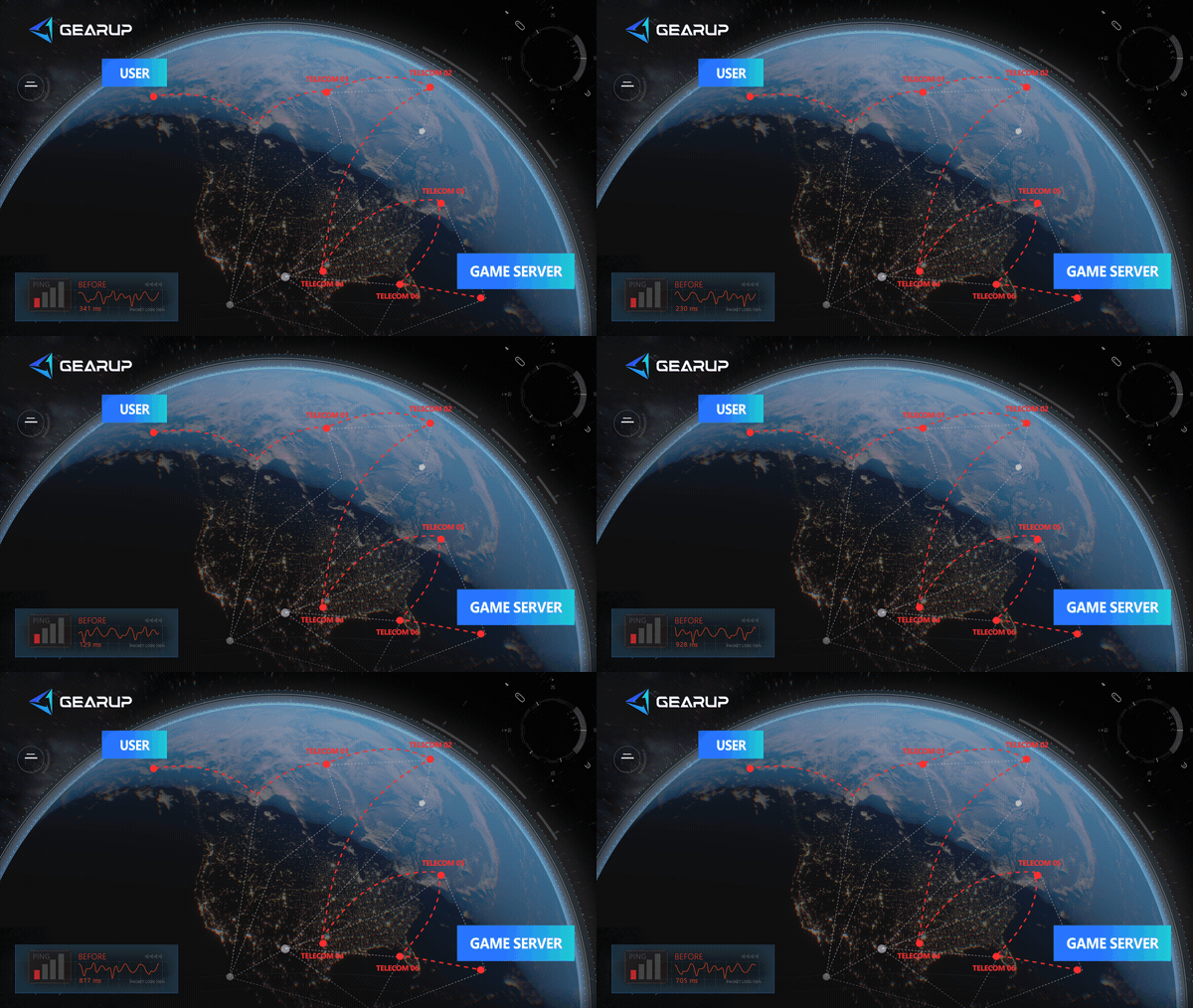
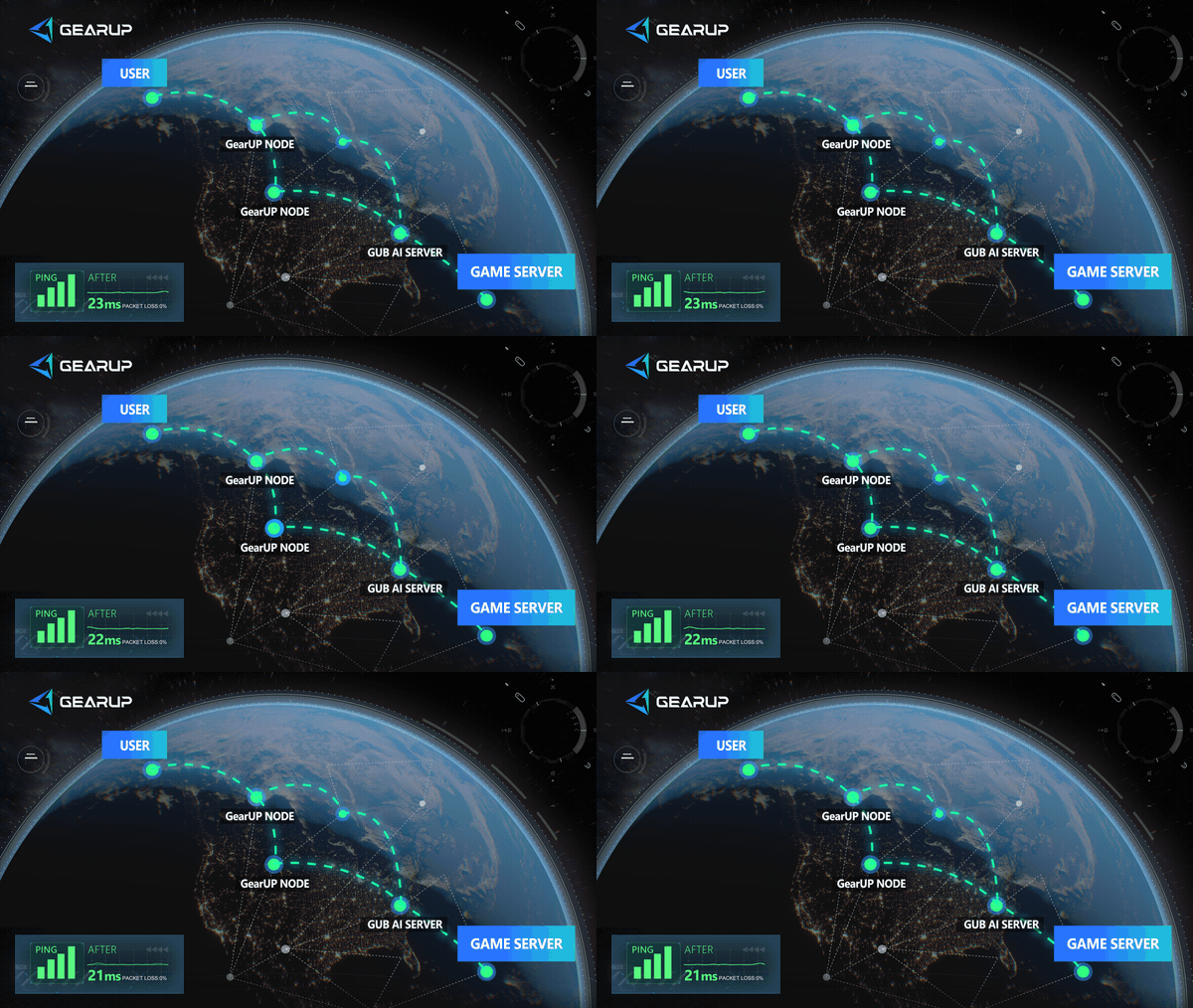
Even if you know nothing about networking, you can use it easily because it is extremely easy to use, which is exactly why a large number of players around the world choose it.
Common Problems and Solutions
| Problem | What to Check |
|---|---|
| The game does not appear in the App Store | Confirm that the App Store account has access to the mainland China storefront and search using the Chinese title |
| Android installation is blocked | Allow installation from the browser used for the official download, then disable that permission afterward |
| QQ or WeChat login does not open | Install and update the corresponding app before launching the game |
| Real-name verification fails | Use your own overseas document and contact Tencent Health System support if manual review is required |
| The game is stuck on an update | Check free storage, restart the app and download the current client from the same official source |
| Ping remains high | Stop background traffic, compare Wi-Fi with mobile data and test an optimized China-server route through GearUP |
| Progress appears missing | Confirm that you used the same QQ or WeChat login method as before |
| The interface is not in English | The China App Store listing currently identifies Simplified Chinese as the supported language |
Can You Use a Riot Account on VALORANT Mobile China?
No. The Chinese client uses QQ or WeChat for login. Your existing Riot ID does not replace the Tencent login and verification process.
This also means you should not assume that PC VALORANT skins, ranks or account progress will appear in the Chinese mobile version.
Do You Need a Chinese ID?
Not necessarily. Tencent’s Health System provides verification routes for overseas passports and several Hong Kong, Macao and Taiwan documents.
Some overseas users may need manual review. Always use your own identity information and follow the process shown by Tencent.
Is a VPN Required?
A generic VPN is not required for identity verification and may not provide a good gaming route. Some VPN connections add another network detour and increase latency.
A game-specific network accelerator such as GearUP focuses on the route used by the game. It may improve cross-region connection quality, but it cannot replace the official client, QQ or WeChat login, or Tencent verification.
Can China Server Progress Transfer to the Global Version?
There is currently no official confirmation that Chinese account progress will transfer to a future global client.
The China version uses Tencent accounts, while Riot normally uses Riot accounts internationally. Treat purchases and progress on the China server as separate unless an official transfer policy is announced.
Final Checklist
Before launching VALORANT Mobile China, confirm that you have:
- Downloaded the official 无畏契约:源能行动 client
- Installed QQ or WeChat
- Used the same login method consistently
- Completed Tencent real-name verification
- Updated the game to the latest version
- Tested Wi-Fi and mobile data
- Enabled GearUP only if the route to China remains unstable
The most difficult part is usually not installing the game. It is completing the correct account verification and maintaining a stable cross-region connection. Once those two requirements are handled, you can enter the official China server and start playing the current mobile version of VALORANT.
About The Author
Olivia Clarke is a Mobile Gaming Content Editor at GearUP, focusing on competitive mobile games and the networking challenges that affect online gameplay. She specializes in creating practical, easy-to-follow content for titles like PUBG Mobile and Brawl Stars, helping players understand the causes of lag, unstable connections, and high latency. By combining real gameplay scenarios with straightforward networking advice, Olivia makes technical topics more accessible to mobile gamers.
The End