Looking for a Safe FGO APK? GearUP Mobile Offers a Solution
 Last updated: 9 Jul, 2026
  6 min
6 minFate/Grand Order (FGO) is a popular mobile RPG for anime fans. Most players can install it from the App Store or Google Play, but Android players sometimes need an APK when the game isn't available in their region, shows a device incompatibility error, or they're using an emulator.
Be careful with APK sources. Modified installers can contain malware, ads, or outdated builds. This guide explains how to safely download FGO APK with GearUP Mobile and fix common network issues after installation.
Why You Need an FGO APK?
FGO has different regional versions, and not every player can install it directly from the store. Common reasons include:
- Your store region doesn't match the version you want
- Google Play blocks your device due to CPU, OS, or regional restrictions
- You're using an Android emulator
- You need a specific version after a major update for troubleshooting
The Risks of Random APK Site?
Not all APK sources are safe. Downloading from unknown sites can expose you to:
- Modified files with injected ads, trackers, or malware
- Outdated versions that fail to update or loop on the title screen
- Wrong regional versions that put you on a different server than your account
Therefore, many players are not only seeking a safe, clean FGO APK, but also hope to find a stable download source and even a comprehensive installation and game experience enhancement service. In that case, we should recommend GearUP Mobile.
Download FGO APK with GearUP Mobile
The GearUP Mobile APK version lets Android players download FGO APK without searching through random mirror sites. It combines APK access with network optimization in one app, so you can install, update, and boost supported games from the same place.
Steps:
- Install the GearUP Mobile APK from the official GearUP download page.
- Open the app and search for Fate/Grand Order in the game library.
- Select the version that matches your account region and download.
- Allow Android to install from this source when prompted.
- Open FGO and let it complete the initial data download on a stable connection.
If the game requests an update immediately after opening, check GearUP Mobile for a newer APK instead of downloading from unknown sources.
One important reminder: Before reinstalling or switching devices, make sure your account transfer code, bind option, or recovery information is saved. Losing access to your account is not worth the risk.
How GearUP Mobile Helps After Installing FGO?
FGO isn't a fast-paced shooter, but it still relies on stable server connections. Login, event data, battle transitions, summon banners, and long downloads can all fail when routing is unstable. Players commonly experience this as loading getting stuck, constant connection retries, slow downloads, or the game kicking back to the title screen.
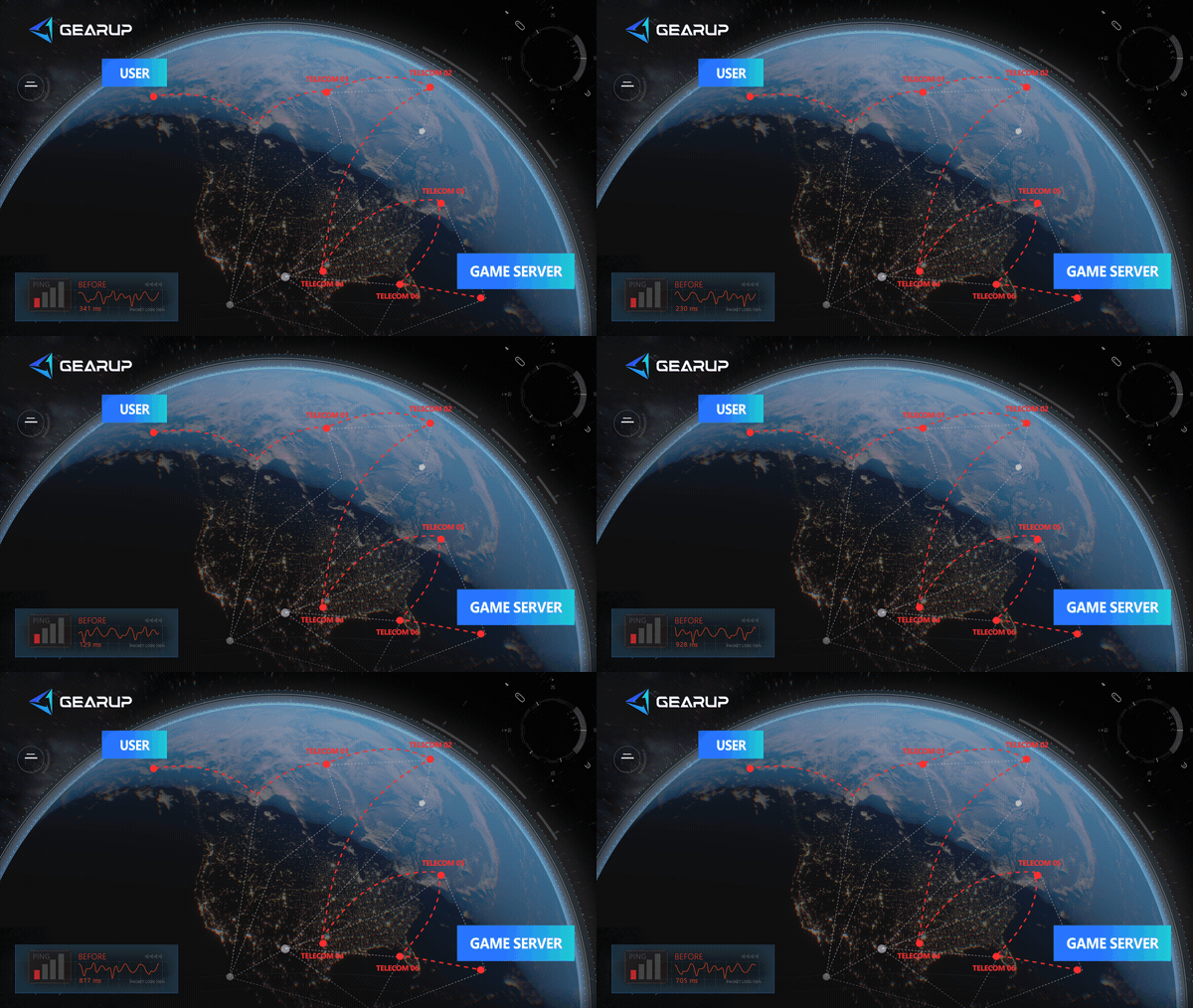
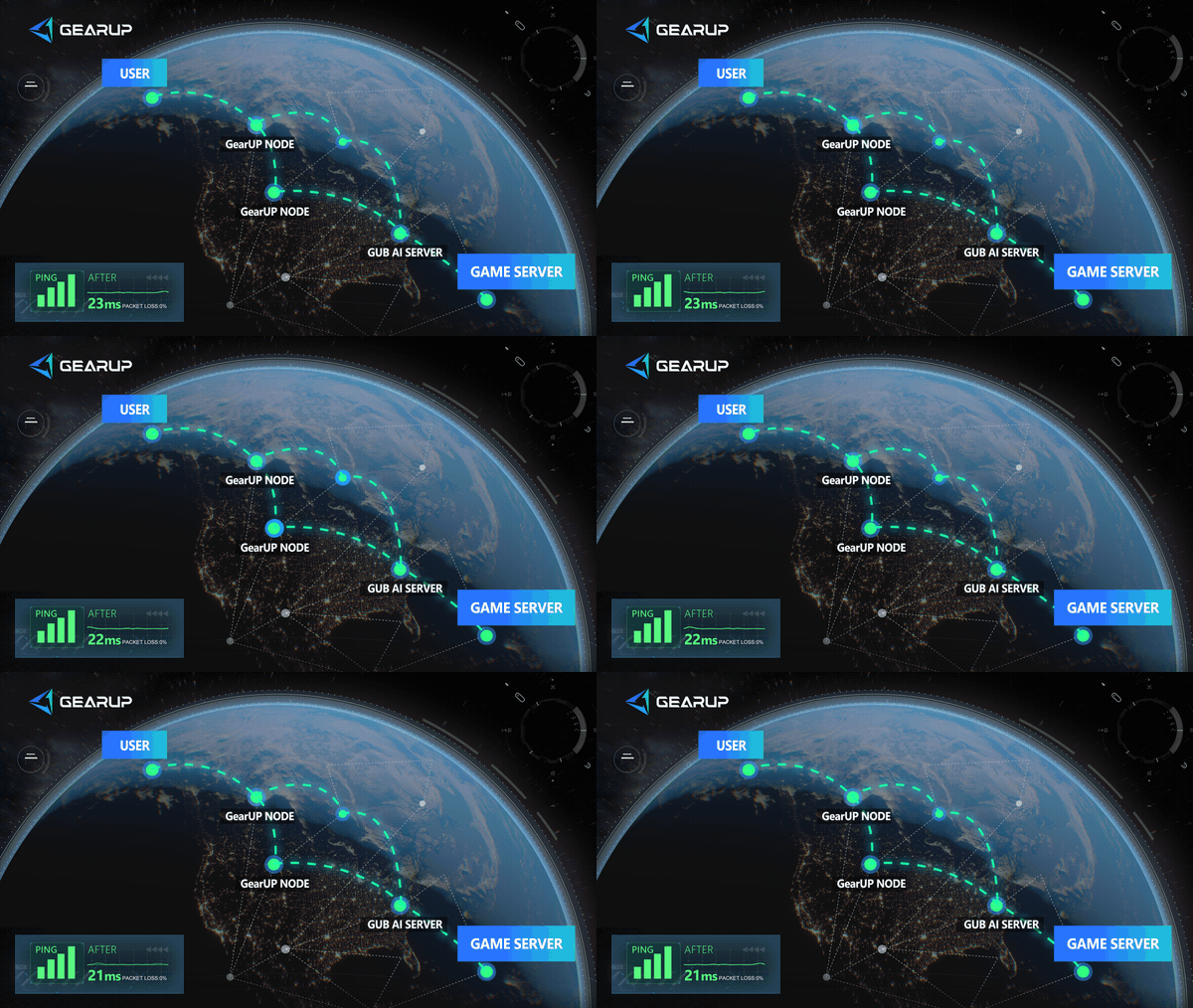
GearUP Mobile fixes this by optimizing the network route for mobile game traffic. It tests ping in real time, reduces packet loss, and selects more stable paths through its global node network. Unlike a generic VPN, the goal isn't to change your IP. It's to make your game connection more consistent.
Safe Installation Checklist for FGO APK
Before downloading
- Confirm the exact regional version you need (English, Japanese, Chinese, Korean, etc.). Different versions are not interchangeable.
- Download from a trusted source like GearUP Mobile. Avoid APKs that ask you to install extra apps, disable Play Protect, or grant unusual permissions.
Before installing
- Check your storage. FGO requires additional data after the APK install, so make sure you have enough space for the app, cache, voice files, and updates.
After installing
- Open FGO on a stable network for the first launch. A failed initial data download can cause repeated repair loops or login errors. If your network is unstable, boost with GearUP Mobile before opening the game.
- Back up your account. Make sure your transfer code, bind option, or recovery information is saved. Removing the app without this can make account recovery very difficult.
Troubleshooting FGO APK Problems
- APK won't install: Remove any older conflicting versions, confirm your Android version is supported, and make sure the APK matches your device architecture. If Android says the package is invalid, re-download from a trusted source.
- Game installs but won't update: You may have the wrong regional client or an outdated APK. Find the newest APK for the same region and update without clearing account data, unless you've already backed up your account.
- Downloads are slow: Test Wi-Fi and mobile data separately, then use GearUP Mobile to stabilize the route. Many download problems are caused by routing issues, packet loss, or server distance, not your internet speed.
- Connection errors after installation: Check official maintenance notices first. Then restart your phone, disable any VPN apps, and launch FGO through GearUP Mobile. Maintenance and version issues can't be fixed by a booster, but unstable routes often can.
FGO APK FAQ
Q1: Is it safe to download FGO APK?
A: It can be safe if you use a reliable source and keep the original regional version of the game. Avoid modified APKs, repackaged installers, and sites that bundle extra apps.
Q2: Can I use one FGO APK for every region?
No. Fate/Grand Order has regional clients. Download the APK that matches your account region, or you may install a different version of the game.
Q3: Does GearUP Mobile provide only APK downloads?
No. GearUP Mobile can help with APK downloads and also provides mobile game network optimization, including route selection, ping testing, and anti-packet-loss features.
Q4: Can GearUP Mobile make FGO download faster?
GearUP Mobile does not raise your internet speed limit. It can make the route more stable, reduce packet loss, and shorten the time lost to stalled or failed downloads.
Conclusion
An FGO APK is useful when Google Play does not show the right regional version, when a compatible device is blocked by store rules, or when you need to install on an emulator. The important part is choosing a safe source and the correct regional client. GearUP Mobile gives Android players a safer APK workflow and, after installation, helps stabilize Fate/Grand Order login, updates, data downloads, and gameplay sessions through mobile-focused network optimization.
About The Author
Olivia Clarke is a Mobile Gaming Content Editor at GearUP, focusing on competitive mobile games and the networking challenges that affect online gameplay. She specializes in creating practical, easy-to-follow content for titles like PUBG Mobile and Brawl Stars, helping players understand the causes of lag, unstable connections, and high latency. By combining real gameplay scenarios with straightforward networking advice, Olivia makes technical topics more accessible to mobile gamers.
The End