Eclipse: The Awakening APK Download and Lag Fix Guide
 Last updated: 14 Sep, 2026
  3 min
3 minEclipse: The Awakening is currently available only in Korea, with no official announcement for other regions yet. For players outside Korea, two problems usually come first: downloading the game and maintaining a stable connection to Korean servers.
GearUP Mobile handles both in one place: it provides an APK download option and helps optimize your in-game connection afterward.
Download Eclipse: The Awakening APK with GearUP Mobile
If Eclipse: The Awakening does not appear in your local app store, you do not need to keep switching store accounts or search random APK websites.
Open GearUP Mobile, search for Eclipse: The Awakening, then open its game page and select the APK download option. After downloading and installing it, launch the game through GearUP Mobile.
Keep two things in mind:
- Leave enough storage space. The game may download extra resources on its first launch.
- If the game asks for an update after installation, complete that in-game update. Do not install several APK versions at the same time.
This avoids modified packages, outdated builds, and incomplete files from unknown sources.
Why Is Eclipse: The Awakening Still Laggy After Installation?
Installing the APK only gets the game onto your device. Since its servers are in Korea, players outside the region may still face a long, congested, or unstable network path.
Common symptoms include:
- Slow login or long waits at the character screen;
- Stuck loading when entering maps or changing areas;
- Delayed skills and uneven character movement in combat;
- Ping that suddenly spikes, especially during busy hours;
- Random disconnections or reconnects even when your Wi-Fi seems normal.
These problems do not always mean your phone is too weak or that the APK was installed incorrectly. More often, the connection between your network and the Korean game server is taking an inefficient route or being affected by congestion, jitter, or packet loss.
Optimize Eclipse: The Awakening Connection with GearUP Mobile
Find Eclipse: The Awakening in GearUP Mobile, enable acceleration, then launch the game.
GearUP Mobile matches your game traffic with a more suitable connection route, helping reduce detours and network fluctuations common in cross-region play. For players connecting to Korean servers from abroad, this can improve both latency and connection stability during login, loading, and real-time combat.
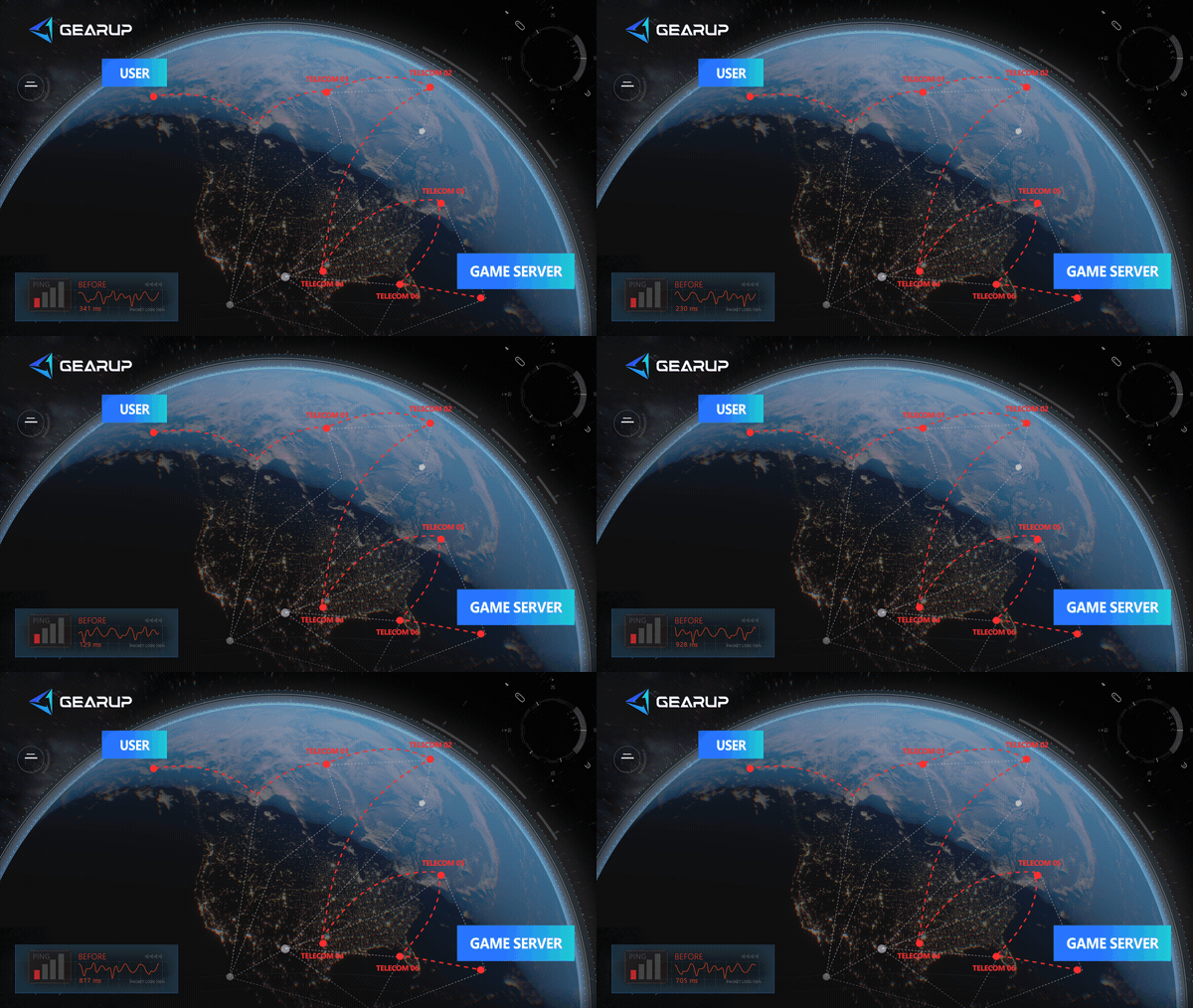
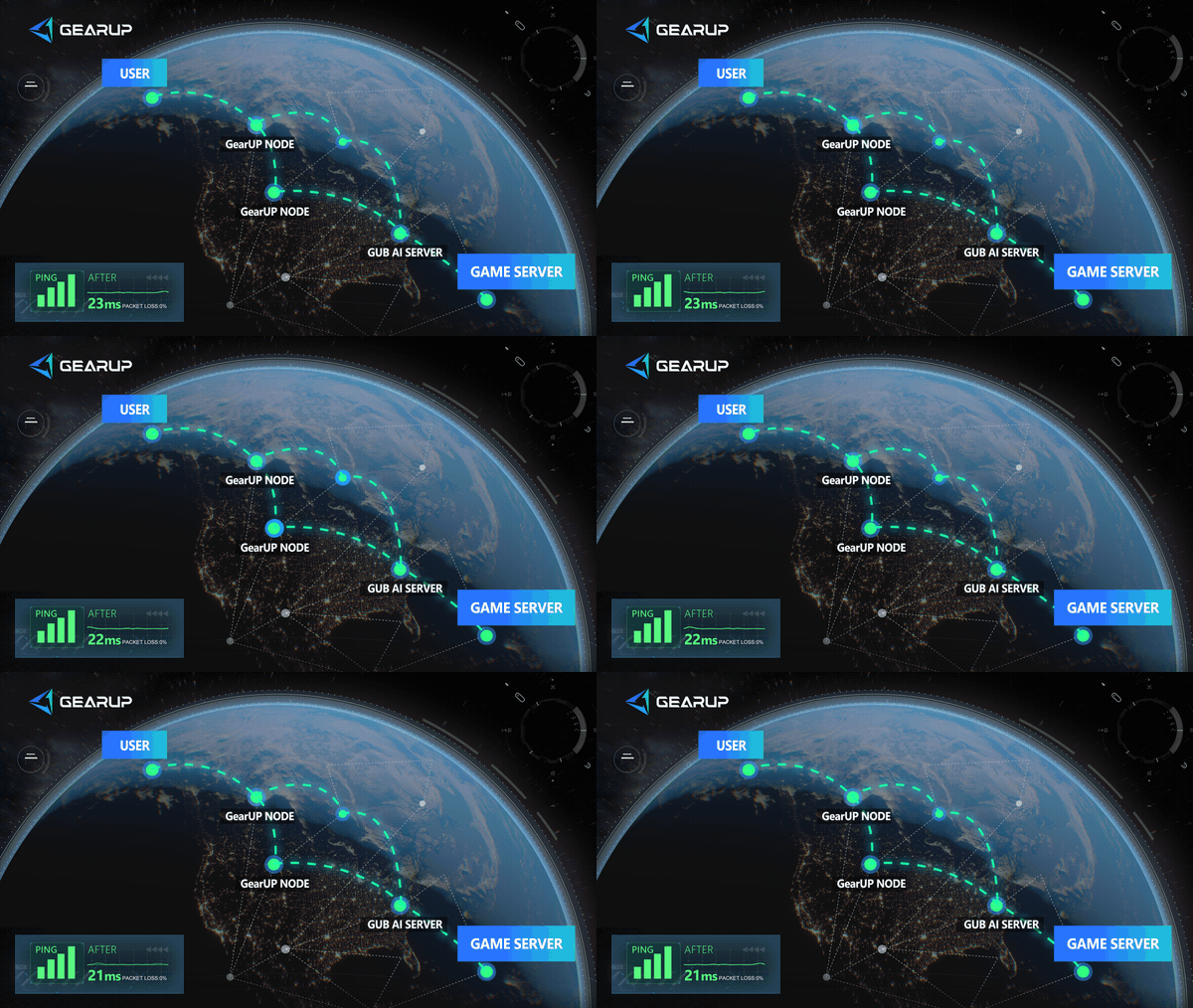
Enable it when you can install and enter the game, but repeatedly experience issues such as:
- Slow or timed-out logins to Korean servers;
- Loading freezes during map changes, teleports, or party activities;
- Ping that is not always high but keeps jumping suddenly;
- A stable general internet connection, while only the game remains unreliable.
About The Author
Olivia Clarke is a Mobile Gaming Content Editor at GearUP, focusing on competitive mobile games and the networking challenges that affect online gameplay. She specializes in creating practical, easy-to-follow content for titles like PUBG Mobile and Brawl Stars, helping players understand the causes of lag, unstable connections, and high latency. By combining real gameplay scenarios with straightforward networking advice, Olivia makes technical topics more accessible to mobile gamers.
The End