How to Download and Play One Piece: Fighting Path Outside Mainland China
 Last updated: 30 Sep, 2026
  3 min
3 minOne Piece: Fighting Path released its September 29 update with Cross Guild Mihawk, a new Power-type Legendary Partner. The game is officially operated in mainland China, so overseas players need the mainland China client and a stable route to its servers.
Download Instructions
For iOS Players
Use an Apple account set to mainland China, open the Chinese App Store, then search for One Piece: Fighting Path.
The mainland China App Store page shows the game supports Simplified Chinese. You need to change your Apple account region or create a mainland China account to complete the download.
For Android Players
GearUP Mobile provides an APK download entry for One Piece: Fighting Path, so Android players do not need to locate a mainland China app store.
You can click here to download the APK version of GearUP Mobile; only this version provides the game download.
Note that whether on iOS or Android, you must log in and complete the required verifications through official channels. Do not use unofficial bypass methods, as they may compromise your account security and personal information.
Then: Connection Issues
Completing the download and registration does not mean you can play normally. Because the game's servers are located in mainland China, if you need to connect across regions you face complex network relay nodes, and your basic network may not be stable enough.
Besides providing game file downloads, GearUP Mobile’s more important function is helping resolve connection problems. It offers intelligent switching among its own global nodes and can automatically find the best route for you without requiring you to adjust network settings. The farther you are from mainland China, the more noticeable the effect will be.
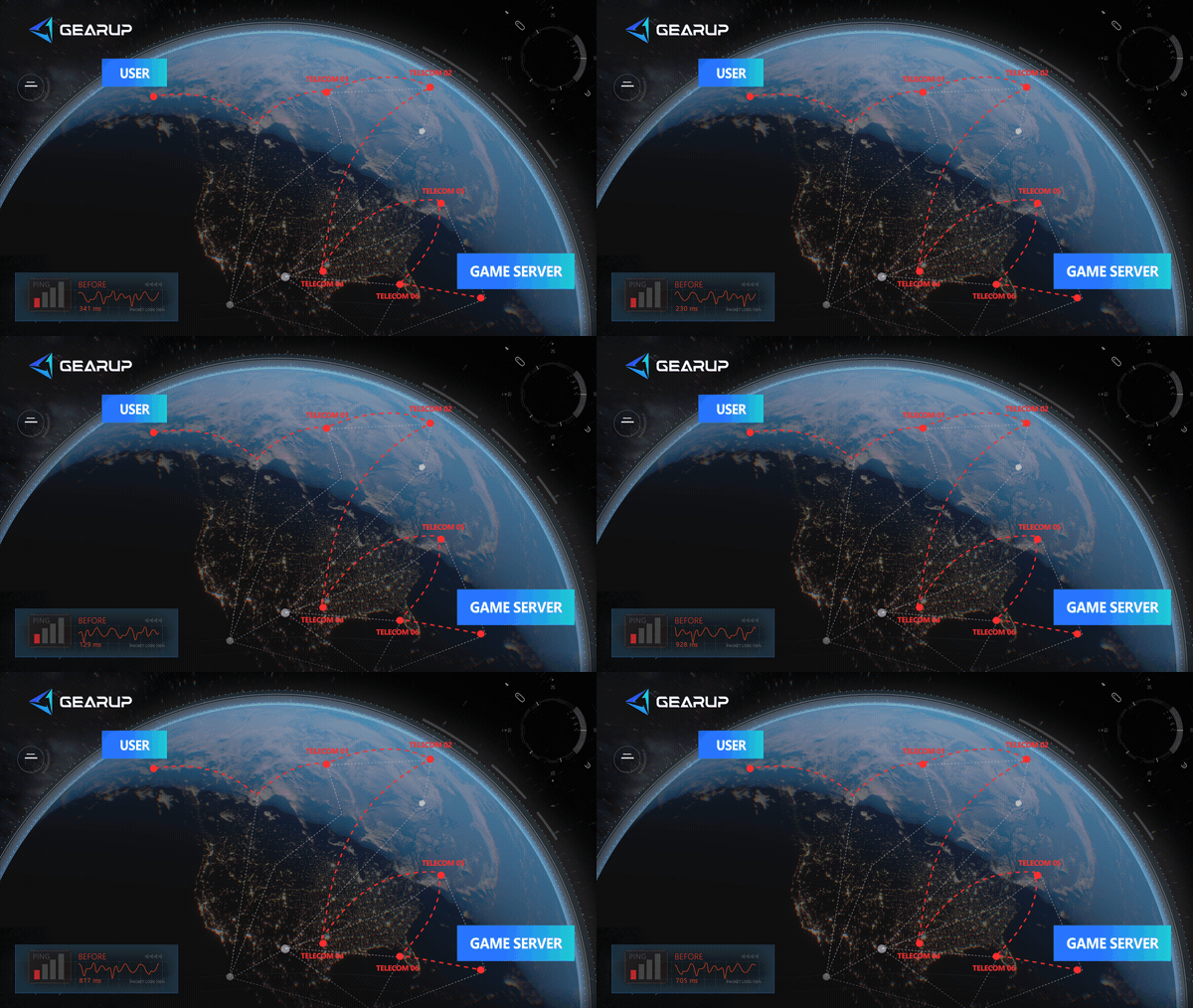
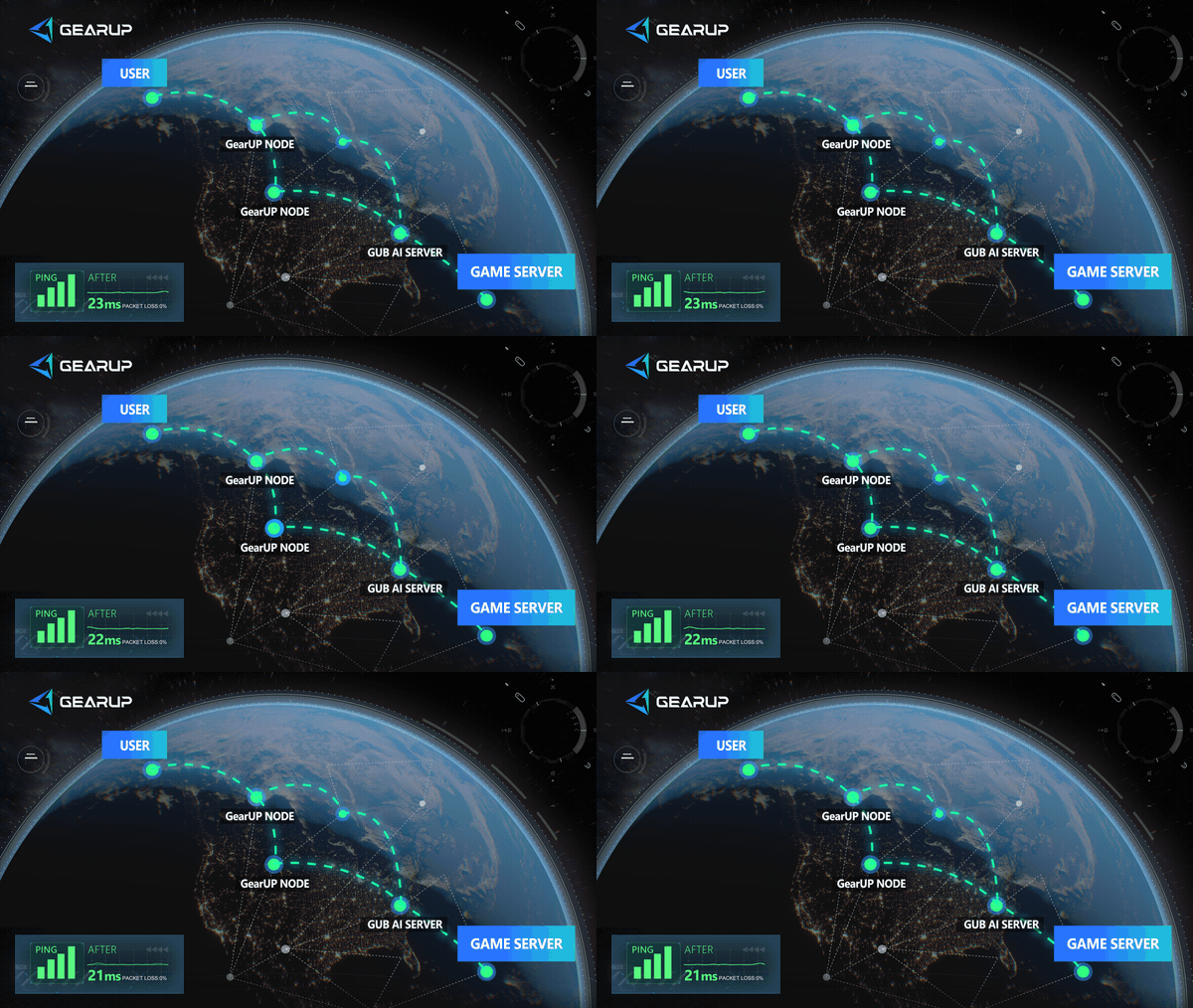
Also, please do not casually change your device’s network settings, such as DNS, or use VPNs and similar tools. These methods cannot route Fighting Path traffic separately, may affect access to other software, and in most cases will not solve the connection problem.
Keep Your Mobile Network Clear During Matches
Before entering PvP, multiplayer, or event instances, pause cloud backups, system downloads, livestreaming, and large uploads. Busy upload traffic can disrupt a real-time match even when browsing still looks normal.
When using Wi-Fi, play where the signal is stable and avoid important matches through several walls or during heavy household network use. You can also test the same login or match once on mobile data. It does not need lower latency than Wi-Fi. It gives you a separate connection to show whether the issue is specific to your home network.
Important Notes for the Mainland China Version
- Language: Official App Store information lists Simplified Chinese only. Do not expect a full English or Japanese interface.
- Character names: Mainland China names may differ from names used elsewhere. Mihawk appears as 十字公会·米霍克, or Cross Guild Mihawk.
- Accounts and purchases: Treat accounts, servers, events, character data, and payments separately from other One Piece games in other regions. They are not automatically compatible with One Piece: Fighting Path.
- Event and payment notices: Read Chinese prompts carefully before accepting event rules, account notices, or purchases.
About The Author
Olivia Clarke is a Mobile Gaming Content Editor at GearUP, focusing on competitive mobile games and the networking challenges that affect online gameplay. She specializes in creating practical, easy-to-follow content for titles like PUBG Mobile and Brawl Stars, helping players understand the causes of lag, unstable connections, and high latency. By combining real gameplay scenarios with straightforward networking advice, Olivia makes technical topics more accessible to mobile gamers.
The End