Game Network Optimization for Keenetic & Netcraze
The GearUP Plugin (Beta) now supports the automated install and smart allocation of global nodes, helping players reduce game latency faster.


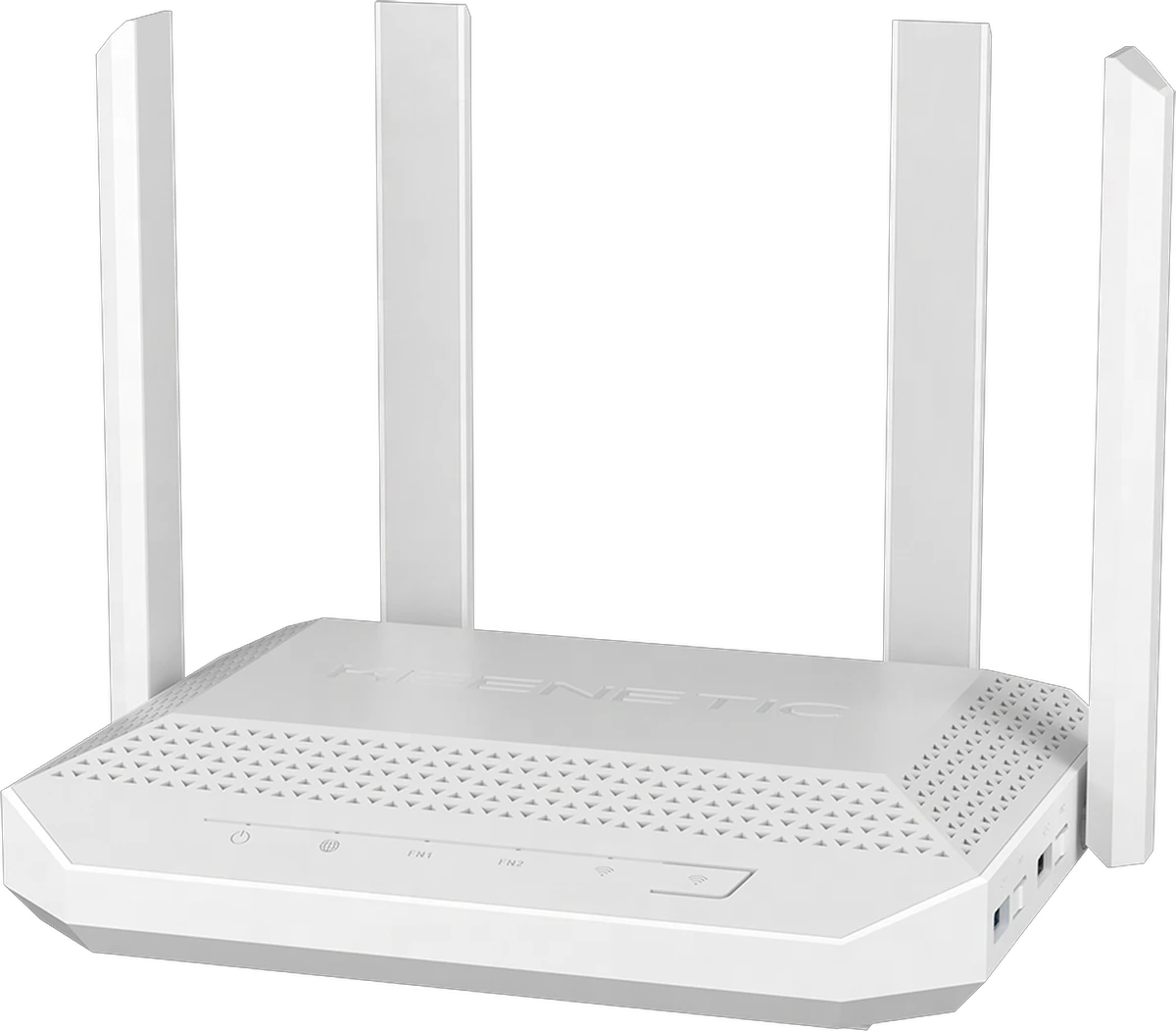
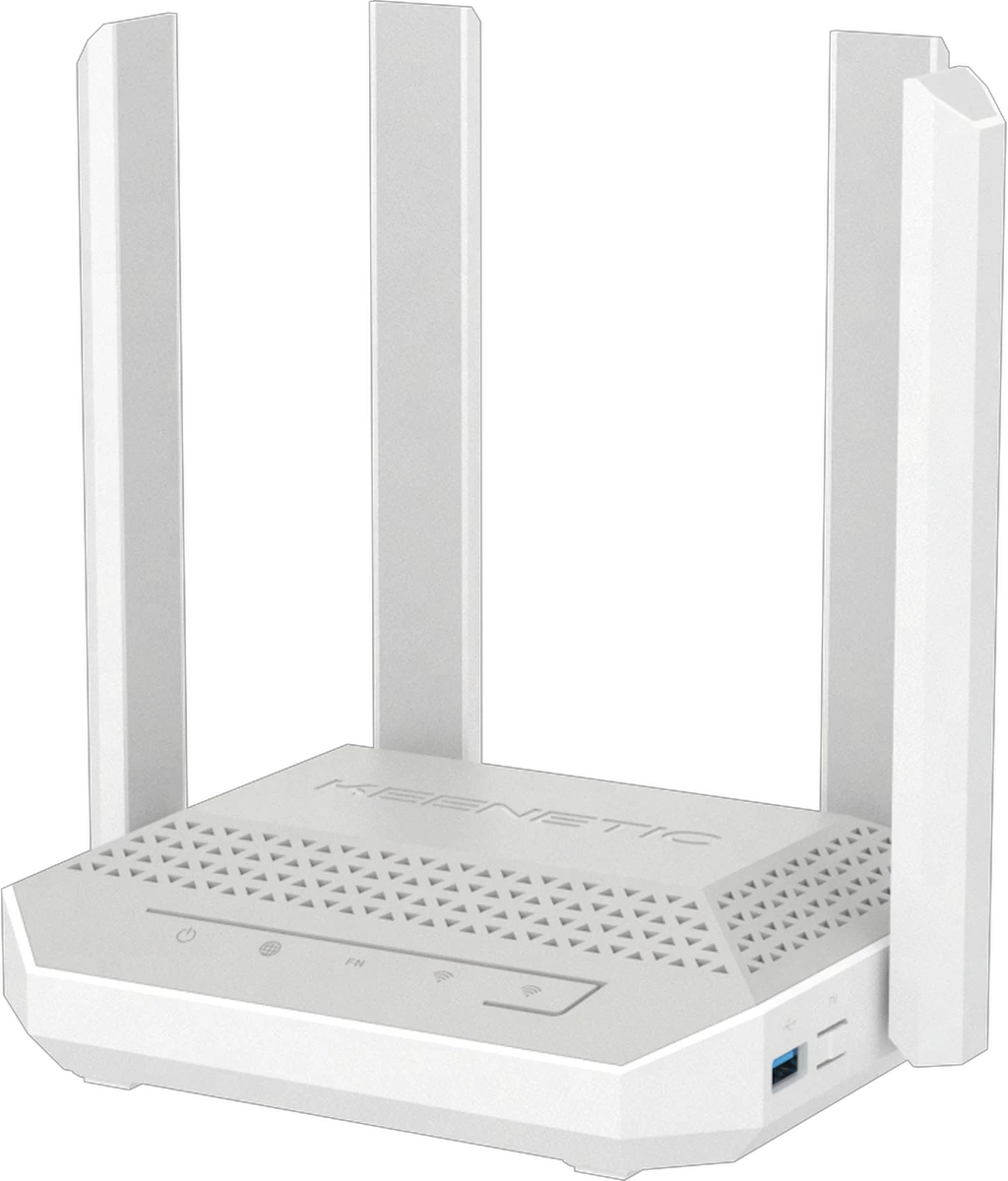
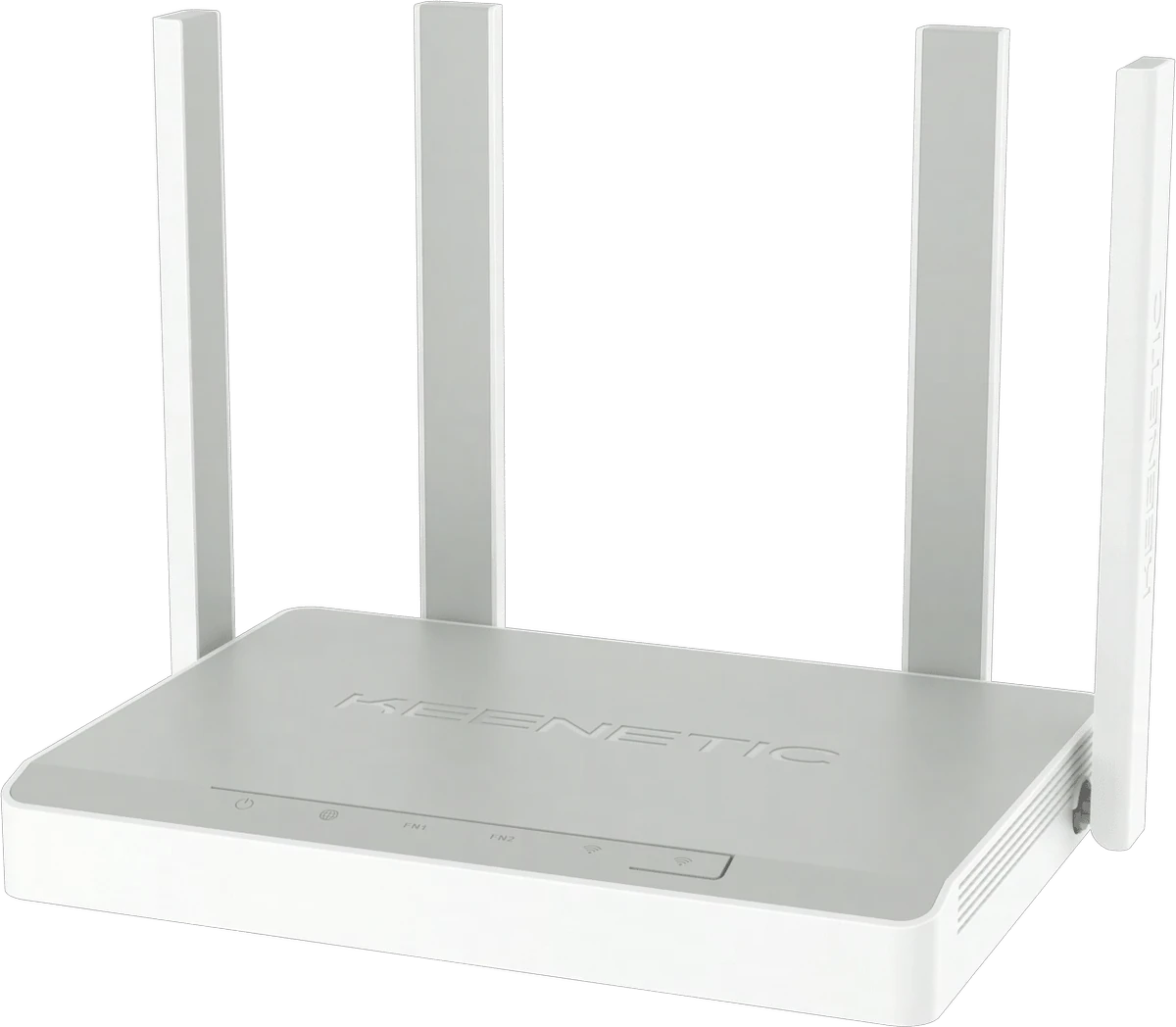
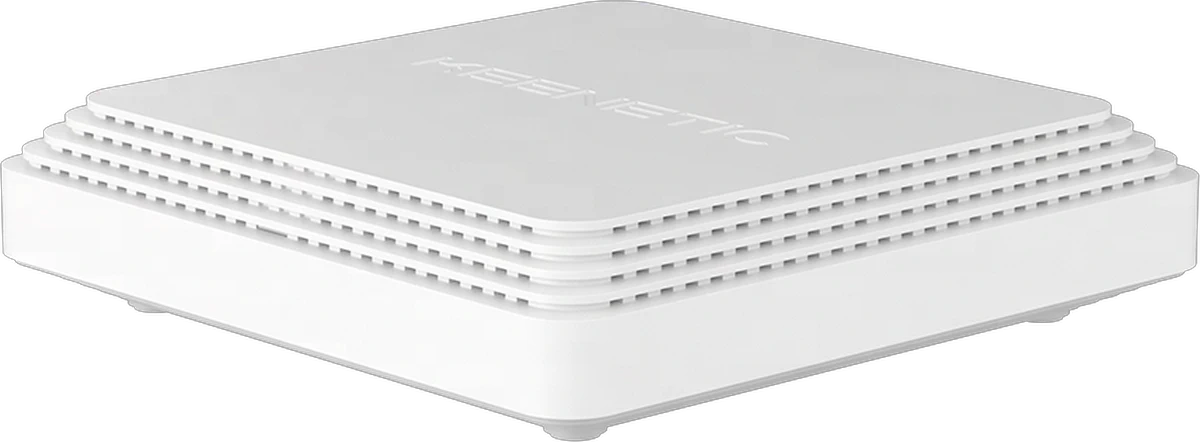
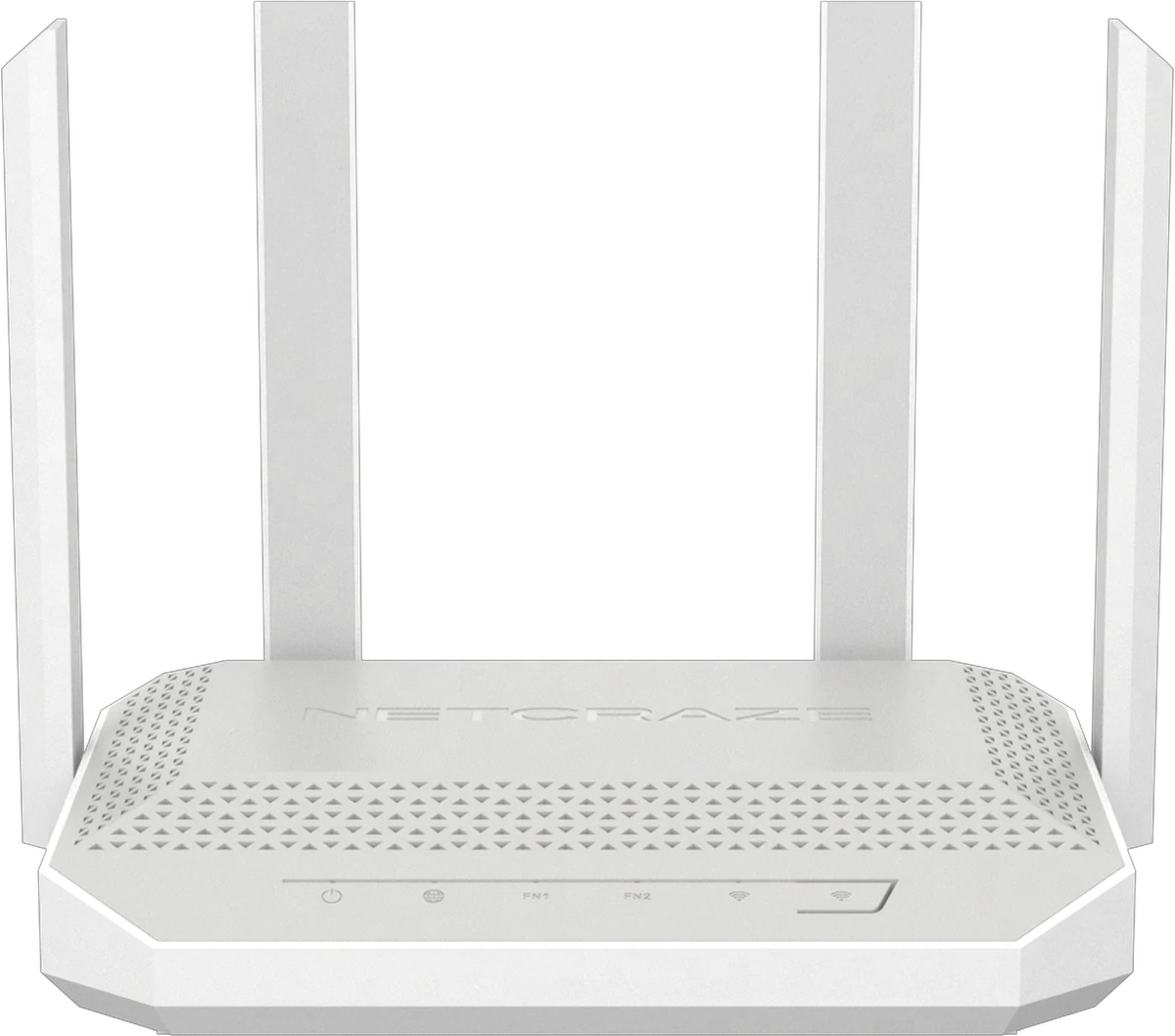
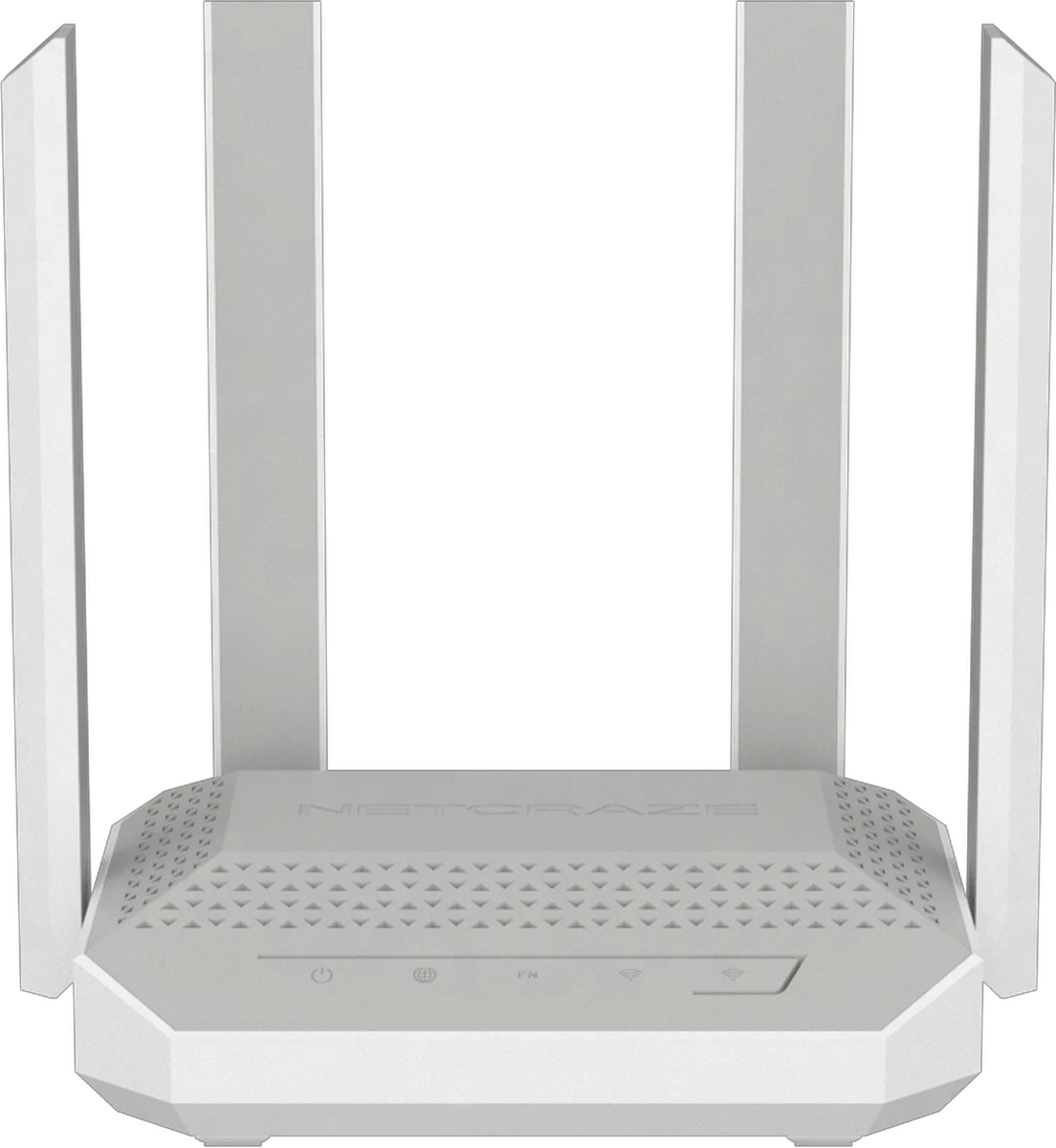
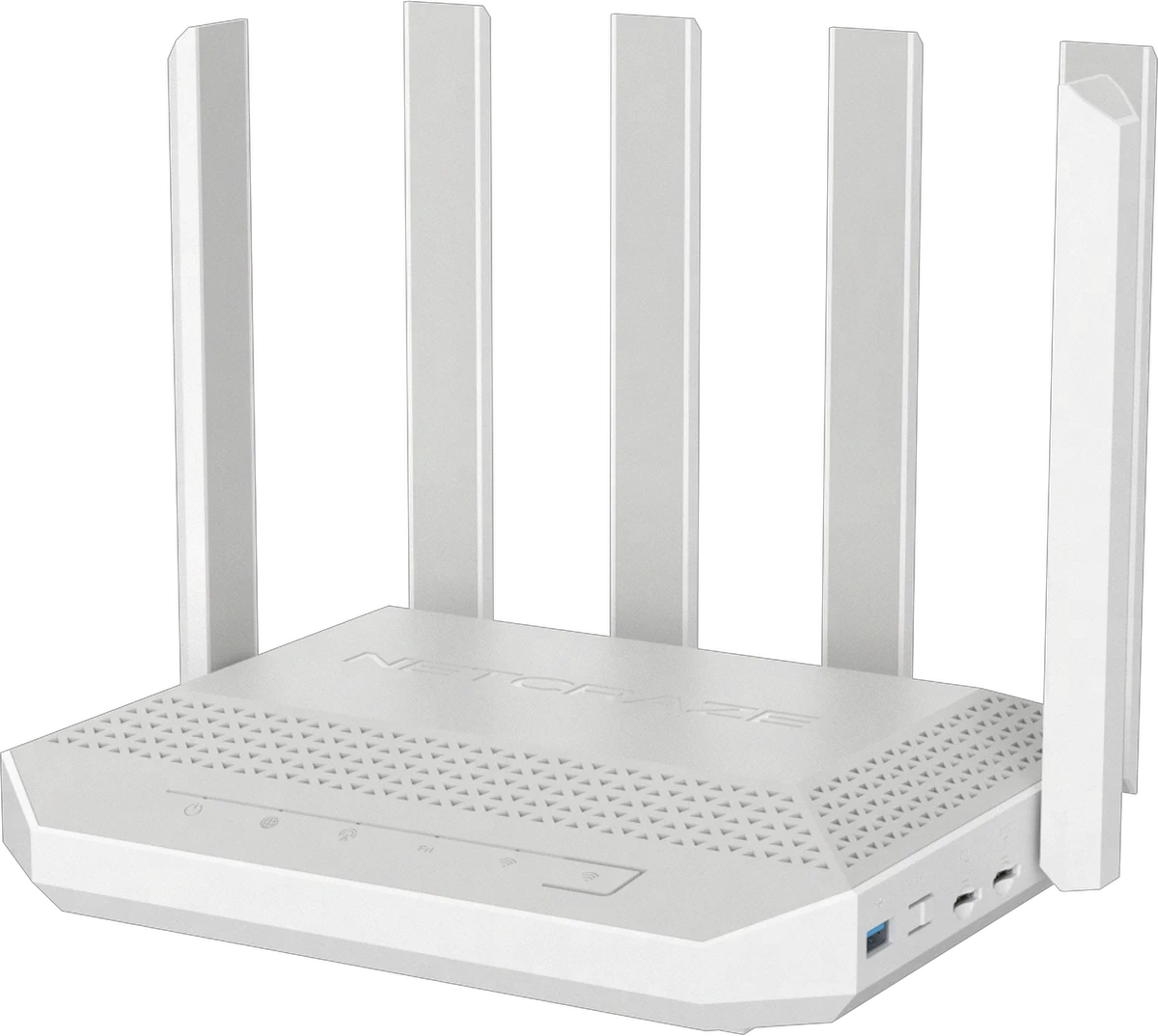
Intelligent Game Boosting, End to End
Installed on your router as a plugin, it optimizes the whole path from the device level to the public network, simplifies setup, and keeps latency out of your games.
A Global Node Network
Deep Regional Coverage
Based on where game servers and players are distributed, GearUP runs more than 7,500 routing nodes across six continents, so most regions get an intelligent node match and more players get a better experience.
- A node network that keeps being updated.
- Intelligent matching, with dynamic switching between nodes.
- Region and server locking.
- Stable access to servers in other regions.

Deep Router Integration
Direct route
Ping:168ms Loss:12%
Whole-Path Boost
Keenetic and Netcraze keep the local connection stable. GearUP sets game traffic priority and switches the transport path to improve it.
- Very low device overhead.
- Silent, unnoticeable operation.
- Non-game traffic is left untouched.
Already using your router's own traffic shaping? See our recommendation
Game-Level Adaptation
Tuned for Every Game
Game servers differ widely in where they sit and how they connect. GearUP runs accurate field tests, cuts the connection problems players actually hit, and keeps refining the boost with what it learns.
- Over 3,000 games supported.
- Tested with well-known studios.
- Frequent updates and adjustments.











Quick Answers on Using the Plugin
The latest GearUP Router App installs the plugin in one tap. It sets up the configuration and the environment the plugin needs, so there is almost nothing for you to do.
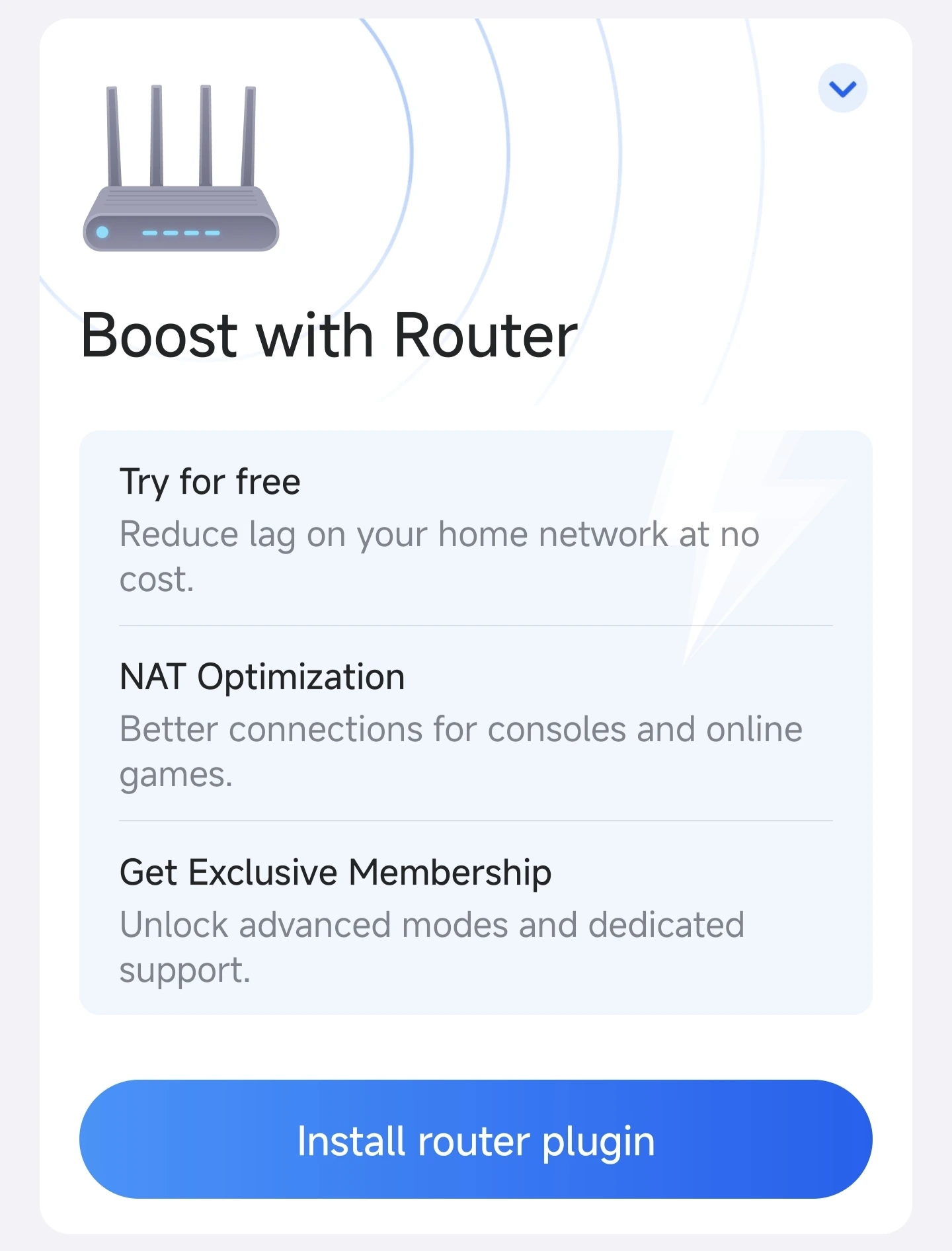
Open the GearUP Router App
Choose Install router plugin, then enter your router's admin username and password to sign in.
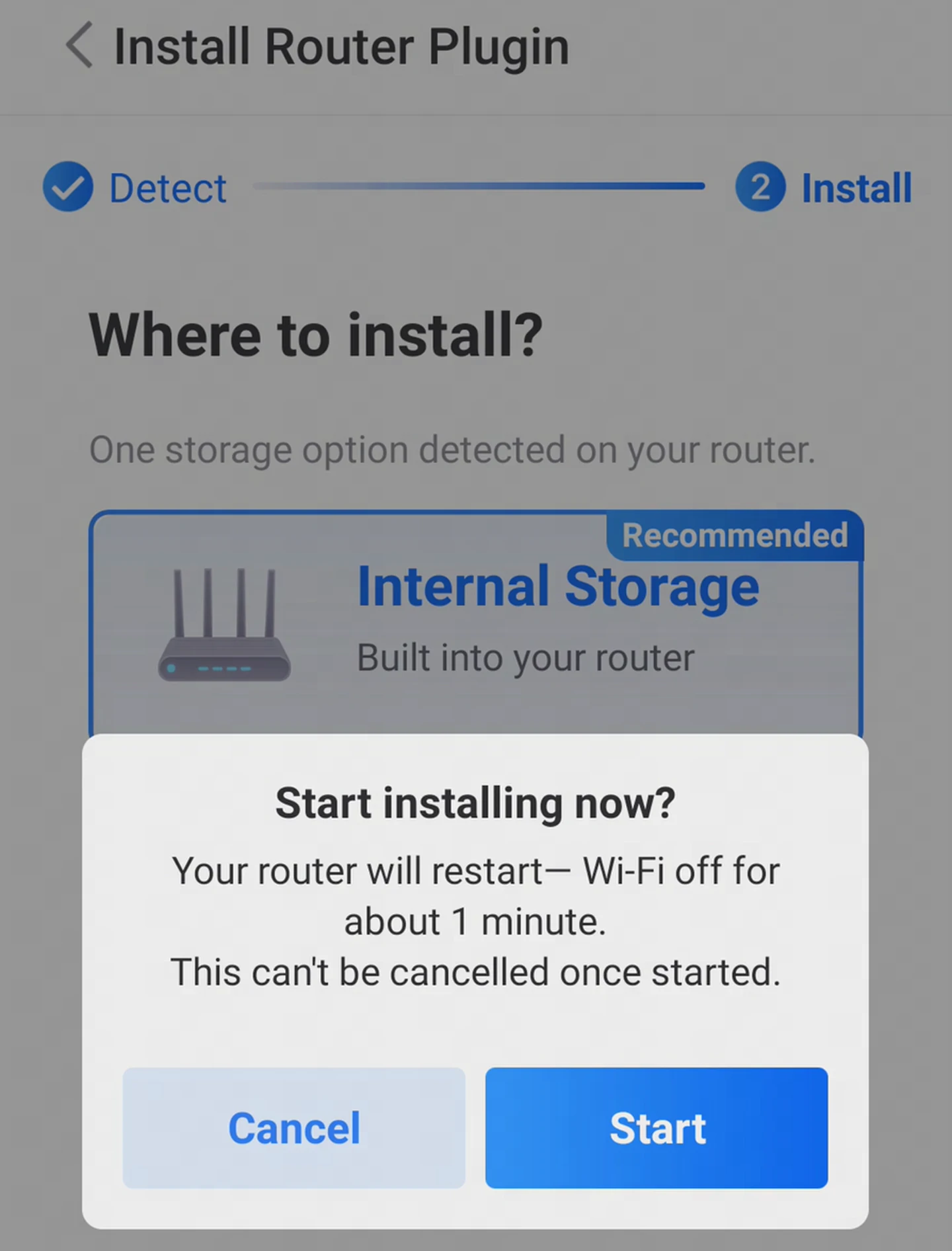
Complete the Connection
If your router supports external storage and one is connected, pick that or the router's internal storage, then tap Start.
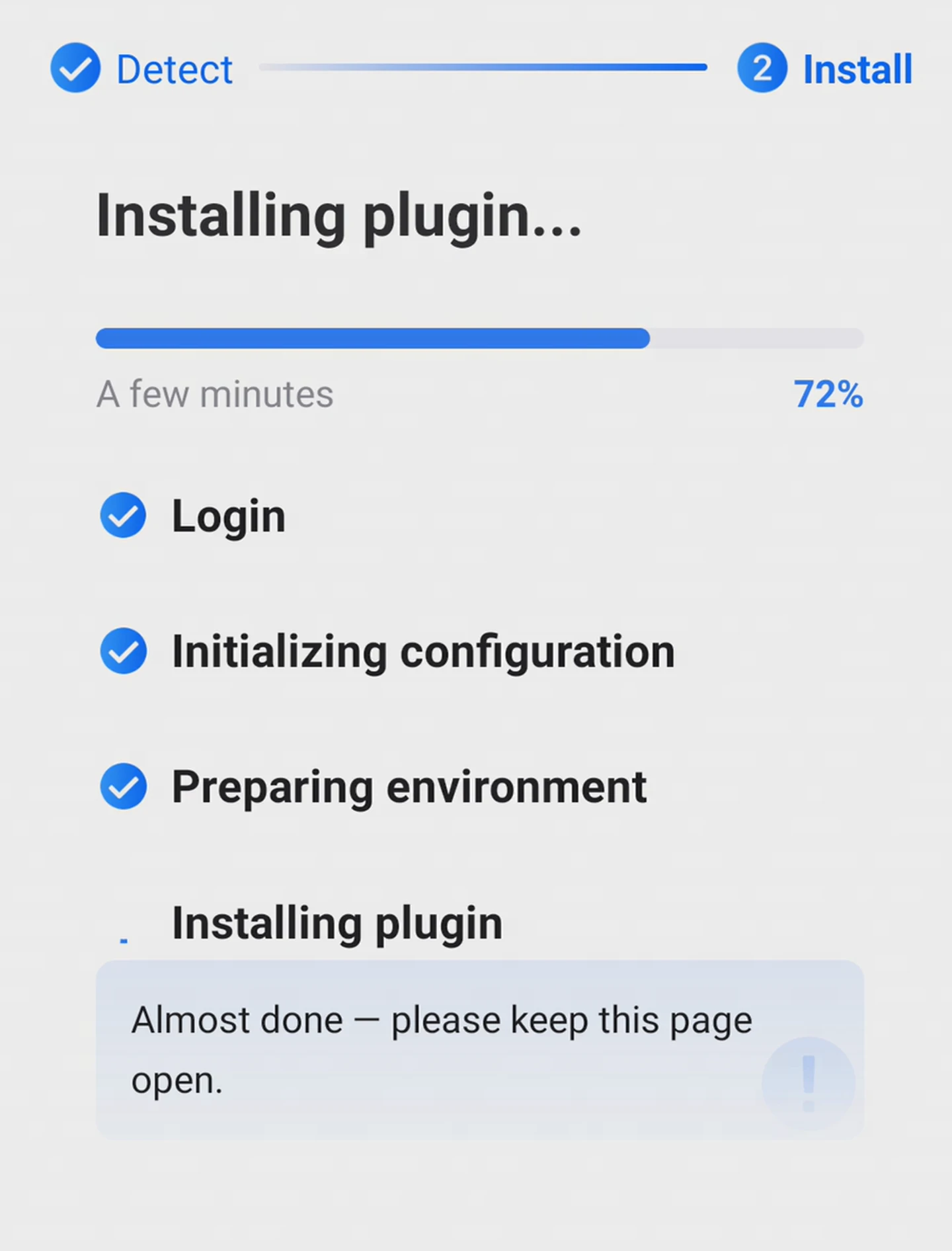
Start the Plugin Install
GearUP detects the environment, deploys what it needs and installs the plugin on its own. Please keep GearUP open while it runs.
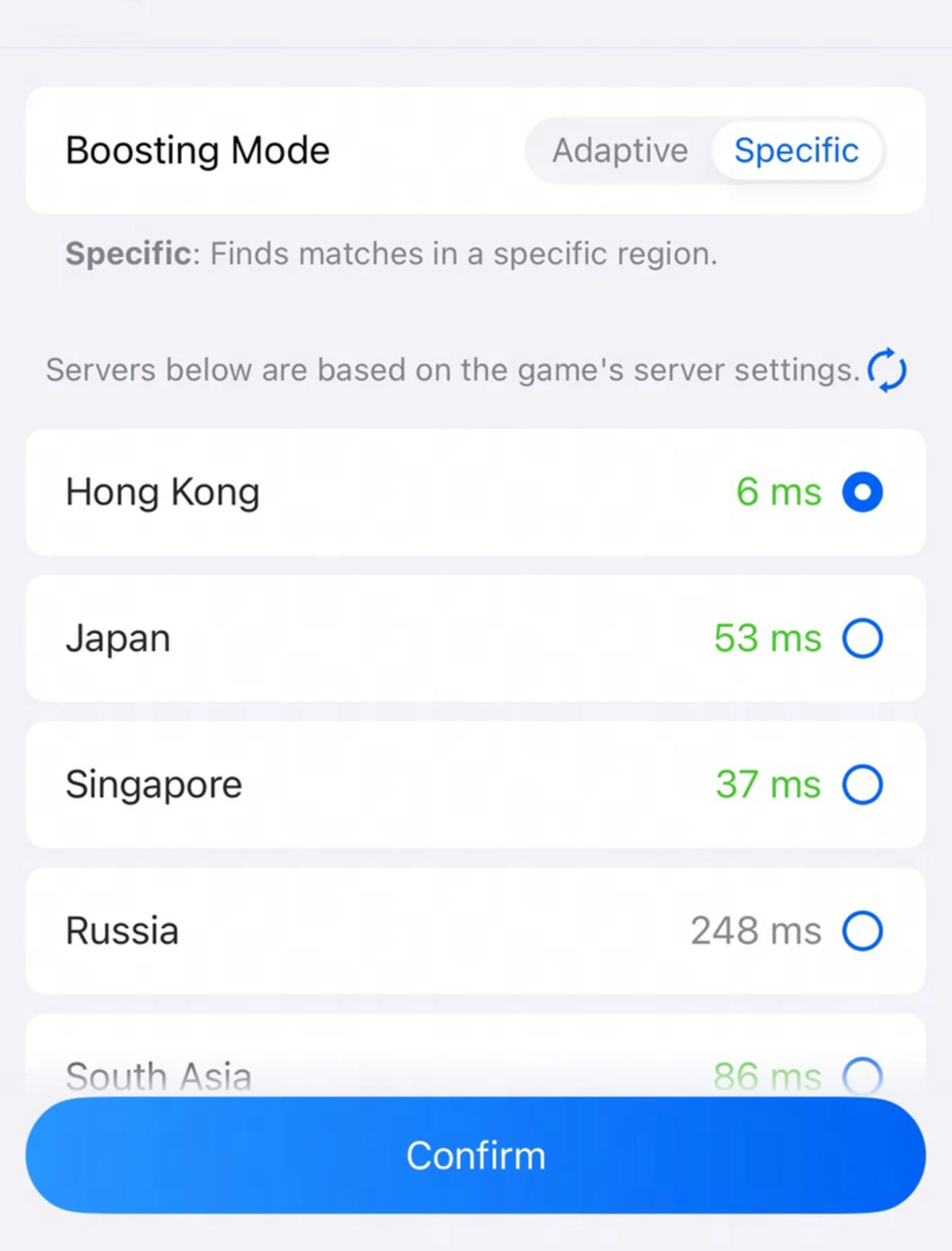
Start Boosting
Choose your device, game and server in the GearUP Router App for a seamless experience.
- At 30% and 70% the progress bar may stay for a while. That is normal, so please be patient.
- If any step sits for more than 10 minutes without changing, try installing again.
- Installing the plugin updates your router to the latest firmware. Keep a copy of your current firmware file if you may need to go back to it.
Works with Most Mainstream Models
Every model listed below supports the automated install, and they all deliver the same experience.
Keenetic(12)
- Hopper
- Hero
- Sprinter
- Challenger
- Racer
- Hopper SE
- Sprinter SE
- Challenger SE
- Hero 5G
- Hopper 4G+
- Titan
- Titan SE
Netcraze(11)
- Hopper
- Giga
- Hero 5G
- Hopper 4G+
- Hopper DSL
- Hopper SE
- Challenger
- Sprinter
- Racer
- Ultra
- Titan SE
We are working to support more models sooner, and making installation and daily use more stable. If you run into any problem installing or using it, send us feedback in the GearUP Router App, or join our discussion group on Telegram: https://t.me/+7LUdmSMlj_c5ZGJl
Keenetic-Specific Questions
Ready to Boost Your Keenetic Router
A revolutionary game optimization experience, now just one tap away.
On another router? See the GearUP Plugin for every model