How to Fix Where Winds Meet Latency on PS5
 Last updated: 28 May, 2026
  7 min
7 minPlaying Where Winds Meet on PS5 is the choice of many players. The controller-based input delivers a solid combat experience and removes the need to study hardware configurations, which does bring considerable convenience.
However, because Where Winds Meet requires an always-online connection, console players also encounter annoying latency issues. And due to the closed nature of the PS5 system, this latency problem can seem harder to solve. In fact, there are now very mature solutions. This article will analyze the causes of latency in the PS5 version of the game and how to optimize it using GearUP’s plugin.
Why Where Winds Meet Lags on PS5?
Where Winds Meet has fast martial arts combat and timing-based reactions that depend on stable server communication. When lag occurs, you may notice skills activating later than expected, dodges and counters feeling delayed, enemy positions correcting themselves suddenly, or the game pausing briefly while reconnecting. The key sign is that the image looks smooth but the server response is late.
The causes behind this usually come down to a few things:
- Server distance — If your location, account region, and nearest server don't align well, latency builds up quickly.
- ISP routing — Your internet provider controls the path to the server. During busy hours, that route can become congested or take a longer international path, even on a fast internet plan.
- WiFi instability — Many PS5 players use WiFi in a living room or bedroom far from the router. A weak signal creates jitter that becomes very noticeable during timing-heavy combat.
- Household traffic — Cloud backups, video calls, streaming, console downloads, and other devices can fill your upload connection and delay game packets.
- Launch or update load — When a new season, patch, or event goes live, more players log in at once, and the game may feel less responsive until traffic settles.
A Simple Way to Reduce Latency in Where Winds Meet
Players' concerns about latency in Where Winds Meet on PS5 mostly focus on the following points:
- The PS5 offers very few network setting options
- Standard gaming routers and VPNs seem to have no effect
This is normal, because latency problems often do not originate locally but come from the public network transmission segment, and in such cases you need specialized tools. The GearUP router plugin provides a very convenient solution. It is a network optimization tool that can be built into routers and uses intelligent traffic analysis algorithms and node allocation techniques to improve the efficiency of network path transmission and thus optimize latency. Its advantages include:
- Deep cooperation with multiple major router brands (Asus, ZTE, etc.), pre-installed by default
- Supports installation on routers running OpenWrt
- Partner router brands and supported systems are continuously expanding
- Lightweight, reduces latency with one-tap operation, no complex setup
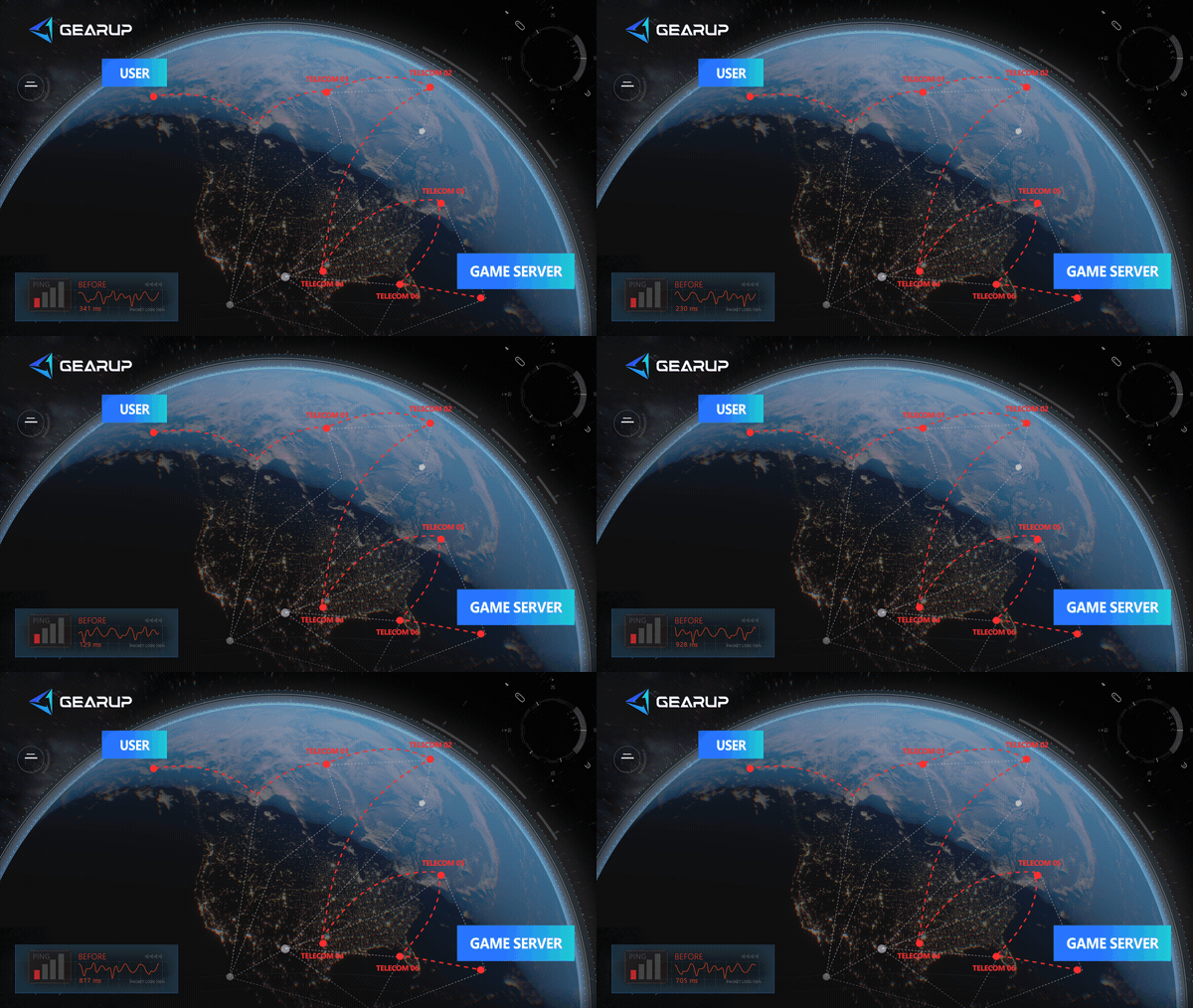
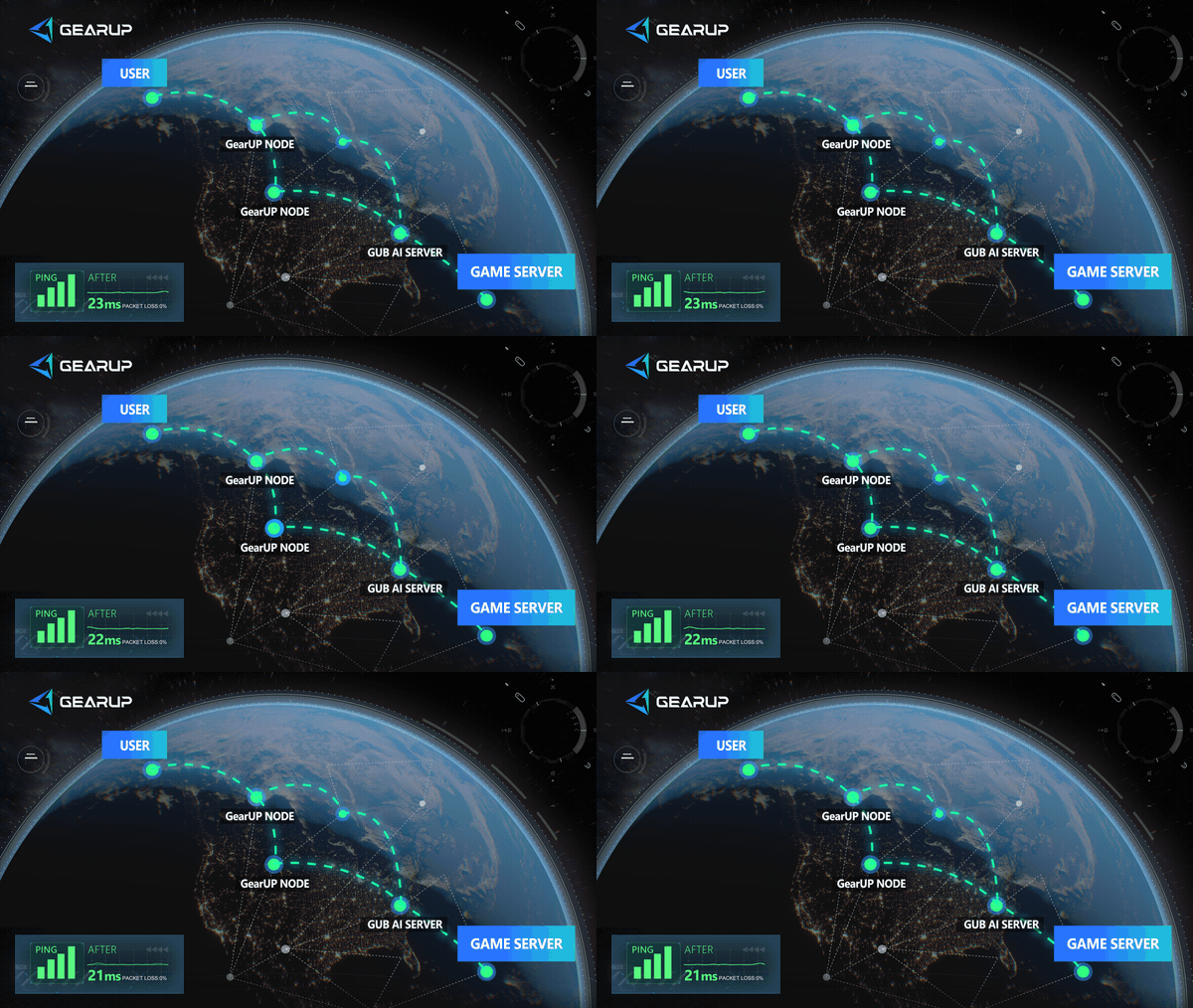
The goal of the GearUP router plugin is to let every console player stop worrying about network optimization and easily solve Where Winds Meet connection issues.
Of course, if you do not currently have a router that supports the GearUP plugin, GearUP offers another option: HYPEREV, a hardware device that can be used with any home router. It is plug-and-play, controlled via a mobile app, and provides the same network optimization features:
Optimize Your Local Network
Use a wired Ethernet connection
WiFi is convenient but unstable, especially in another room far from the router. A wired connection eliminates signal interference and gives you a much more consistent connection.
- Connect an Ethernet cable from your router to your PS5.
- Go to Settings > Network > Set Up Internet Connection.
- Select the wired connection option and let it configure automatically.
- Test the connection to confirm your latency has improved.
Pause all downloads and updates
Background downloads consume bandwidth and can cause sudden lag spikes during combat.
- Go to Settings > Downloads/Uploads on your PS5.
- Pause any active downloads or uploads.
- Also check if any other devices in your home are downloading or updating and pause those as well.
Connect to a more stable WiFi band
If you can't use a wired connection, choosing the right WiFi band makes a big difference.
- Go to Settings > Network > Set Up Internet Connection on your PS5.
- When selecting a WiFi network, look for one ending in "5G" for the 5 GHz band.
- 5 GHz is faster with lower latency, but has shorter range. If you are far from the router, 2.4 GHz may be more stable despite higher latency.
- Pick whichever gives you the strongest and most consistent signal based on your setup.
Reduce household network traffic
Other devices and apps using your network can interfere with your connection.
- Ask others in your household to pause streaming, video calls, or large downloads while you play.
- If your router supports QoS (Quality of Service), set your PS5 as the priority device.
- Disconnect any devices you're not actively using from the network.
Why a Traditional Router May Not Be Enough
A normal router mainly manages your home network. It decides how devices connect to WiFi, how local traffic is shared, and how your console reaches the modem. That is useful, but it does not fully control the route from your ISP to the Where Winds Meet server.
If lag is caused by weak WiFi, a better normal router may help. But if the problem is international routing, packet loss outside your home, or an unstable path to the game server, a traditional router has limited impact.
GearUP Router Plugin and HYPEREV are different because they are designed around game traffic. Instead of only improving local WiFi, they help optimize the path that game data takes after it leaves your home.
> Popular Reading: Can Gaming Routers Really Lower Ping?
FAQ: Where Winds Meet PS5 Lag
Q1: Why does Where Winds Meet lag on PS5 even though my internet is fast?
A: Download speed is not the same as game connection quality. Lag can come from high ping, jitter, packet loss, WiFi interference, or poor routing to the server.
Q2: Can GearUP Router Plugin reduce Where Winds Meet PS5 lag?
A: Yes, when lag is caused by routing instability, packet loss, cross-region connection, or poor ISP paths. It cannot fix server maintenance or pure performance stutter.
Q3: Why does my stuttering not look like a network issue?
A: If you’re seeing frame drops, slow texture loading, or similar symptoms, the problem may be a PS5 performance bottleneck. Yes — the PS5’s performance can be insufficient for a large game like Where Winds Meet. Check whether the console has good cooling, and if necessary, consider lowering the graphics quality.
Q4: Should I use WiFi or Ethernet for Where Winds Meet?
A: Ethernet is recommended. If you must use WiFi, use a strong 5 GHz signal and keep the PS5 close to the router.
Conclusion
Where Winds Meet PS5 lag can come from server distance, unstable ISP routing, weak WiFi, household uploads, or heavy update traffic. The first step is to separate network lag from performance stutter. Once you know the problem is network-related, use Ethernet, reduce background traffic, restart your router, and check the game's status. For a stronger console solution, GearUP Router Plugin or HYPEREV can optimize PS5 game traffic and make martial arts combat, online interactions, and cross-region play feel much steadier.
About The Author
Maya Tran is our Market Expansion Specialist, responsible for marketing, event operations, and user growth for GearUP’s global gaming markets. She helps foster strategic partnerships with numerous game companies and leads campaign planning as well as social media and community operations across multiple GearUP product lines. Through a variety of event formats, she helps more players worldwide discover GearUP’s products and become users.
The End