How to Fix Black Russia Server Connection Error
 Last updated: 27 Apr, 2026
  5 min
5 minBlack Russia is an online multiplayer game that requires a constant connection to its servers. Unlike offline titles, nearly every action depends on real-time communication with the server. Because of this, connection problems such as login failures, sudden disconnections, or endless loading screens can seriously affect the experience. Many players assume these issues are caused by server outages, but in most cases, the problem lies elsewhere. This guide explains why connection issues happen in Black Russia and offers several effective ways to fix them.
Why Can't You Connect to Black Russia Servers?
Server connection problems can come from a variety of sources, not just the game itself. Some of the most common reasons include:
- Server Maintenance or Downtime — The servers may be offline for scheduled maintenance, updates, or unexpected technical issues, making it impossible for any player to connect.
- Internet Connection Issues — A slow or unstable Wi-Fi or mobile data connection is one of the most common causes of server connection failures, leading to timeouts and disconnections.
- Outdated Game Version — Running an older version of the game can cause a client-server mismatch, causing the server to reject the connection until the game is updated.
- App Network Access Restricted — The game may have been denied internet access through your device settings or a security app, preventing it from connecting to the server.
- Server Overload — During peak hours or major in-game events, too many players logging in at the same time can overwhelm the servers and cause widespread connection problems.
How to Fix Black Russia Server Connection Issues?
Check Black Russia Server Status
No matter when, checking the server status should be the first thing you do. Black Russia’s servers may be temporarily down or undergoing maintenance, which can prevent you from connecting. You can check this using the following methods:
- Check the game’s official social media pages or community forums
- Look for announcements about maintenance or updates
- Ask other players if they are experiencing the same issue
If the servers are down, the only option is to wait. However, if others can connect normally, the problem is likely on your end.
Use GearUP Mobile to Stabilize and Optimize Connection
If server status is normal but you still cannot connect, a network optimization tool like GearUP Mobile can help.
One of the main causes of connection failure is poor routing between your device and the game server. GearUP Mobile addresses this by:
- Switching servers automatically to find a more stable connection
- Locking onto a specific server once a stable route is found
- Reducing connection timeouts and latency
- Improving overall connection stability across regions
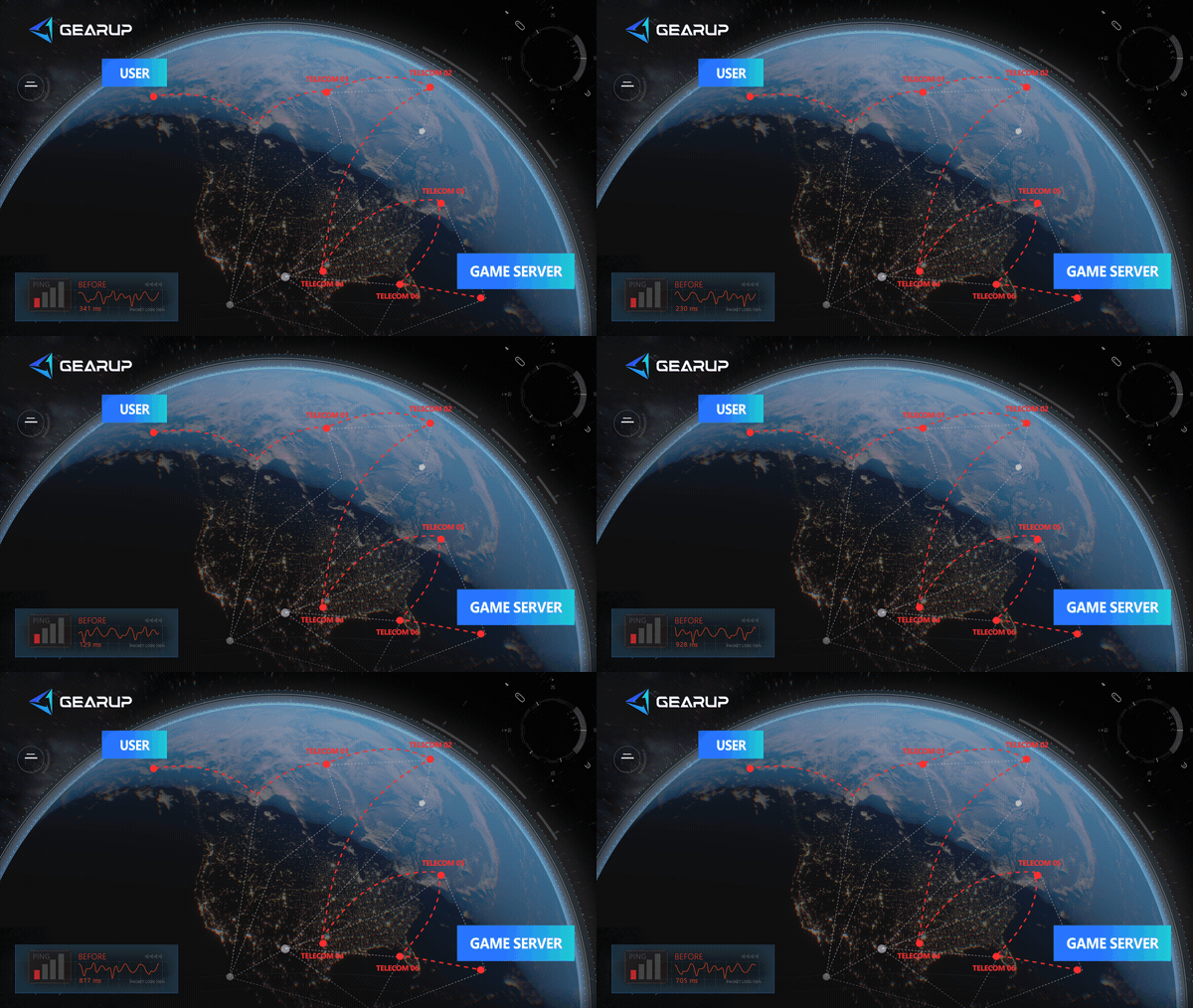
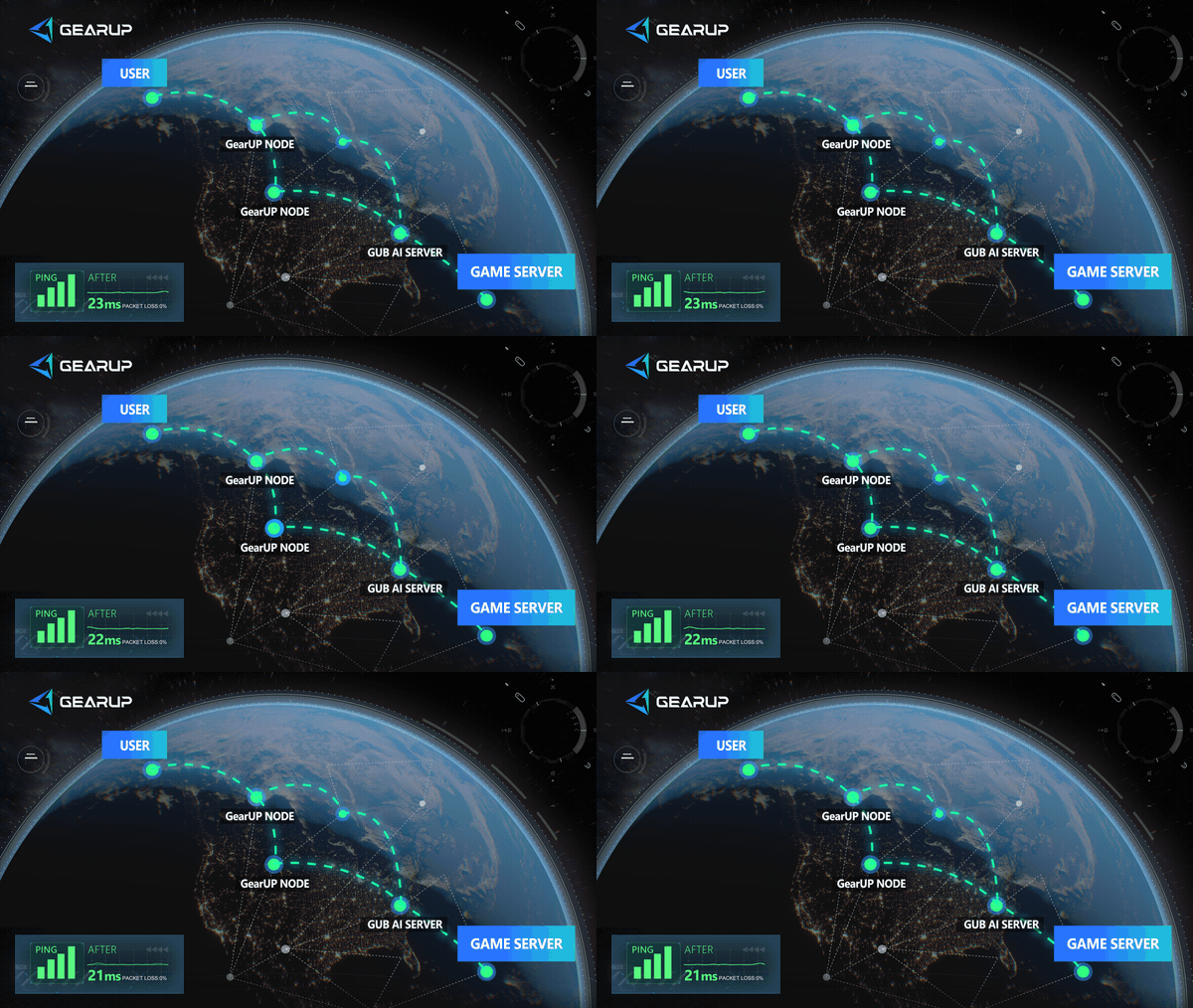
This is especially useful if you are far from the main server regions or experiencing inconsistent connections.
- Search for Black Russia and click Boost.
- Start the Boost, then minimize GearUP Mobile to the background to provide continuous optimization — you only need to launch the game.
Other Methods Worth Trying
Restart Your Router and Switch Wi-Fi Band
A simple router restart can clear temporary network issues that prevent the game from connecting to the server. Switching to a different Wi-Fi frequency band can also improve stability.
- Unplug your router from the power source, wait 30 seconds, and plug it back in.
- Wait for the router to fully restart and reconnect your phone.
- Open your router settings (usually through a browser or the router's app) and check which Wi-Fi bands are available.
- If you are on a 2.4 GHz band, switch to 5 GHz for faster and more stable speeds. If you are on 5 GHz but experiencing signal drops, switch to 2.4 GHz for better range.
- Reconnect your phone to the new band and launch Black Russia.
Close Unnecessary Background Programs
Other apps running in the background can consume network bandwidth and system resources, both of which directly cause connection problems and lag in Black Russia.
- Open your recent apps screen by swiping up from the bottom of your screen.
- Swipe away all apps you are not actively using, especially streaming services, social media, and cloud syncing apps.
- For apps that keep running in the background, go to Settings > Apps > [App Name] and tap Force Stop to fully close them.
Black Russia Server Regions
Black Russia primarily targets players in Eastern Europe and surrounding regions. While official details are limited, the game’s servers are generally concentrated in:
- Russia
- Ukraine
- Kazakhstan
- Belarus
In broader terms, most servers are located within the Eastern Europe / CIS region.
Players connecting from outside these areas may experience higher latency or more frequent connection issues due to distance and routing limitations. This is one reason why GearUP Mobile that optimize server selection can be helpful.
FAQ About Black Russia Connection Issues
Q1. Why does Black Russia say disconnetion even when my internet works?
Your connection may be stable for general use but still poorly routed to the game server, causing timeouts.
Q2. How do I know if the server is down?
Check official announcements or community discussions. If many players report the same issue, it’s likely a server-side problem.
Q3. Can switching networks fix the issue?
Yes, changing from Wi-Fi to mobile data (or vice versa) can sometimes resolve routing problems. However, if you use GearUP Mobile, it will automatically switch between Wi-Fi and mobile data for you, as long as both are connected.
Q4. Does GearUP Mobile really help with connection errors?
It can improve connection stability by optimizing routing and allowing you to switch or lock onto better-performing servers.
Conclusion
Connection issues in Black Russia are often misunderstood. While server outages do happen, most problems are related to network conditions, routing, or device settings. By first checking server status and then applying targeted solutions—such as optimizing your connection with tools like GearUP Mobile or adjusting your network setup—you can significantly reduce connection failures. With the right approach, staying connected becomes much more consistent, allowing you to focus on the game itself rather than technical interruptions.
About The Author
Olivia Clarke is a Mobile Gaming Content Editor at GearUP, focusing on competitive mobile games and the networking challenges that affect online gameplay. She specializes in creating practical, easy-to-follow content for titles like PUBG Mobile and Brawl Stars, helping players understand the causes of lag, unstable connections, and high latency. By combining real gameplay scenarios with straightforward networking advice, Olivia makes technical topics more accessible to mobile gamers.
The End