AION REMAKE Latency Fix | Comprehensive Guide
 Last updated: 25 May, 2026
  4 min
4 minAION REMAKE is built around online combat, large-scale PvP, and fast skill rotations, so stable connectivity is extremely important. Even a small delay can ruin dodges, interrupt combos, or make fights feel unresponsive. The problem is that many players are not sure whether the issue comes from their internet or their PC performance. This guide breaks down the most common causes behind lag in AION REMAKE and explains several practical ways to improve overall gameplay stability without wasting time on random fixes.

The Two Different Types of Lag in AION REMAKE
A lot of players call every issue “lag,” but there are actually two completely different problems inside the game.
Network-Related Lag
This is the issue most players run into, especially when playing on overseas servers. Typical signs include:
- Delayed skill activation
- Rubberbanding
- Characters teleporting backward
- Damage appearing seconds later
- Sudden ping spikes during PvP
In simple terms, your actions are reaching the server too slowly. This kind of issue becomes more noticeable during raids, crowded cities, or faction battles where real-time response matters.
Network lag in AION REMAKE usually happens when your connection to the server is unstable or takes a long route. Being far from the server increases ping, and packet loss causes delayed skill casts, rubber-banding, or enemies teleporting. Poor ISP routing and peak-hour congestion can also slow things down even if your internet speed looks fine.
Performance-Based Stuttering
The second type comes from hardware limitations instead of internet quality. Common symptoms include:
- Low FPS
- Screen freezing
- Heavy frame drops
- Slow texture loading
- Choppy movement during large fights
Even with a perfect connection, weak hardware can still make the game feel terrible.
Performance lag comes from your PC struggling to keep up. AION REMAKE has upgraded visuals and large-scale battles with many players on screen. During crowded moments like group PvP or busy towns, an older GPU, insufficient RAM, or a slow hard drive can cause frame drops and stuttering. Outdated drivers or background programs can make it worse.
How to Reduce Network Latency?
One of the most common solutions players use is GearUP, especially for cross-region gaming.
Instead of increasing internet speed directly, it focuses on improving routing quality and reducing unstable transmission paths. For MMORPG players, stable routing often matters more than raw download speed.
Several features make it popular among online gamers:
- Smart route optimization
- Packet loss reduction
- Automatic server selection
- Stable cross-region connections
- Lower fluctuation during busy hours
- Lightweight background usage
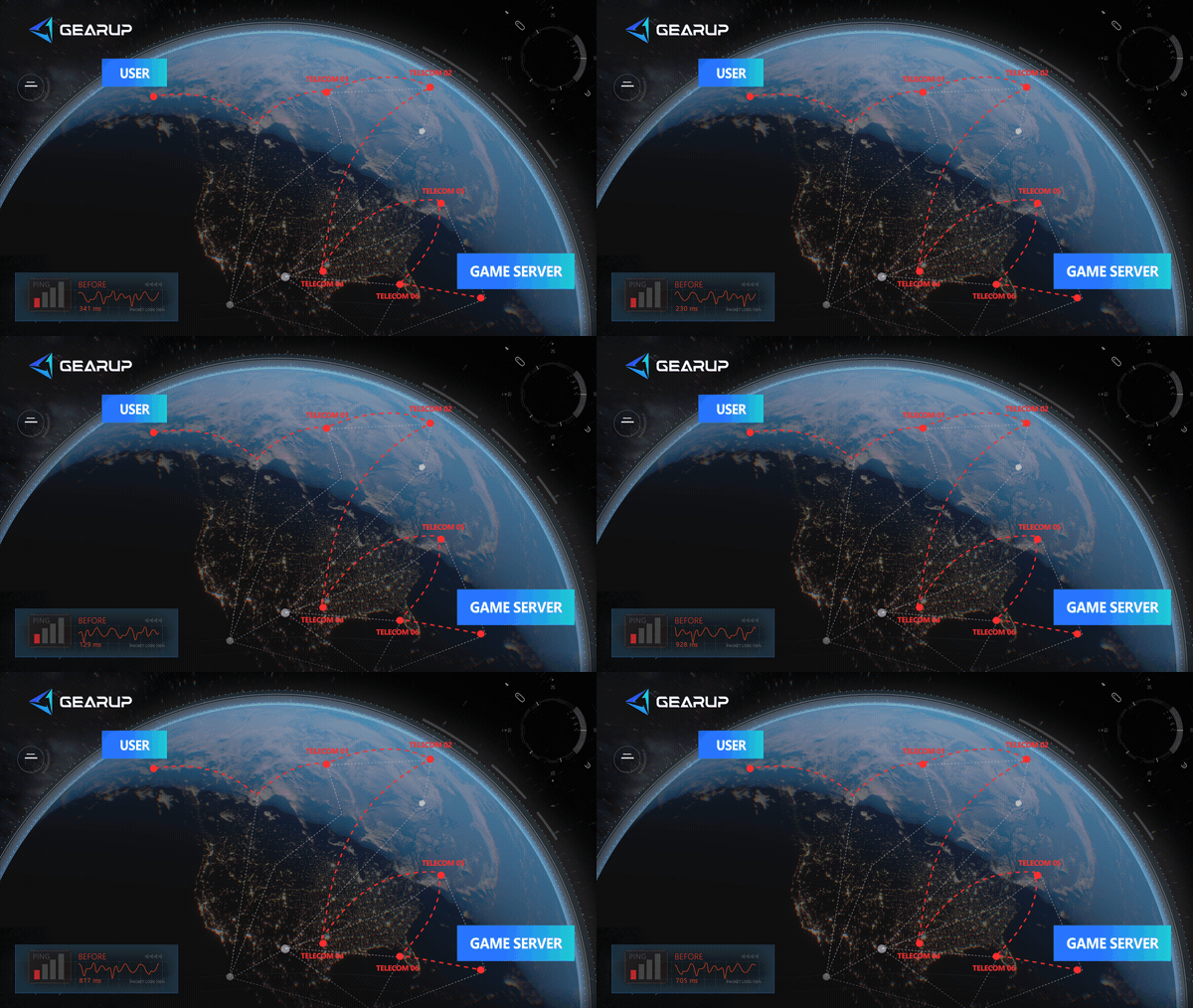
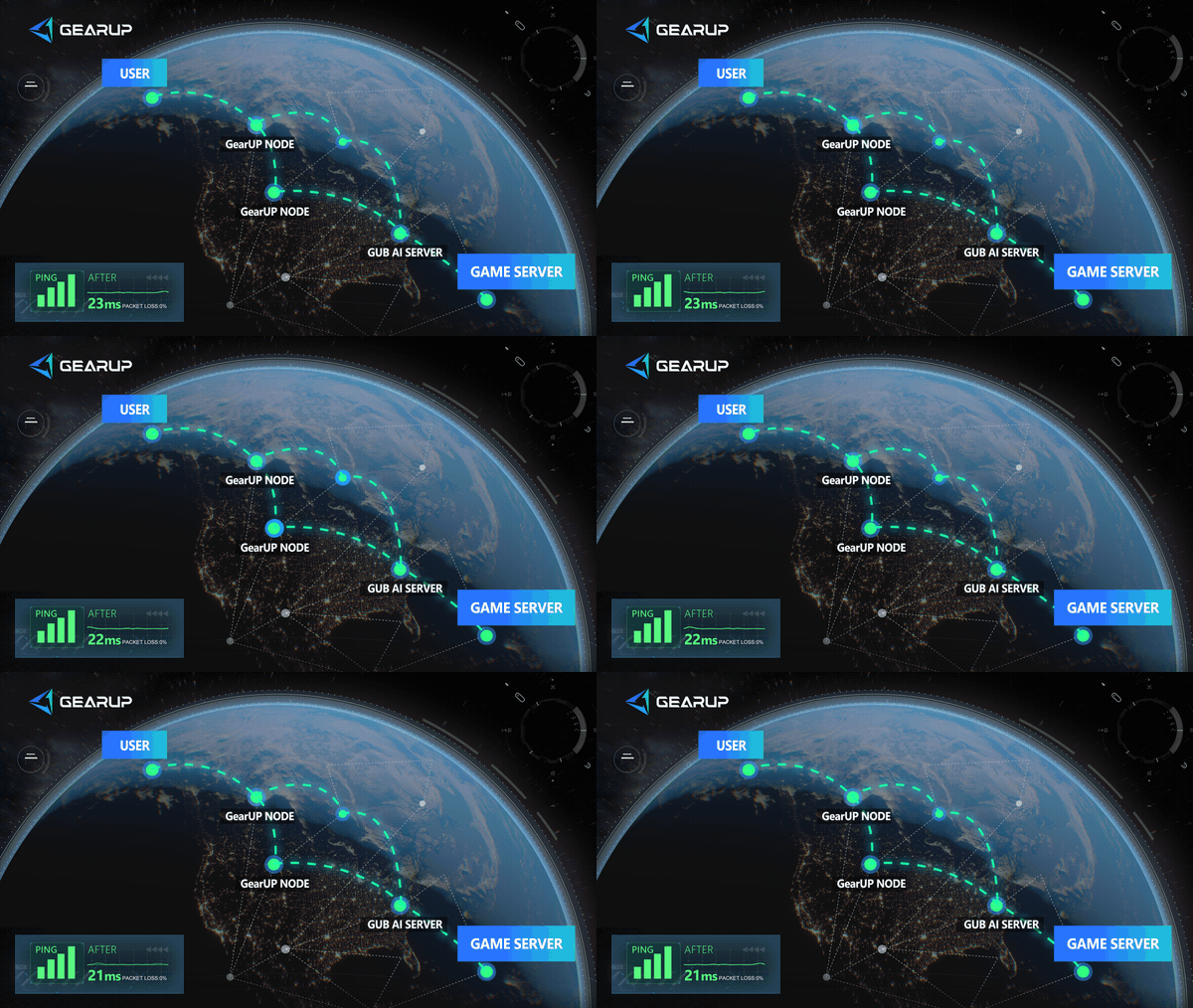

For players dealing with unstable overseas connections, smoother routing can make combat feel noticeably more responsive. And the steps to use GearUP is very simple:
- Search for AION REMAKE and click boost.
- Start boosting. GearUP reduces latency and can be left running in the background while you launch the game.
How to Fix Performance Stuttering?
If your problem comes from FPS drops rather than server response, system optimization becomes more important. Recommended system requirements about AION REMAKE:
| Component | Minimum Setup | Recommended Setup |
|---|---|---|
| CPU | Intel i5 | Intel i7 or Ryzen 7 |
| RAM | 8 GB | 16 GB |
| GPU | GTX 1060 | RTX 3060 or higher |
| Storage | SSD | NVMe SSD |
Here are a few simple ways to optimize your device's performance:
- Lower shadow quality. Shadows are one of the heaviest graphical settings. Reducing them often provides immediate improvement.
- Reduce crowd effects. Lowering effect density helps stabilize frame rate during large-scale battles and PvP.
- Update GPU drivers. New drivers may include optimization support for the game. Outdated drivers can cause compatibility issues.
- Install the game on an SSD. This improves loading speed and reduces texture pop-in, which matters a lot in MMORPGs.
AION REMAKE Latency FAQ
Q1: Is High Ping Always Caused by Slow Internet?
A: Not necessarily. In many cases, the issue comes from poor international routing rather than raw internet speed. You can still experience unstable gameplay even with fast broadband.
Q2: Is Wi-Fi Good Enough for AION REMAKE?
A: It works, but wired Ethernet is usually much more reliable. This becomes especially important during raids and faction wars.
Q3: Are FPS Drops and Connection Delay the Same Thing?
A: No. FPS problems come from hardware performance, while online delay is related to network communication. A lot of players confuse the two because both make gameplay feel sluggish.
Conclusion
AION REVIVAL Usually performance issues fit two categories: network instability and hardware-related stuttering. Finding the appropriate solution gets lot simpler once you identify which one is influencing your gameplay. Stable routing might be more important for MMORPGs that are based on the internet than fast internet speed. Improving storage performance and hardware settings, meanwhile, can significantly lower frame drops. Usually, the best overall experience results from combining both approaches.
About The Author
Lucas Harrison is GearUP’s PC game expert and a veteran media professional with many years of experience. He is well versed in the various network issues that affect PC games and has extensive insights into solving them, having proposed numerous suggestions for optimizing GearUP’s PC version. He currently serves as GearUP’s Content Creation Lead, primarily responsible for writing GearUP’s PC network optimization guides, which aim to help players understand the problems they’re facing and provide practical, effective solutions through clear, easy-to-follow guidance.
The End