How to Fix Server Connection Issues in Clash Royale
 Last updated: 28 May, 2026
  5 min
5 minIf you’ve ever lost a close match in Clash Royale because of a sudden “Connection Lost” warning, delayed card deployment, or frozen troops, you already know how damaging server connection issues can be. In a fast-paced, real-time strategy game like Clash Royale, even a one-second delay can cost you a tower — or the entire match.
The good news? These problems are usually fixable once you understand what’s actually causing them, and more importantly, how to stabilize your connection properly.
Why Clash Royale Server Connection Issues Happen
Clash Royale is an online multiplayer game that requires a constant connection to Supercell's servers. Even a brief interruption can cause a match to fail, a chest to not open, or a challenge to be lost. Here are the most common reasons why server connection issues happen.
- Server maintenance — Supercell regularly takes servers offline for updates, balance changes, or new season content.
- Unstable internet connection — Weak WiFi or fluctuating mobile data can interrupt your connection mid-match.
- Peak-hour congestion — During popular hours or major events, heavy traffic can cause delays and timeouts.
- Region mismatch — Connecting from a region far from the nearest server increases ping and the chance of disconnection.
- Background apps — Other apps consuming network bandwidth in the background can cause sudden connection drops during matches.
When Clash Royale loses its connection to the server, you'll notice it quickly. The game may throw a "Connection Lost" or "Retry Login" error before you even get into a match. If you do manage to load in, battles can feel broken. Cards take a moment too long to place, troops freeze mid-battle, and the red WiFi icon starts flashing in the corner. In ranked matches, a sudden disconnect at the wrong moment can cost you trophies with no way to recover.
How to Avoid Connection Issues in Clash Royale?
Check Clash Royale's Servers
First, check whether Clash Royale's servers are operating normally. Often temporary maintenance or outages cause players to repeatedly fail to connect, so repeatedly trying is pointless. You can:
- Check the official Clash Royale social media — Follow @ClashRoyale on Twitter/X for real-time updates on outages and maintenance.
- Visit the Supercell forums — Official announcements about server maintenance and downtime are posted on the Supercell community forums.
- Check Downdetector — Visit downdetector.com to see live outage reports from other players in your area.
Use GearUP Mobile to Fix Your Connection
GearUP Mobile is built specifically for multiplayer mobile games. It does not function like a traditional VPN. Instead, it optimizes your connection route to ensure stable, low-latency communication between your device and Clash Royale servers.
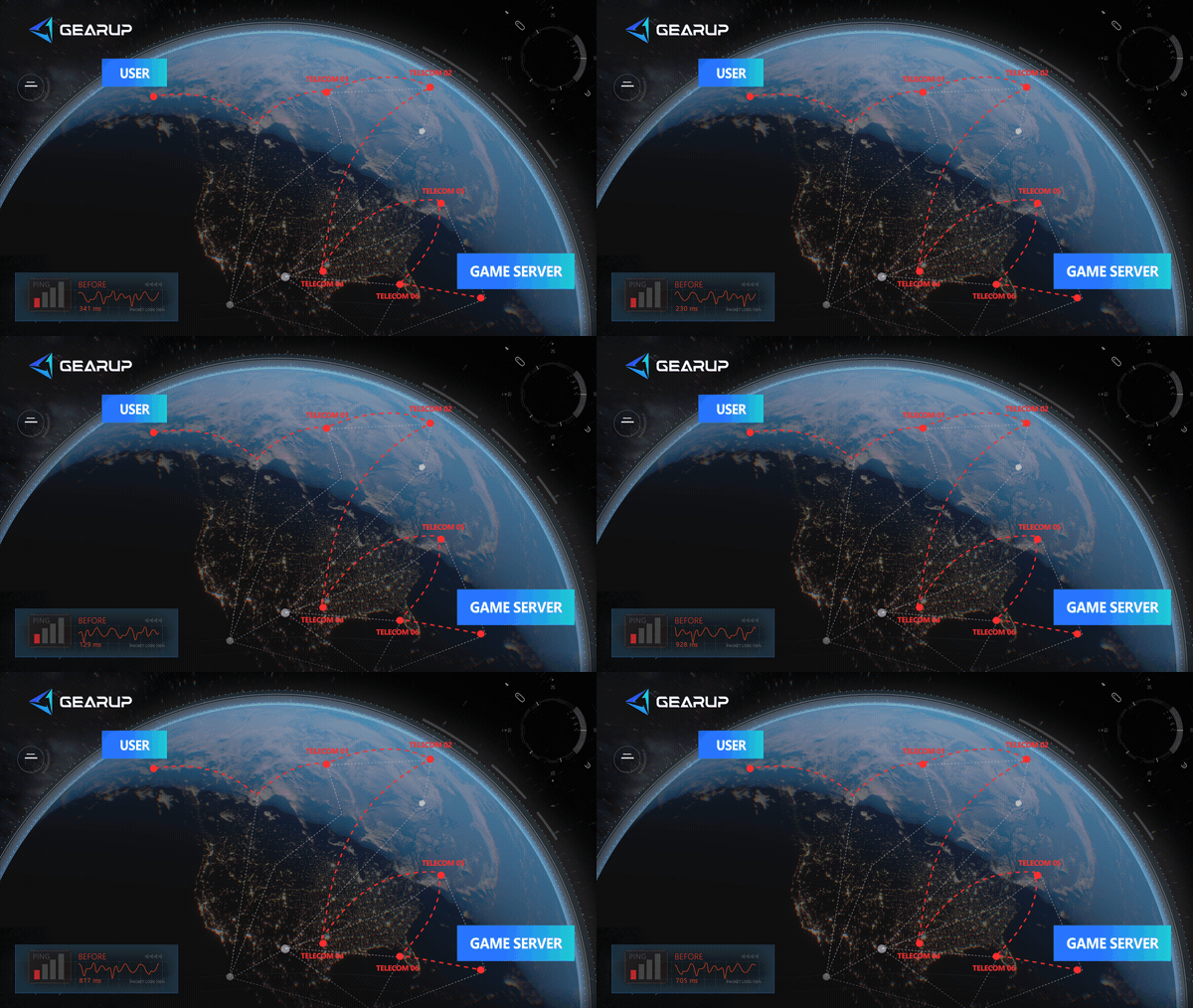
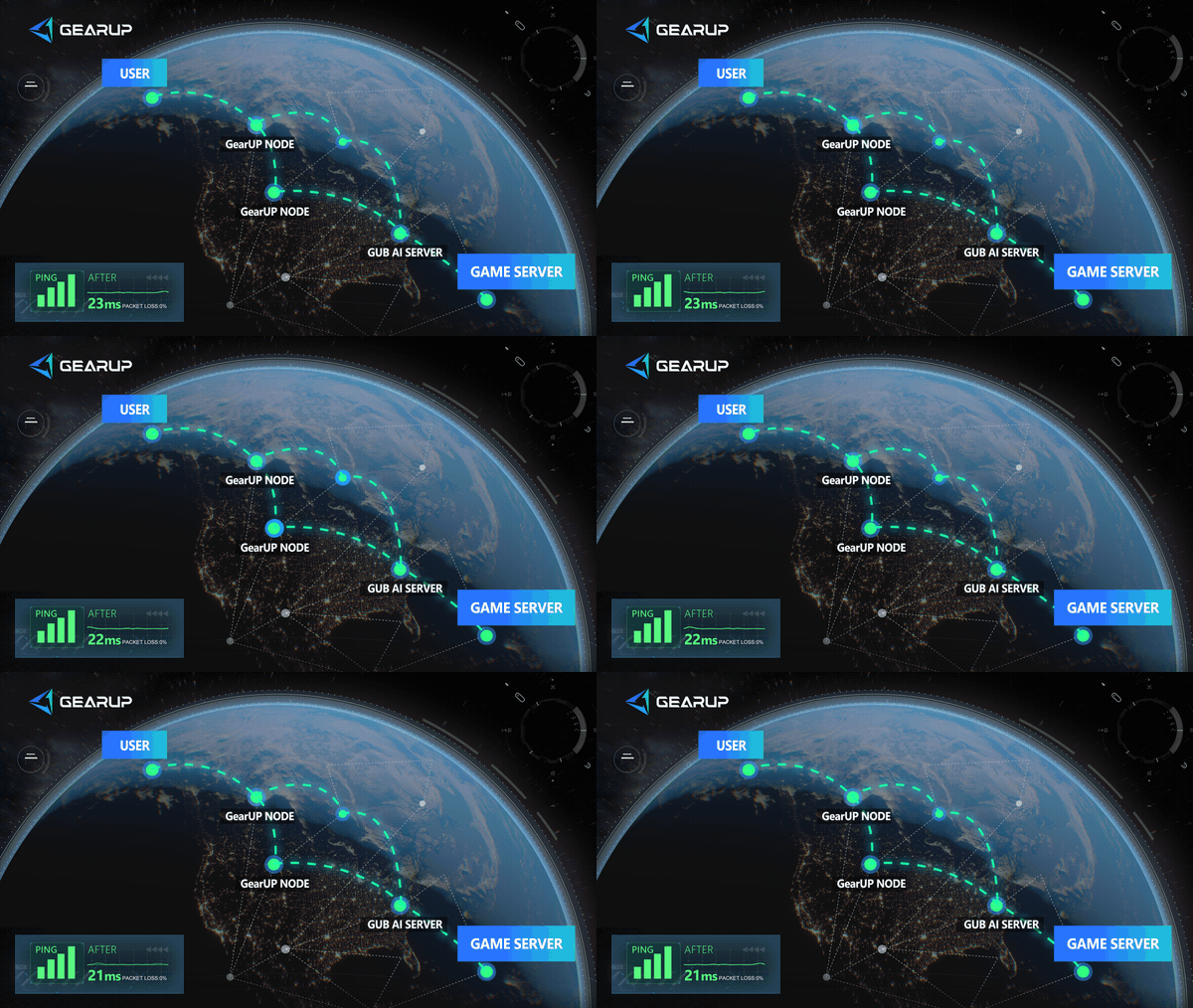
When server connection issues are caused by unstable routing or packet loss, GearUP Mobile addresses the root cause directly.
More importantly, it's extremely simple to use, and you don't have to worry about connecting via Wi‑Fi or mobile data because it can switch automatically. You only need to:
- Search for Clash Royale and tap "Boost."
- Wait a few seconds for GearUP Mobile to start boosting, leave it running in the background to continuously optimize the connection, then launch the game.
In situations such as common network jitter, peak‑time congestion, or unexpected disconnections, GearUP Mobile’s intelligent algorithms can optimize your connection to the greatest extent and improve your gaming experience.
Close Unnecessary Background Apps
Other apps running in the background can consume bandwidth and cause connection drops during matches.
On Android:
- Tap the Recent Apps button or swipe up and hold.
- Swipe away apps you are not using.
- Focus on apps that use data, such as streaming services, browsers, and cloud storage.
On iOS:
- Swipe up from the bottom of the screen and pause in the middle.
- Swipe up on apps you are not using to close them.
- Relaunch Clash Royale and test the connection.
Can a VPN Fix Clash Royale Disconnections?
When you use a VPN, your game data doesn't go directly to Supercell's servers. Instead, it first travels to the VPN server, which could be located far away from both you and the game server. This extra detour adds latency and makes your connection less stable, not more.
Most free VPNs use crowded servers with heavy traffic, which means your packets take even longer to reach their destination. This can actually increase the frequency of disconnections rather than prevent them.
Some VPN servers also get flagged or restricted by game services, which means using one could trigger connection errors that didn't exist before.
Final Thoughts
Although Clash Royale isn't a game that demands extremely low latency, it does require a high level of connection stability. Frequent unexpected disconnects, especially on complex mobile networks, can easily cause you to lose a match. Therefore, using GearUP Mobile to stabilize your connection to the Clash Royale servers is very effective, and it's a method popular among players worldwide.
About The Author
Lucas Harrison is GearUP’s PC game expert and a veteran media professional with many years of experience. He is well versed in the various network issues that affect PC games and has extensive insights into solving them, having proposed numerous suggestions for optimizing GearUP’s PC version. He currently serves as GearUP’s Content Creation Lead, primarily responsible for writing GearUP’s PC network optimization guides, which aim to help players understand the problems they’re facing and provide practical, effective solutions through clear, easy-to-follow guidance.
The End