Apex Legends Lag on PlayStation and Xbox: How to Fix this
 Last updated: 28 May, 2026
  6 min
6 minApex Legends is built around speed, positioning, and split-second decision-making. Whether you're sliding into cover, armor swapping mid-fight, or coordinating a last-circle push with your squad, timing is everything. On PlayStation and Xbox, the game runs smoothly from a hardware perspective, offering stable frame rates and optimized controller responsiveness.
However, once you enter online matches, network performance becomes the deciding factor. Many console players report sudden lag spikes, delayed hit registration, rubberbanding, or inconsistent ping during ranked matches. In a game where a fraction of a second can determine who wins a gunfight, unstable connection performance directly affects competitiveness.
Why Lag Happens on PlayStation and Xbox in Apex Legends
Many players assume consoles offer a lag-free experience compared to PC. The logic seems sound: standardized hardware, no background processes eating up bandwidth, no conflicting software to worry about. Just plug in and play. In reality, the simplicity of consoles can be misleading when it comes to network performance, and plenty of PlayStation and Xbox players run into lag issues that feel just as frustrating as anything on PC.
Limited troubleshooting options are the first problem. Console systems are closed, so players can't install network tools or adjust routing. Available fixes are limited to restarting routers, checking NAT type, or changing DNS, none of which actually optimize how game data travels through the internet.
WiFi dependency makes things worse. Most console players connect wirelessly, introducing interference that causes packet loss and jitter. In-game, this appears as rubberbanding, unregistered shots, ability delays, and mid-fight freezes, often in unpredictable bursts that are hard to adapt to.
Inefficient server routing is another overlooked factor. Apex's matchmaking may place players on suboptimal data centers based on queue conditions or squad composition. Even with a fast internet plan, the path your data takes can add significant latency, especially during peak hours.
The convenience of consoles creates a false sense of security. Simplified hardware doesn't mean simplified networking, and the restrictions that make consoles easy to use also make network issues harder to fix.
How to Reduce Latency in the Console Version of Apex Legends?
In summary, the key to resolving latency in Apex Legends on consoles is optimizing the network connection, specifically adjusting public routing nodes. You can try GearUP’s router plugin, which can perfectly address players who do not know how to adjust their network.
With the plugin built into the router, you can optimize the network directly via the GearUP App. Its intelligent algorithms can accurately identify Apex Legends traffic and allocate the best nodes based on the server you are connected to, improving data transmission stability and shortening paths, thereby reducing latency. The advantages of the GearUP router plugin are:
- Collaborates with multiple router brands, including Asus and ZTE, and can be enabled directly
- Can be installed on OpenWrt
- Easy to use, no manual network configuration required
- Supports network optimization for consoles, PCs, and mobile devices
- Protects user privacy and data security
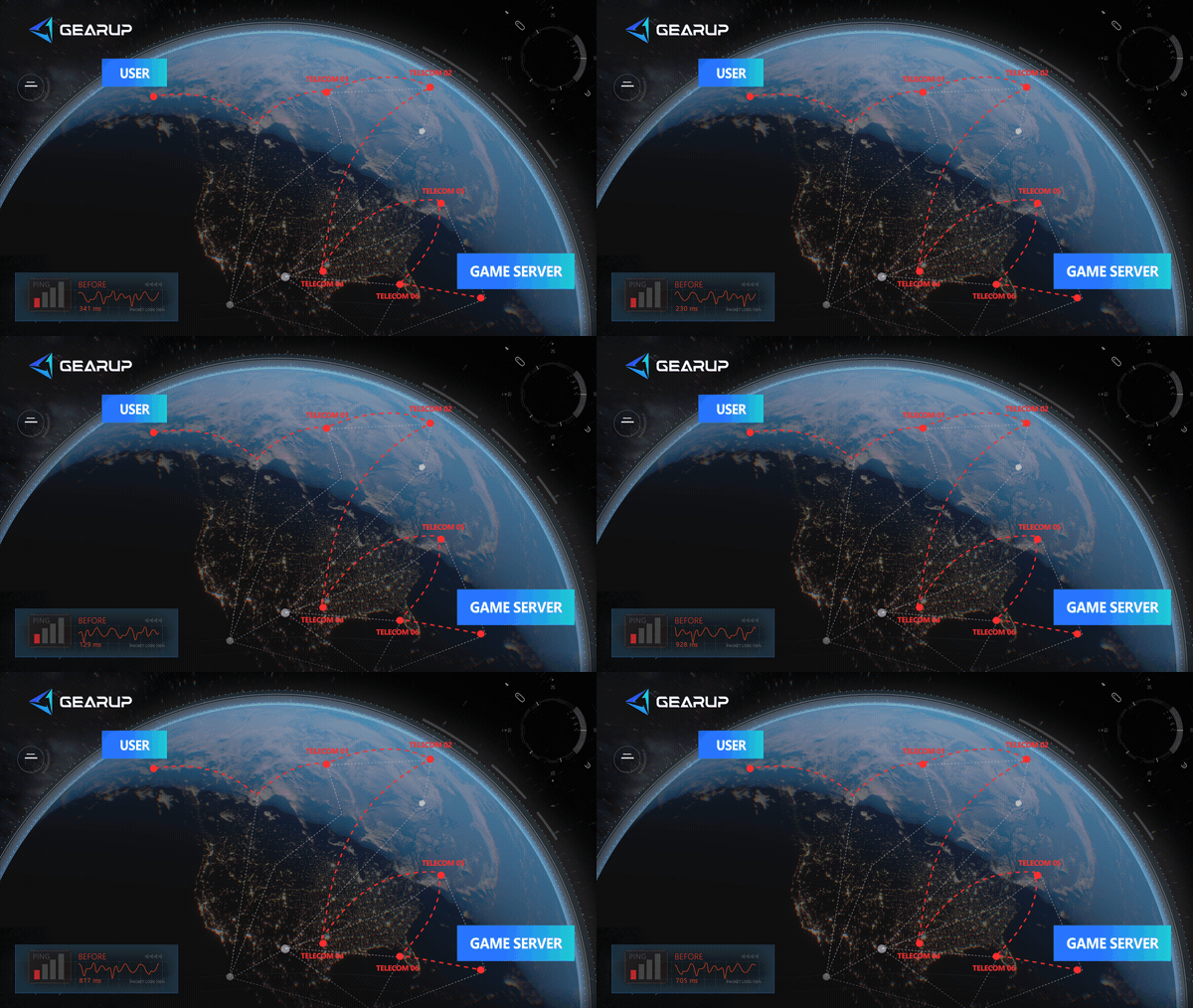
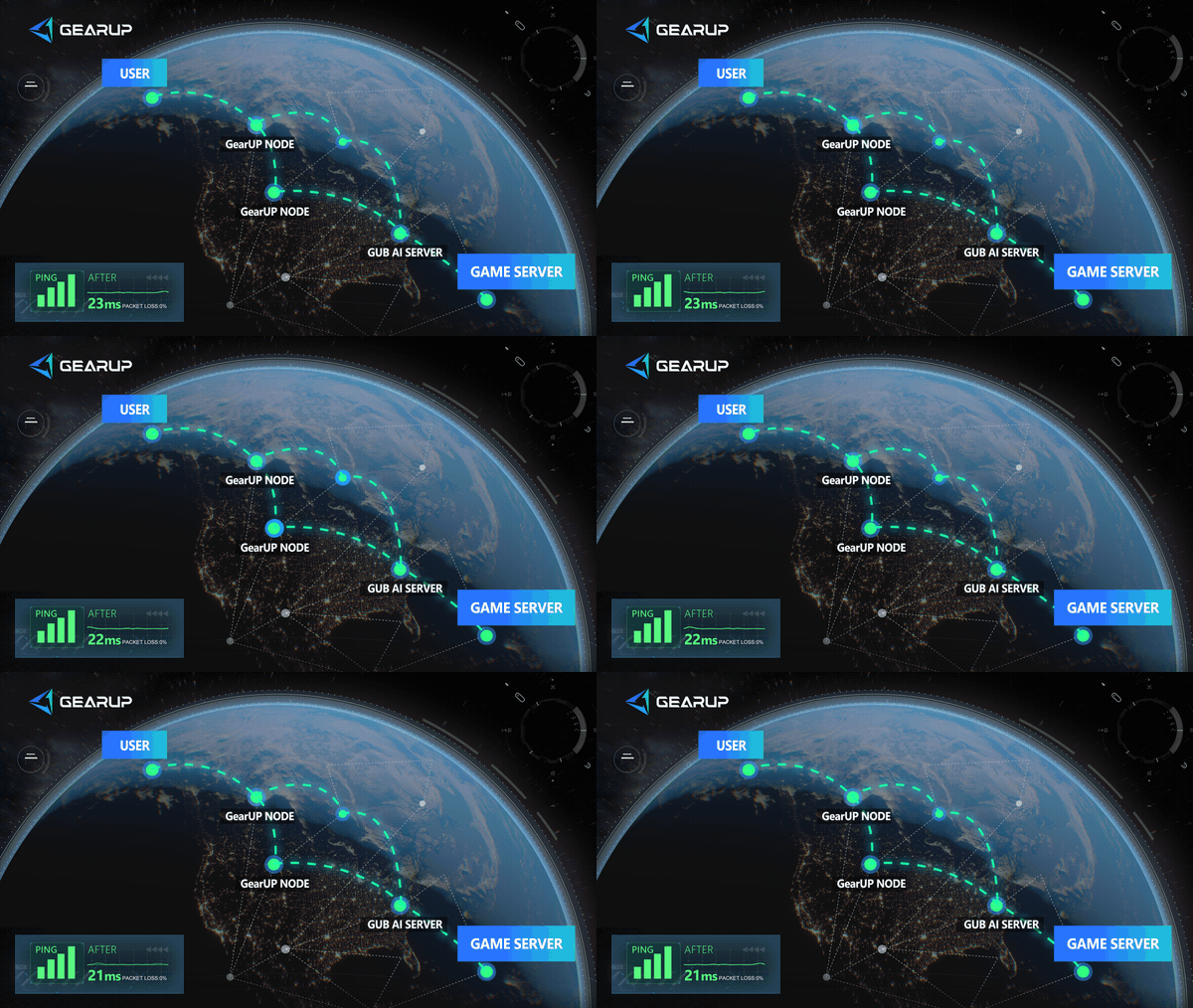
The GearUP router plugin lets every player, regardless of networking knowledge, easily enjoy a low-latency competitive experience. If you are interested, here are the related tutorials:
Of course, if your router does not currently support the GearUP plugin, you can choose HYPEREV. This hardware includes the same technology, can connect to any home router, and is controlled via a mobile app:
Why Your Home Router Can't Fix Apex Legends Lag?
Many gaming routers on the market claim to reduce latency, some carrying premium price tags with "low-latency mode" or "game prioritization" features prominently advertised. These tools are not useless, but they only control what happens inside your local network. They can prioritize game traffic over a 4K stream from another room, and they can manage how devices share your bandwidth at home. What they cannot do is influence a single packet once it leaves your front door.
The latency that matters most in Apex Legends happens on the public internet, between your ISP and Respawn's game servers. Your data passes through multiple network nodes controlled by third-party carriers, each one introducing potential delays, congestion, or inefficient routing. No home router, regardless of price or features, has any authority over this part of the journey. You can optimize your living room all you want, but if your traffic is being routed through a congested node three states away from the nearest data center, the result is the same: lag, packet loss, and rubberbanding in the middle of a fight. The bottleneck was never in your house to begin with.
Besides GearUP and Routers, How Else Can You Optimize Your Network?
- Use a wired connection. An ethernet cable eliminates WiFi interference, which is one of the most common and most fixable sources of packet loss on consoles.
- Connect to your nearest server. Apex allows players to manually select a data center from the main menu. Choosing the one geographically closest to you, or at least the one with the lowest ping, ensures your data travels the shortest possible distance.
- Close background applications. Downloads, streaming apps, and system updates running in the background consume bandwidth without you realizing it. Pause or close them before playing.
Apex Legends Console Latency Quick FAQ
Q1: Why can't a VPN reduce my console latency?
A: The idea that a VPN reduces latency is actually a misconception. VPN nodes do not take server distribution into account, so they can cause your data to take a detour. Also, VPN nodes often throttle traffic, which can also lead to higher latency.
Q2: Does changing DNS help?
A: If you are experiencing slow downloads or frequent disconnects, some public, secure DNS services may help. But for latency, changing DNS is unlikely to have a noticeable effect.
Q3: Why do two consoles have different latency?
A: Many factors can affect this. Simply put, the two consoles might be routed through different nodes, connected to different networks, or running different background processes. You can check each of these one by one.
Conclusion
Lag in Apex Legends on PlayStation and Xbox is often caused by WiFi instability, routing inefficiencies, and server distance rather than just internet speed. Basic troubleshooting may offer temporary relief but rarely solves the root problem. HYPEREV provides a practical way to stabilize console network performance and reduce lag spikes. For players aiming to maintain competitive consistency in every gunfight, connection stability is essential.
About The Author
Jamal Malone is one of GearUP's Hardware Product Specialists, specializing in gaming hardware, plugin technologies, and compatibility optimization. He contributes to the development of GearUP's hardware ecosystem, including HYPEREV and the GearUP Plugin, with a focus on improving compatibility across different devices and platforms. Through detailed yet approachable articles, Jamal helps players understand hardware configurations, plugin setup, and advanced troubleshooting, making complex technical topics easier to apply in real-world gaming environments.
The End